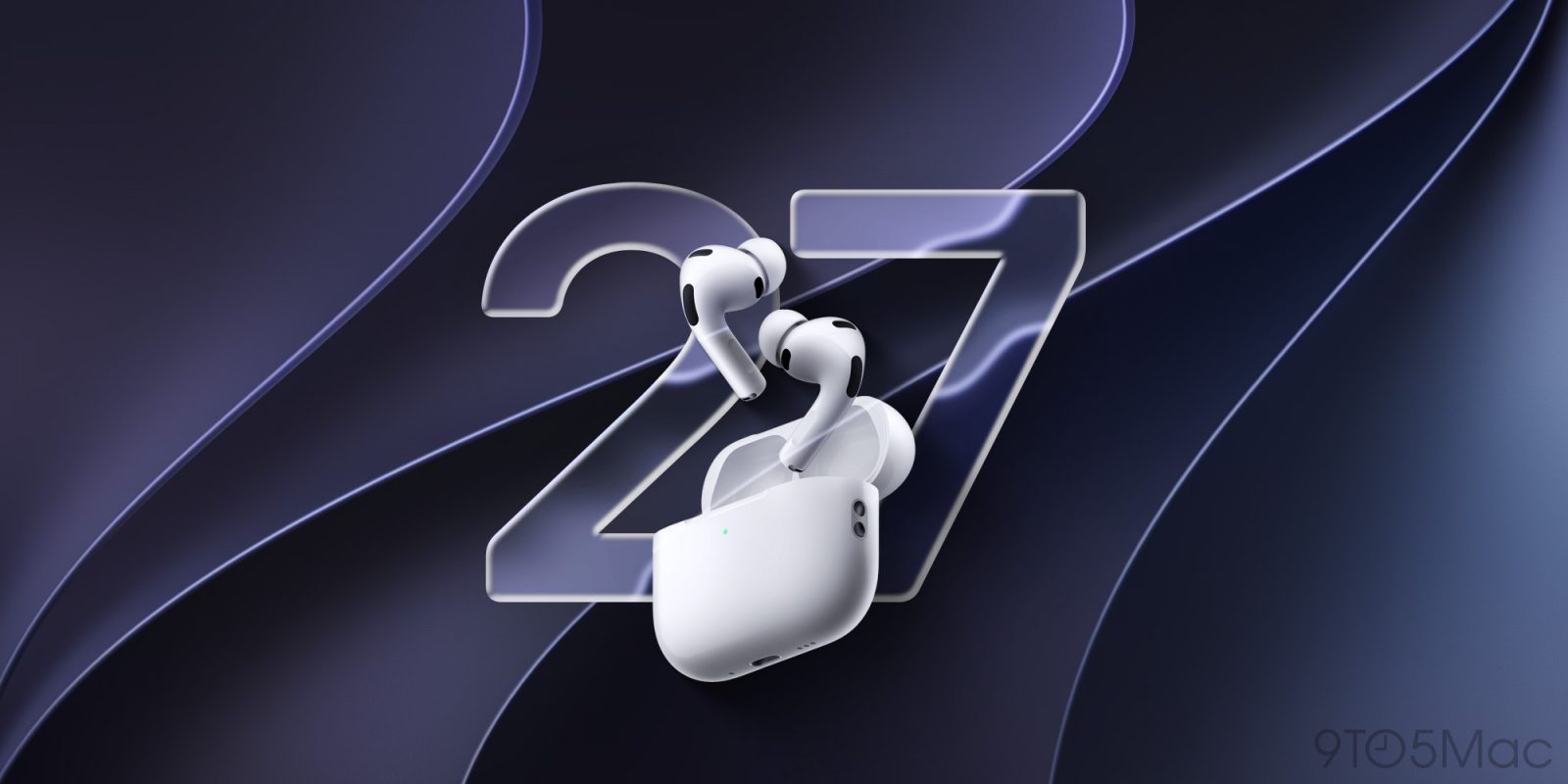
Following yesterday’s release of the public betas for macOS 27, iPadOS 27, iOS 27, and the other updates announced during WWDC26, Apple is now rolling out the first wave of public betas for AirPods Max 2, AirPods Pro 3, AirPods Pro 2, and AirPods (4th gen). Here are the details.
First AirPods public firmware betas now available
Last month at WWDC26, Apple announced several new AirPods features that will arrive alongside iOS 27 and other upcoming operating system updates.
That includes custom EQ controls to personalize how AirPods sound, plus expanded GymKit support that lets AirPods Pro 3 users sync heart-rate data through their iPhone.
Apple is also bringing firmware betas to AirPods Max 2 for the first time, with enrollment available through devices running iOS 27 or macOS 27.
Following yesterday’s release of the first public betas for iOS 27 and Apple’s other upcoming operating systems, the company has now rolled out the first public beta firmware updates for the following AirPods models:
The release build for AirPods firmware version 9.0.314 is 9A5314b, which is the same as last week’s developer betas.
Installing AirPods firmware beta
Here’s Apple’s official guide to enrolling eligible AirPods in the firmware beta program:
- Turn on beta updates
- For Mac computers running macOS 27 beta or later:
- To enable the AirPods beta, connect your AirPods to your Mac through the Bluetooth Settings. Go to System Settings > Bluetooth and select the (i) next to your AirPods. In the AirPods Settings menu, scroll down to find the “AirPods Beta Updates”. Use the toggle to enable the beta software updates.
- For iPhones and iPads running iOS 27 beta or later:
- To enable the AirPods beta, connect your AirPods to your iOS device. Go to Settings > Bluetooth and select the (i) next to your AirPods. In the AirPods Settings menu, scroll down to find the “AirPods Beta Updates”. Use the toggle to enable the beta software updates.
Apple notes that once users turn on the “AirPods Beta Updates” switch, “firmware updates will be installed when your AirPods are in their charging case and nearby” the paired iPhone or Mac.
Worth checking out on Amazon
FTC: We use income earning auto affiliate links. More.