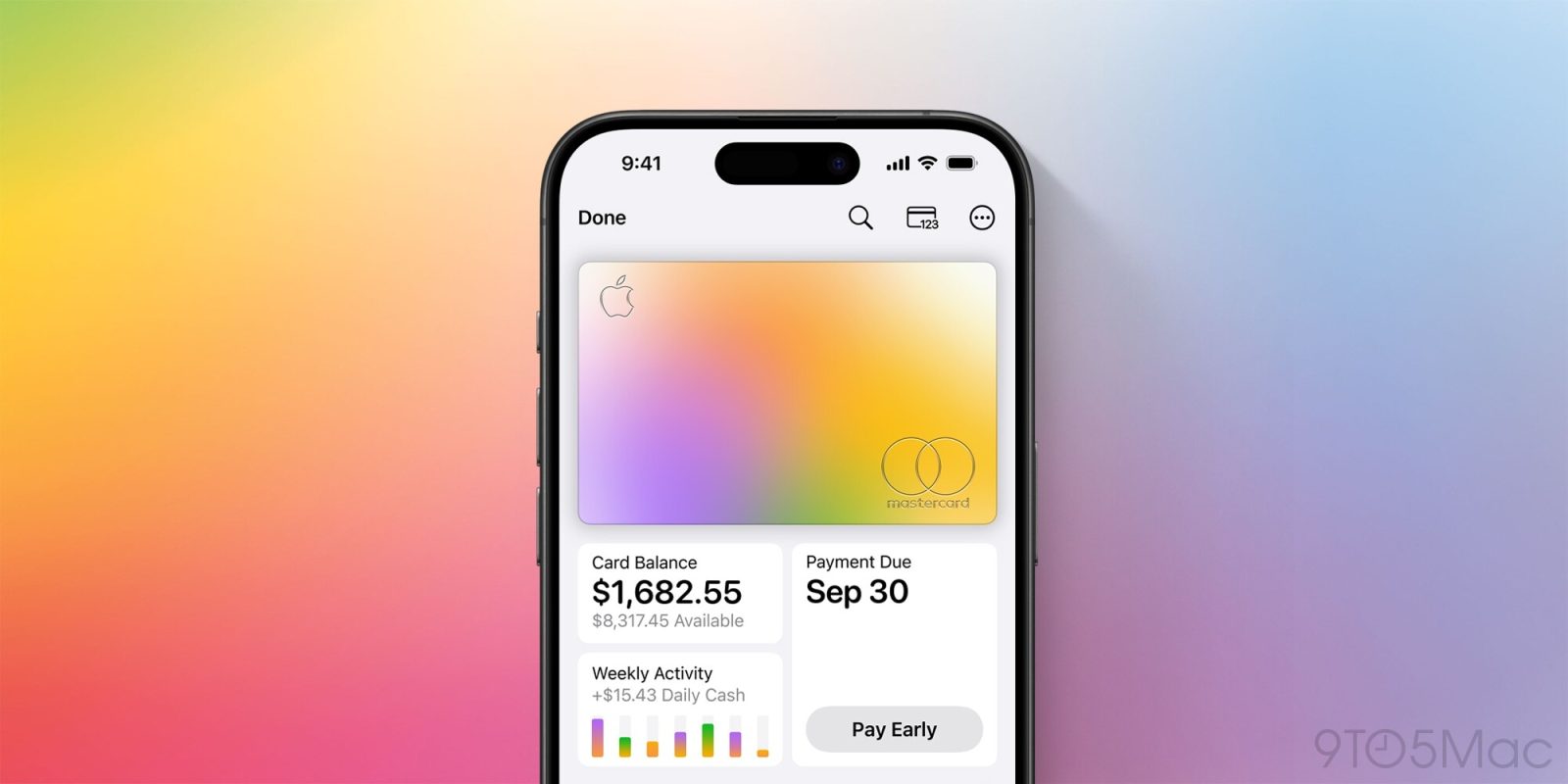
Apple Card gets even better in iOS 27, with new features like a recurring transactions section to help you stay on top of regular charges. Here’s what’s new.
#1: Recurring transactions section
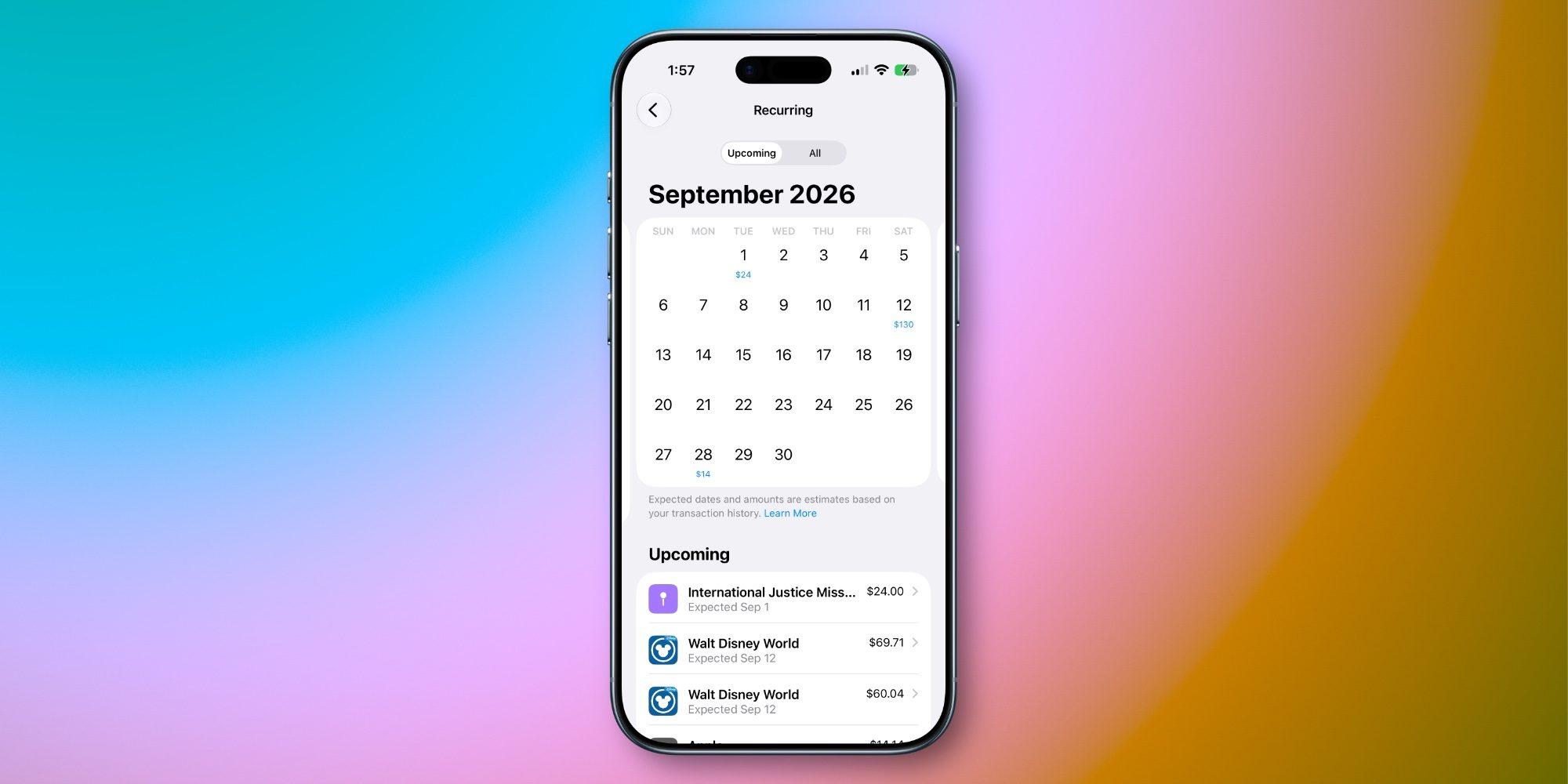
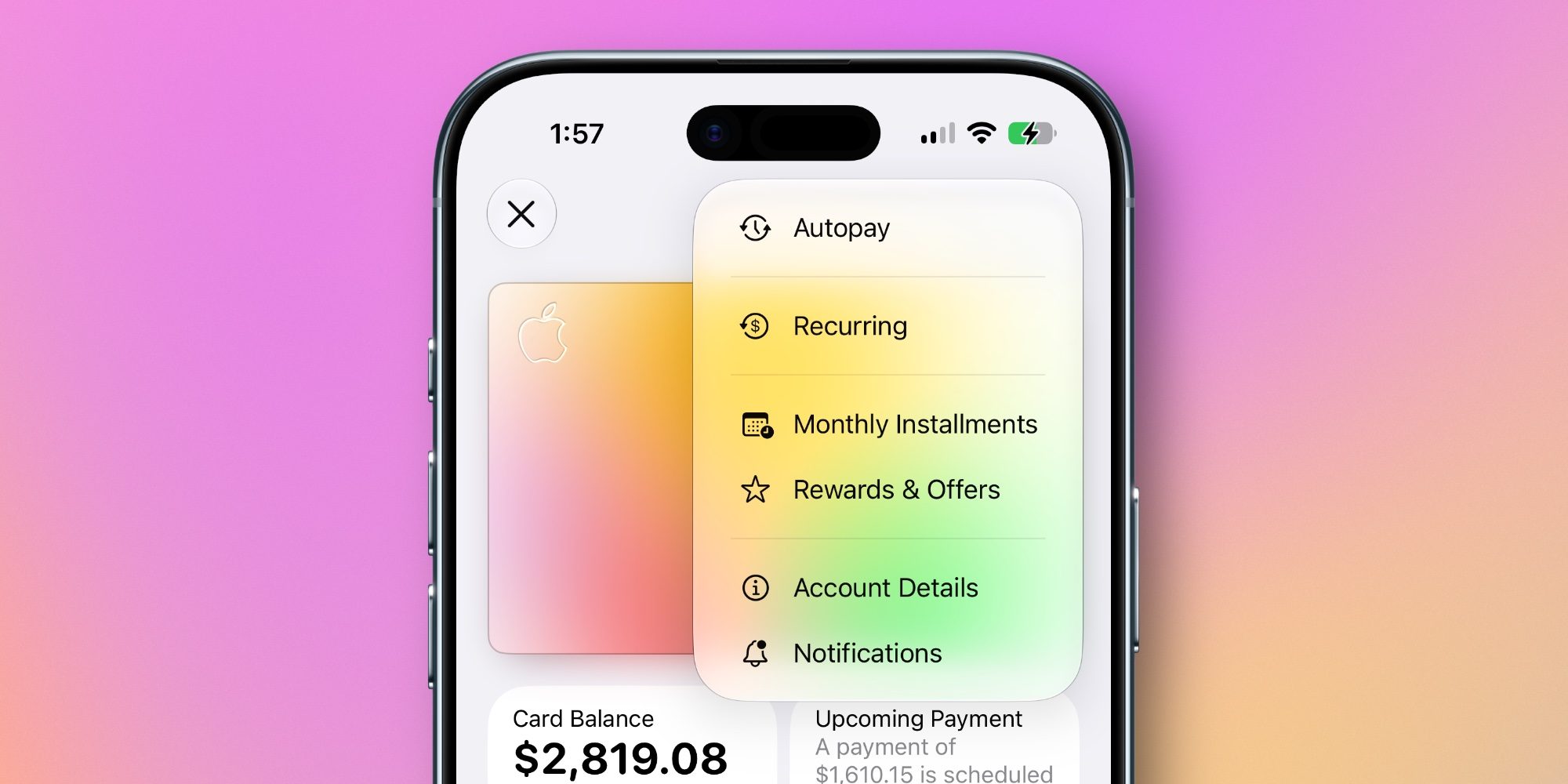
iOS 27 adds a brand new ‘Recurring’ section to Apple Card in the Wallet app. You’ll find it inside the three-dot menu in the upper right corner when viewing your Apple Card.
The Recurring section is a new go-to hub for seeing all Apple Card transactions that occur regularly.
You can view recurring transactions on a calendar view by month, or see a chronological list of upcoming transactions.
Apple explains how this works: “Dates and amounts shown are predicted based on your transaction history and may not be exact.” In my usage, the accuracy has been pretty spot-on.
Plenty of services offer to help you gain awareness of all your subscriptions. And now, Apple Card can do that without you needing to share financial data with third parties.
#2: Notifications for upcoming charges
Related to the new recurring transactions feature, iOS 27 adds a new type of notifications you can choose to enable or disable.
When viewing your Apple Card, tap the ‘Notifications’ option inside the three-dot menu and you’ll see an addition: ‘Upcoming Transactions.’
Based on your transaction history, Apple Card can predict when new recurring charges will go through and notify you ahead of time that they’re coming.
It’s a convenient way to stay apprised of your spending and subscriptions. And if you don’t want those extra notifications, they’re easy to turn off.
#3: Redesigned Apple Pay interface
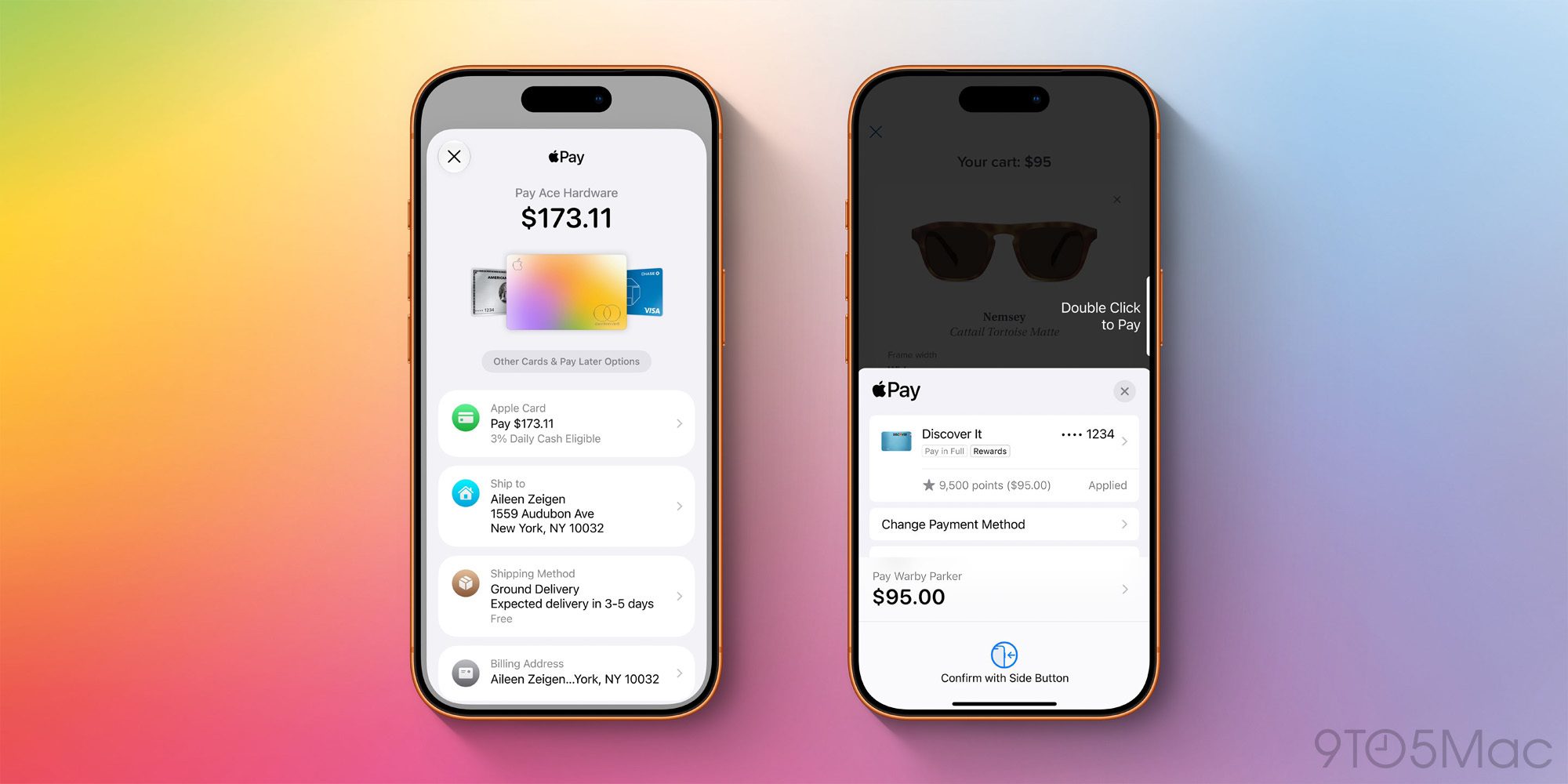
Apple Card users will also benefit from the redesigned Apple Pay checkout UI in iOS 27.
Any time you use Apple Pay on a website or in an app, you’ll now see a refreshed, better organized, more informative checkout screen.
The new design makes it easy to check at a glance that details like shipping and billing addresses are all accurate. And if you decide not to use your Apple Card for a given transaction, switching between cards is now easier than ever too.
Which Apple Card changes in iOS 27 are you most excited about? Let us know in the comments.
*Buy iPhone with 15% discount from Apple refurbished
Best iPhone accessories
FTC: We use income earning auto affiliate links. More.