Apple Photos is full of exciting updates in iOS 27, including for one of my favorite features in the app: iCloud Shared Albums.
iOS 27 gives Shared Albums in Apple Photos several exciting upgrades

Apple’s Photos app is one of my most-used apps, as I suspect it is for many iPhone users. It’s where all of the photos and videos I capture live, plus screenshots, pictures shared by friends, and more.
But did you know that the Photos app also has a social media-style feature?
I’m not big on social media, but I do enjoy having a private, social-lite way to share memories with loved ones. And iCloud Shared Albums offers exactly that.
With iCloud Shared Albums, you can create an album that’s shared with only the people you choose. Anyone invited can add their own photos and videos, and you’ll get notified when they do. You can also ‘like’ shared photos and comment on them—just like a proper social network.
I’ve used and enjoyed Shared Albums for a long time, but the feature has felt in need of some upgrades. Fortunately, iOS 27 provides them.
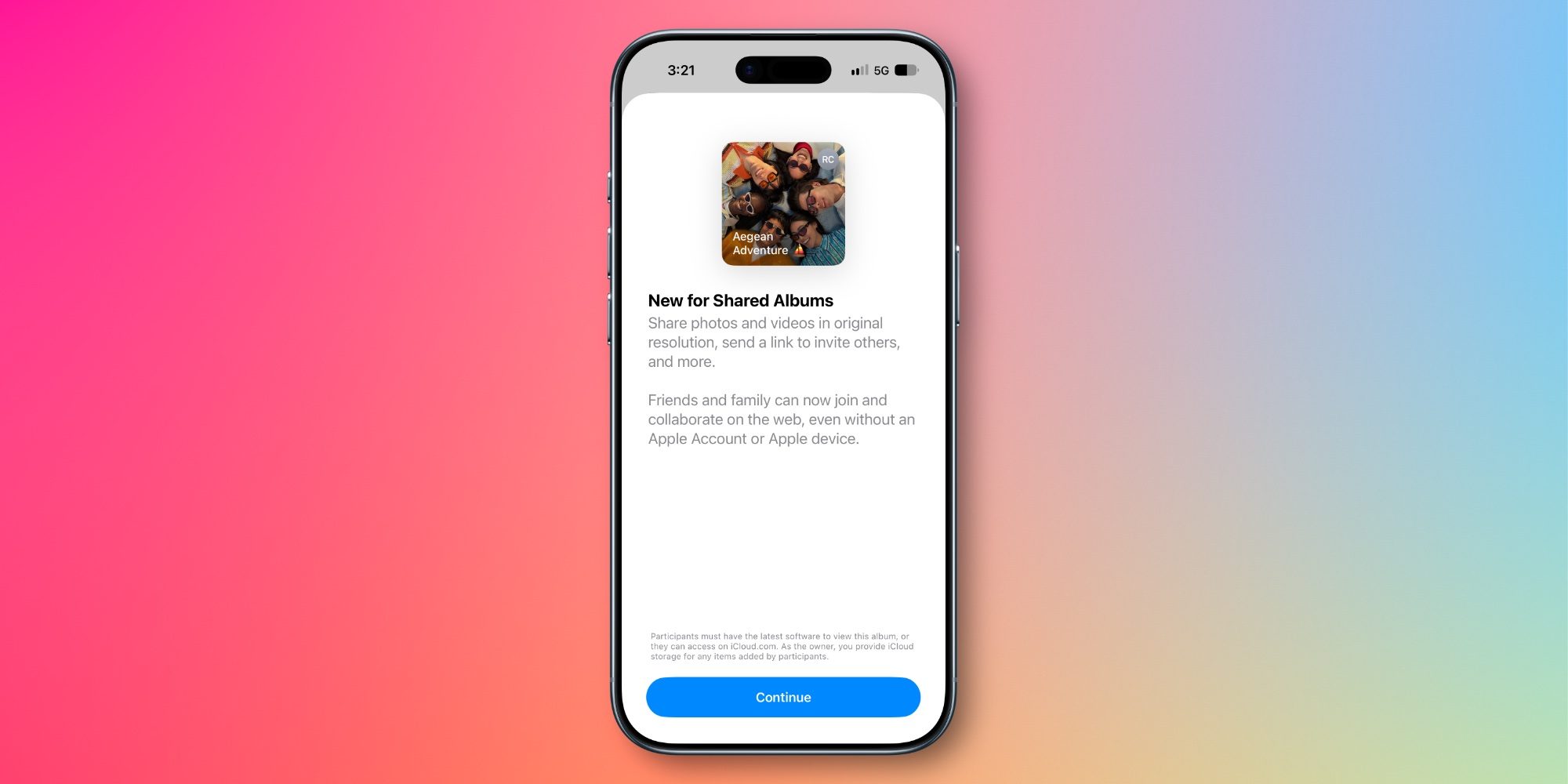
In iOS 27, Shared Albums now support full-resolution photos and videos. That’s a huge item checked off my wish list.
Additionally, iOS 27 expands how you can react to a photo or video. Now you can use any emoji of your choosing as a reaction—you’re not limited to just ‘likes.’
For the first time, Android and Windows users can contribute to the album via the web. Previously, they could only view content shared by Apple users.
Apple is also making it easier to save shared photos with a tap. And you can set new participant permissions and optionally have your album expire at a later date.
These upgrades address all of the complaints I’ve previously had about Shared Albums. Combined with the other improvements in iOS 27, it’s a big year for Apple Photos.
Do you use iCloud Shared Albums in Apple Photos? Let us know in the comments.
*Buy iPhone with 15% discount from Apple refurbished
Best iPhone accessories
FTC: We use income earning auto affiliate links. More.