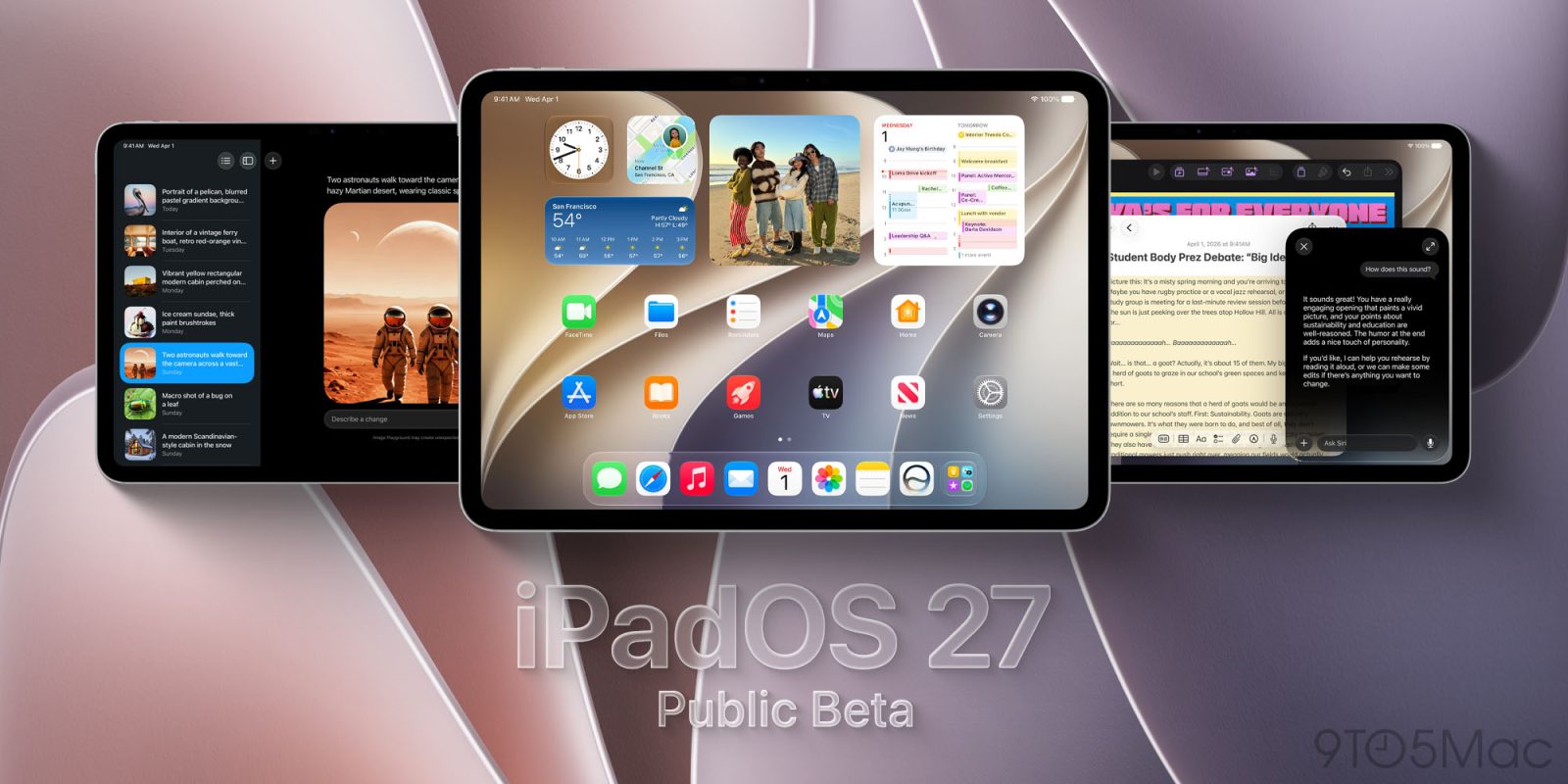
Apple has just launched iPadOS 27 in public beta, so anyone can try the new software in advance of its fall release. Here’s what’s new in iPadOS 27, and how to get the public beta.
How to install iPadOS 27 public beta
If you’d like to try Apple’s next major software update for iPad before it fully launches, the iPadOS 27 public beta is available now.
You can join Apple’s beta software program at beta.apple.com.
Follow the instructions there to enroll your iPad in the beta.
Then, go to the Settings app on your iPad ⇾ General ⇾ Software Update and under Beta Updates, make sure you select the iPadOS 27 Public Beta.
After doing all of that, you’ll see iPadOS 27 appear as an available update. Just hit the ‘Update Now’ button to install the new software.
Note: Beta software may introduce bugs and performance issues on your device, so proceed with caution.
New features and changes in iPadOS 27

iPadOS 27 benefits from performance improvements that should make everyday tasks faster. These include faster AirDrop, browsing and transfers in Files, window switching and closing, menu bar access, and more.
But there are a lot of new features in iPadOS 27 too, including Siri AI on compatible iPad models.
Siri AI is available in the new, dedicated Siri app, as well as via a systemwide gesture when you pull down from the top of the screen. That gesture invokes search, which now encompasses both Siri and all Spotlight features.
iPadOS 27 adds new features to many Apple apps, which you can read about at these links:

Additionally, there’s a new Liquid Glass slider so you can dial in your preferred UI design.
Apple Intelligence lets you create your own custom iPad wallpapers, and powers a variety of other features systemwide. One such addition is a Grammarly-style enhancement to the keyboard.
Screen Time and other parental controls get big upgrades in iPadOS 27.
Other new iPad changes include bringing extra-large widgets to the Today view, having the active app name in the status bar, iPhone apps being resizable, and an optional persistent menu bar.
Which new iPadOS 27 features are you most interested in? Let us know in the comments.
Best iPad accessories
FTC: We use income earning auto affiliate links. More.