Apple has notified users in 110 countries who it suspects may have been targeted by spyware attacks. Here are the details.
Apple warns users in 110 countries
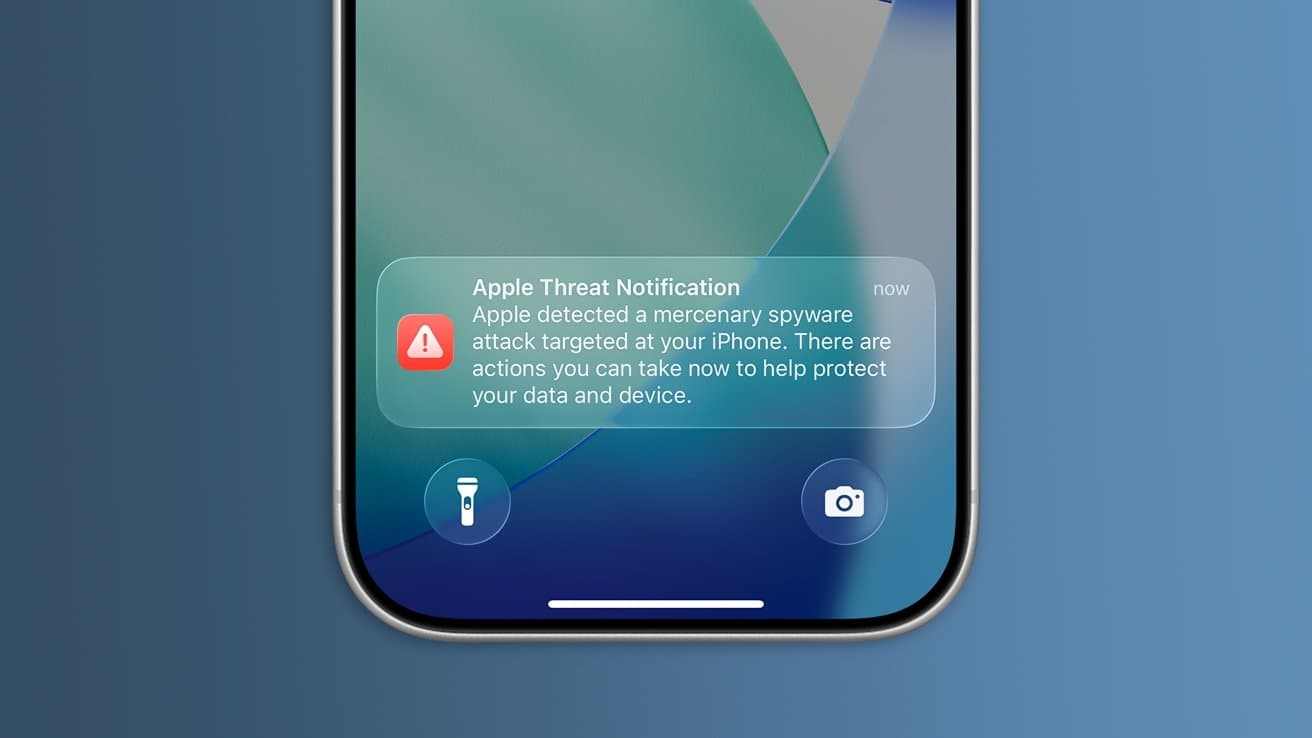
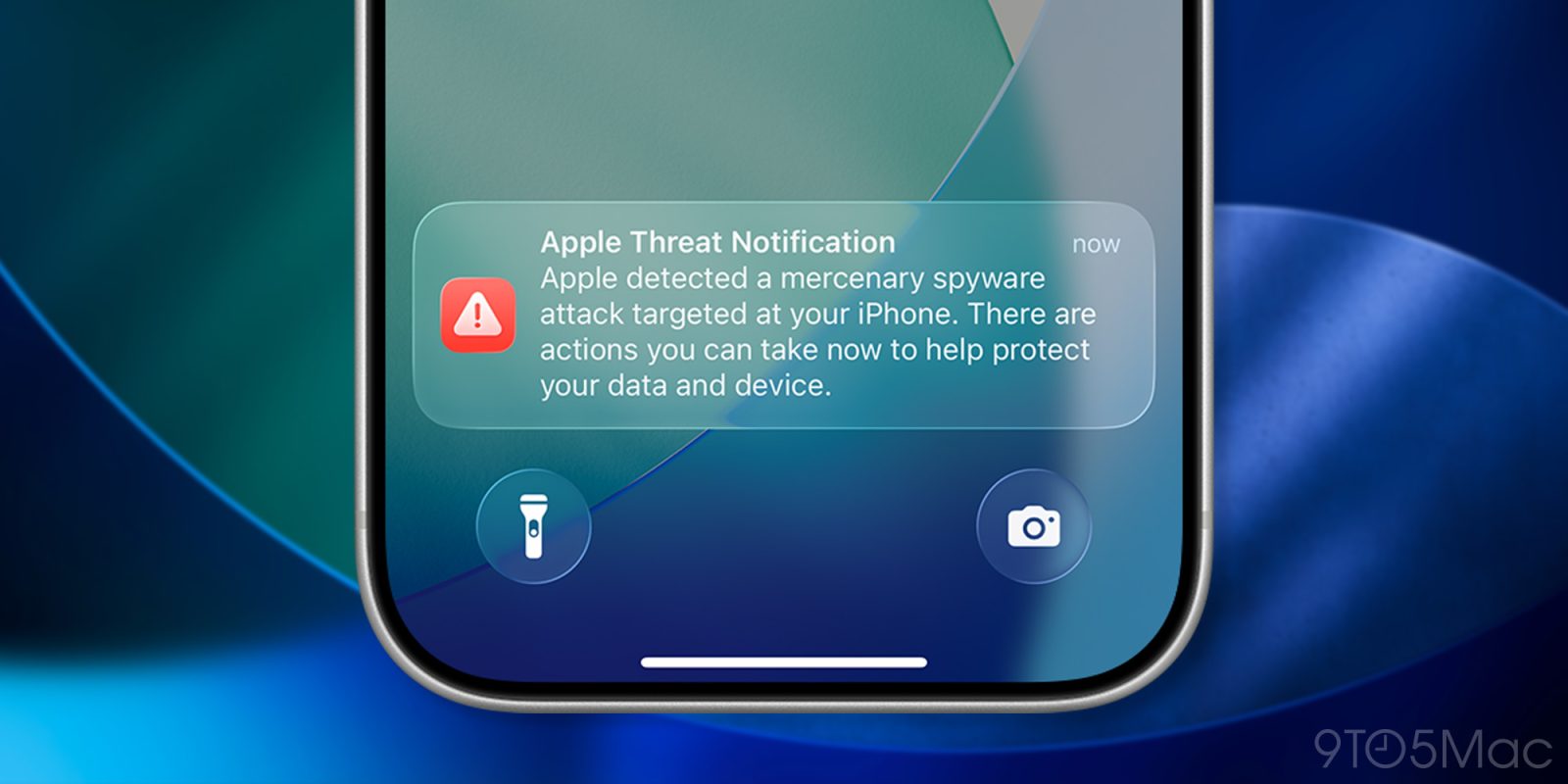
Apple has confirmed to TechCrunch that it has sent out a new wave of notifications alerting an unspecified number of users in 110 countries that they may have been targeted by “a mercenary spyware attack.”
According to TechCrunch, the latest round brings the total number of countries where Apple has alerted users to such attacks over the past few years to more than 150.
A little more than one year ago, for instance, Apple sent out warnings to users in 100 countries that their iPhones had been targeted. The company later confirmed that it had also alerted more than a dozen Iranian cyberattack victims in the lead-up to the war with Israel.
TechCrunch noted that Apple also published a new support article today titled “About Apple threat notifications and protecting against mercenary spyware,” which explains what threat notifications are, how they’re delivered, and what to do if a user receives one.
From Apple:
Apple threat notifications provide additional information and recommend steps that users can take to help protect their accounts and devices, including enabling Lockdown Mode. We strongly suggest notified users enlist expert help, such as the rapid-response emergency security assistance provided by the Digital Security Helpline at the nonprofit Access Now. Recipients of Apple threat notifications can contact the Digital Security Helpline 24 hours a day, seven days a week through their website. Outside organizations don’t have any information about what caused Apple to send a threat notification, but they can assist targeted users with tailored security advice.
The company also offers guidance for all users, most of which Apple says “will never be targeted by mercenary spyware.” The guidance includes the following best practices for security:
- Update your devices to the latest software, which includes the latest security fixes.
- Protect your devices with a passcode, Touch ID, or Face ID.
- Use two-factor authentication and a strong password for your Apple Account.
- Turn on Stolen Device Protection.
- Install apps from the App Store.
- Use strong and unique passwords online — and passkeys where available.
- Don’t open links or attachments from unknown senders.
You can read TechCrunch’s full report here, and Apple’s new support page here.
Worth checking out on Amazon
FTC: We use income earning auto affiliate links. More.