Apple Watch battery replacement: How much does it cost and is it worth it?
Replacing the battery on your Apple Watch can extend its life, but you'll have to determine whether it's worthwhile for your model.
Apple Watch battery replacement: How much does it cost and is it worth it?
Should you replace your Apple Watch's battery or upgrade to a new model?
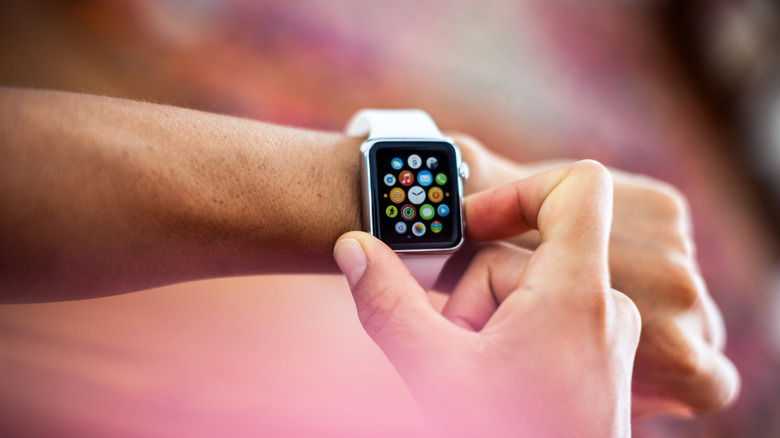
When you spend a lot of money on one of the best Apple Watch models, you want it to last as long as possible. But inevitably, as with any device that uses lithium-ion batteries, the battery will slowly degrade over time. You'll find it draining faster and faster, and you'll have to recharge it more often. Thankfully, this doesn't necessarily mean you'll have to toss the watch into a recycling bin and buy a new one. Apple Watch batteries can be replaced, which is a consideration worth making to extend the life of the device while also helping the environment.
Spending the $99 it typically costs to fix the watch through Apple can be worth it to get more usage from a wearable that cost you hundreds of dollars — assuming it still has life left it in otherwise. You'll have to determine if that money is better spent on an upgrade for the refined design and exclusive features of a more recent model, keeping watchOS compatibility in mind.
Pricing an Apple Watch battery replacement
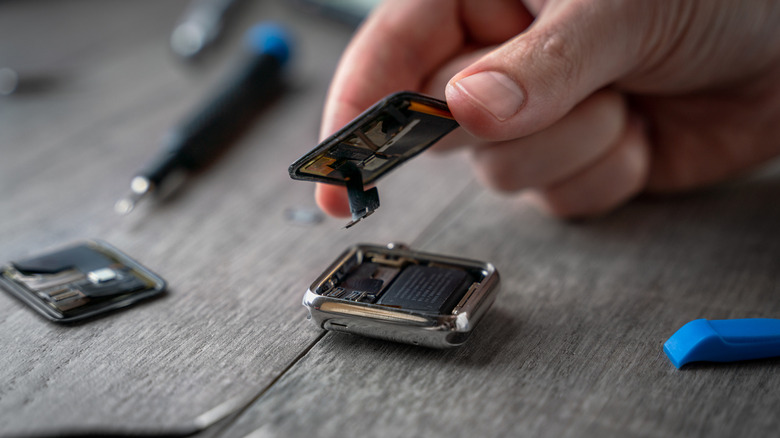
You can arrange Apple Watch repairs directly through Apple, and the price is generally a flat fee of $99. Other retailers like Best Buy serve as Apple authorized Apple Watch service and repair providers, offering the same repair or replacement service for an equal fee. Typically, the process will take about a week, and you can schedule it online or in store.
If you have an active AppleCare plan on your device, that covers battery issues, including if the battery capacity drops below 80%. However, it does not cover normal degradation of the battery over time. Chances are, if this is the case, your Apple Watch is long outside of its warranty and extended warranty period anyway. There is an option to get ongoing AppleCare for Apple Watch for a monthly or yearly fee until you cancel. But this still includes service fees and/or deductibles and doesn't cover battery depletion from normal use.
Another option, if you're confident enough to consider it, is a DIY replacement. You'll find batteries offered by companies like iFixit, though the company only sells batteries for the original and Series 1 models. After acquiring a replacement battery for a newer model elsewhere, you can use iFixit's detailed instructional guides on how to swap it out manually. But this is not recommended unless you feel comfortable handling the intricate repair process; there are risks that come with attempting it yourself.
When to replace battery versus get a new watch
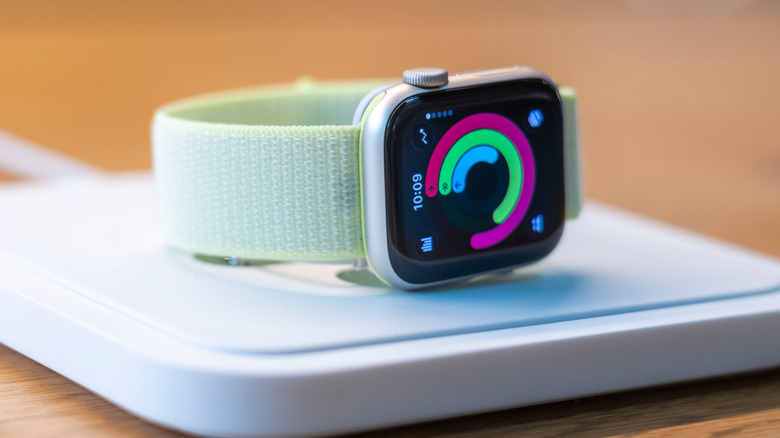
While eliminating e-waste and extending the life of tech products is great, there comes a time when an Apple Watch isn't worth bringing back to life with a new battery. First, consider software support. The latest watchOS 27 drops support for many older devices; it's only available for the Apple Watch Series 9, SE 3, and Ultra 2 and newer. That means if you own an Apple Watch Series 8 or older model, you won't get the latest software update. Your watch will continue to work just fine, though.
In fact, many people report still using models as old as the Series 4 today. The previous generation watchOS 26 had wider compatibility, working with models dating back to the Apple Watch Series 6 and second-generation SE. This means the Apple Watch Series 5 and first-generation SE (and older) are no longer supported, with their software end of life dating back to September 2024.
Your iPhone model shouldn't be a concern Apple's iPhone and Apple Watch compatibility page shows that older watchOS versions work fine with modern iOS releases, though you can't use the latest Apple Watch with an iPhone running an old iOS release. For example, an Apple Watch Series 11 (our review) will only pair with an iPhone 11 or newer that's running iOS 26 or later.
Apple Watches don't hold their value for as long as many other Apple products, so you may not recoup the battery investment if you resell the watch. Check what comparable models are selling for first so you know how much profit you could make. If you're handing the watch down to a friend or family member, consider giving it a replacement battery so they can enjoy the wearable for years to come.
To help you decide what's best, consider the age of the watch, software support, cost of the battery, and how much longer the watch will likely be supported. I'd suggest replacing the battery for a Series 6 or 7 and above, which are the oldest models compatible with watchOS 26. But for anything older than five or so years, you're better off upgrading instead.
Originally published on Engadget