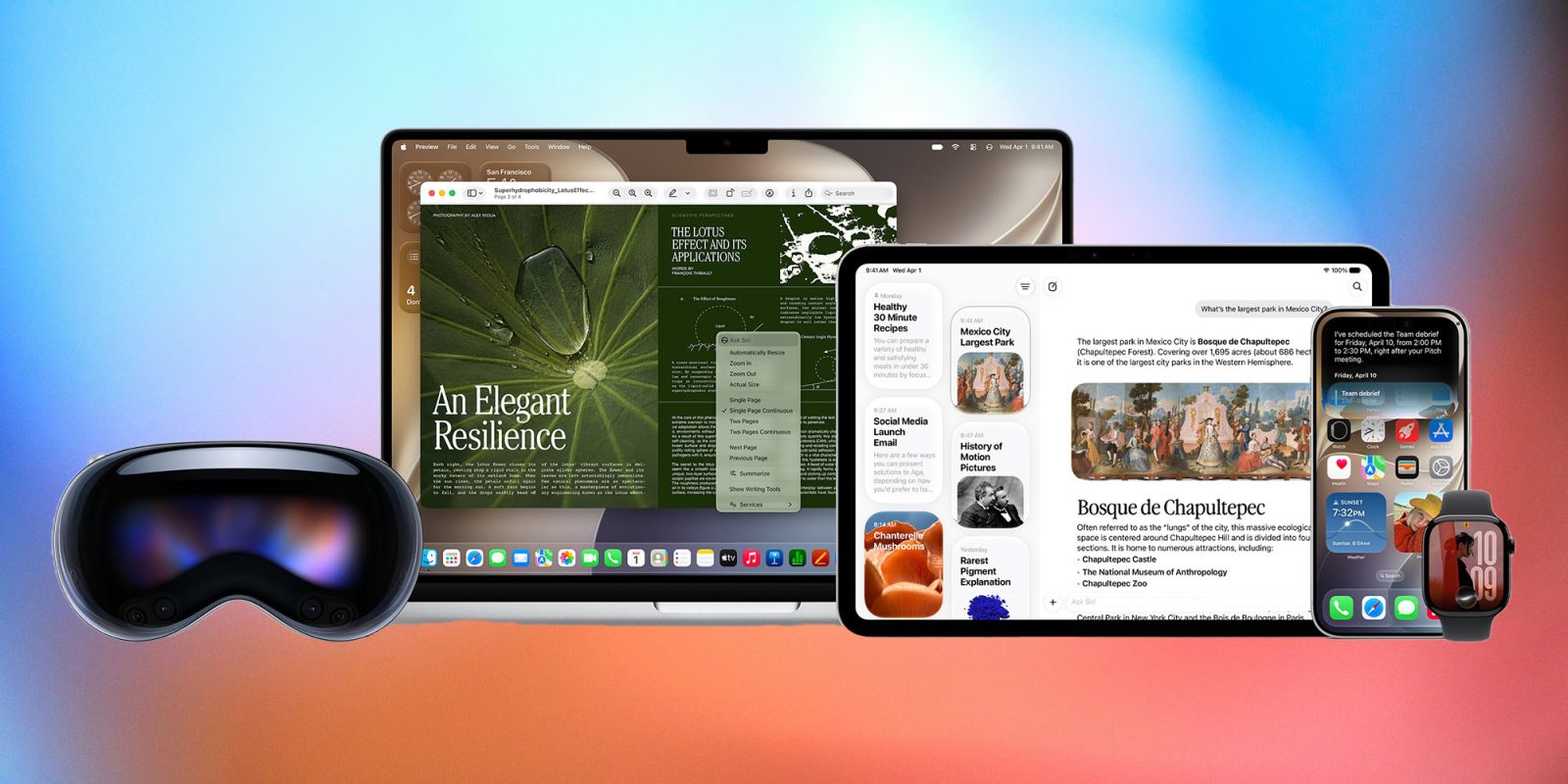
Almost two years after Apple first showed off a video promoting the new Siri and lots of exciting new Apple Intelligence features, that future has finally arrived – at least in first beta form.
The company had a lot of ground to make up. Obviously, the test will be how well the new features work in real life usage, but let’s start with what seemed to me to be the most important things the company announced …
The big iPhone support question
For me, one of the biggest questions to arise from the keynote was exactly what features will require the iPhone 17 Pro and up?
Apple had three things to say about iPhone support. The first says that any phone capable of running iOS 26 can be upgraded to iOS 27. That means all the way back to the iPhone 11.
The second is at the new AI features only extend back to the iPhone 15 Pro:
Apple Intelligence and Siri AI in iOS 27, iPadOS 27, macOS 27, watchOS 27, and visionOS 27 are available on iPhone 16 models or later, iPhone 15 Pro, iPhone 15 Pro Max.
The third says that some features are limited to just the latest and greatest models.
Apple’s most powerful on-device model and the features it enables, like expressive voices and more advanced dictation, are available on iPhone Air, iPhone 17 Pro, iPhone 17 Pro Max.
The word ‘like’ is doing a lot of heavy lifting there: it means we don’t yet know what other features will fall into this category. Additionally, it’s not yet 100% clear whether phones that can’t perform these actions on-device will still get access to the same features, just relying on cloud connectivity.
This latter question is especially important when it comes to advanced dictation. However smart the new Siri may be, it first needs to understand what we are saying. The existing Siri speech-to-text capabilities fall way short of what is available from third-parties.
The overall model seems well-considered
Apple’s general approach here is to make Siri’s new capabilities transparently available system-wide. In other words, we can ask our iPhone to do something and the new Siri will step in to perform the task.
However, there are times when it’s useful to revisit an earlier chatbot session, and Apple allows us to do this through the Siri app. That seems to me the best of both worlds. We don’t need to open Siri to do anything requiring the new Apple Intelligence features, but we can access past sessions when required.
Agentic AI is key
The ability to ask our iPhone to carry out a task and have it be able to access not only the personal information we have stored on our phone, but also interact with apps, is absolutely key to truly useful AI.
Again, we will need to see how well this really works, but Apple does seem to be ticking all of the boxes in terms of the capabilities I was looking for.
Privacy is core
As expected, privacy is at the core of Apple’s approach to AI.
The next generation of Apple Foundation Models run on device and on servers using Private Cloud Compute. When Private Cloud Compute is handling users’ requests, their personal data is not stored nor made accessible to Apple or anyone else. Outside experts can continue to verify this privacy promise at any time. Additionally, Siri AI uses the system orchestrator to tap into core capabilities like the Spotlight index and App Toolbox, which work entirely on device to keep users in control of their data.
That was an absolutely essential part of what Apple had to deliver in order to justify the extended delay in launching AI features.
Visual Intelligence is growing up
My first experience of being able to look at something and then ask AI to tell me about it was on Ray-Ban Meta glasses. I said at the time I was excited for the potential of this technology, and the convenience of having it available on the device we carry with us everywhere makes it massively more useful.
Apple’s previous version of visual intelligence gave us a taste of this, but what Apple demonstrated yesterday appears to match what is available from third parties. Again, the company appears to be focused on the most practical things people want to achieve, and I think the bill-splitting feature is a great example of this.
The Vision Pro demo where the headset knew what you were looking at and therefore could respond to questions about it was a fantastic preview of what we can expect from Apple Glasses.
The Liquid Glass debate is over!
Liquid Glass turned out to be one of Apple’s most polarizing (sorry!) UI decisions. While I generally like it, there was definitely a sizable proportion of iPhone users who absolutely hate it.
The previous toggle was a partial solution, but the new Liquid Glass slider solves the problem completely. If you’re a fan, you can max out the effect, while if you hate it, you can essentially turn it off.
The Camera features are … focused
The three new camera features also seem extremely well thought through. They take advantage of AI to do practical things that people really want. This really is one of the keys to intelligent use of AI: forget the impressive-looking gimmicks and give us features that are genuinely useful in our everyday lives.
Clean Up was already good when it worked, but it would sometimes fail when it was most needed – in situations when there’s a distracting element we simply can’t eliminate by reframing the shot. Early real-life tests seem to show that this is now dramatically better.
I use the Photoshop Extend tool almost every day so know from personal experience just how valuable this can be. Again, bringing this to iPhone may not seem the greatest breakthrough in the world, but it will have genuine practical value to anyone who needs to achieve particular aspect ratios for anything from Instagram to publishing.
Finally, spatial reframing will make a big difference to those spontaneous photos when there simply isn’t time for careful framing. Photos of children and pets are the classic example here.
Shared photo albums
Similarly in the Photos app, the ability to have shared albums between iPhone and Android users is something that will never generate headlines but has tremendous practical value.
Shortcuts for the masses; Safari extensions too
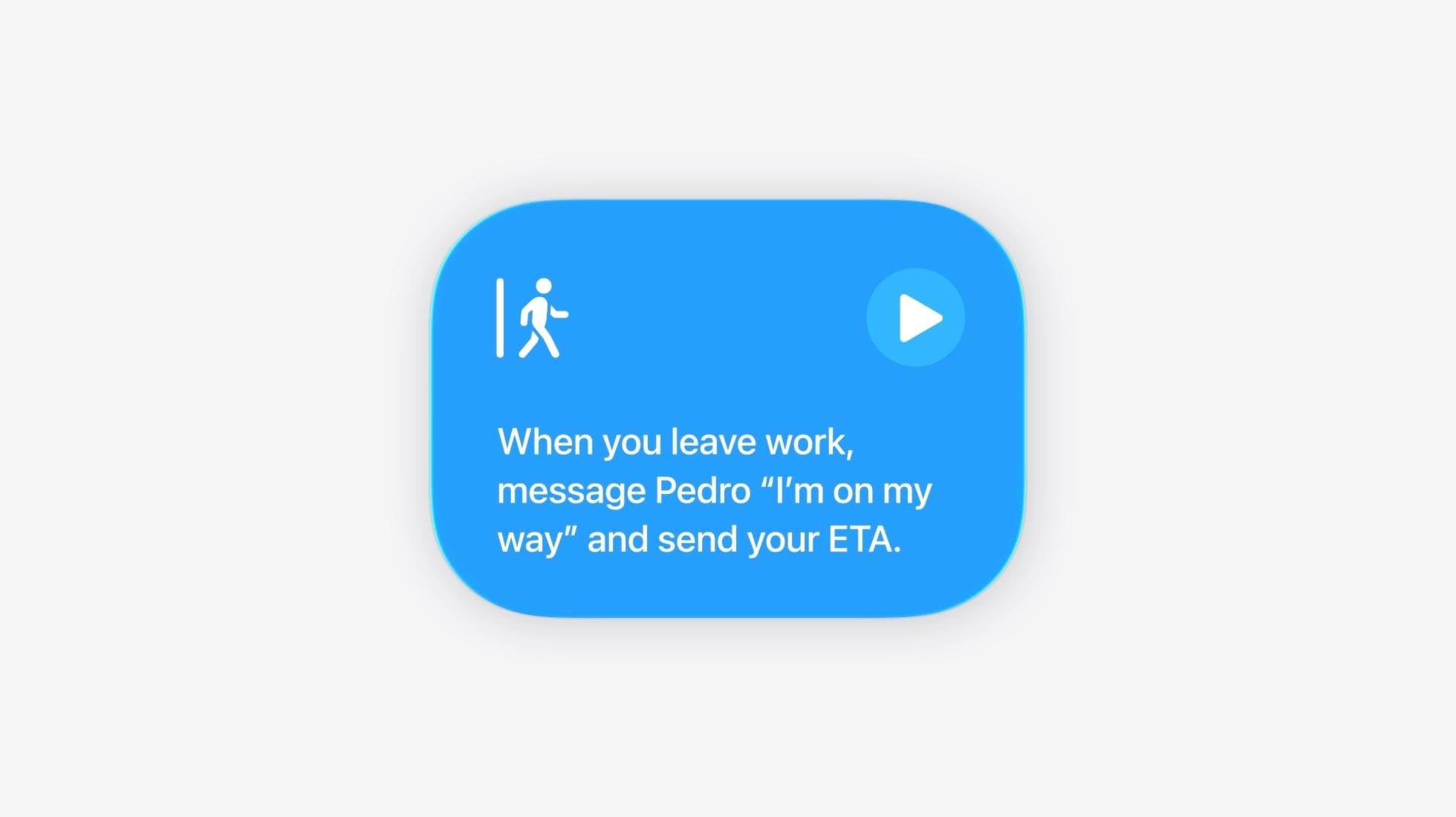
Shortcuts were a fantastic feature for those techy enough to be happy with this kind of pseudo coding. They are actually surprisingly accessible, but most ordinary users are immediately put off by what appears to be very complex.
Letting anyone use natural language to describe what they want to achieve and have a shortcut created for them will make this accessible to millions more people.
The same applies to Safari extensions. The ability to use natural language to describe what you want it to do will make this capability accessible to way more people.
Intelligent search
Current search on Apple devices really sucks. I do have a very well-organised folder structure that means I can generally find most documents very easily, but on the occasions when I’ve had to try a Spotlight search, the results have been exceedingly poor.
Obviously, this is one of those features where we will have to see whether the reality matches the hype, but if it does, this could be a massive usability gain. Again, give me real-life everyday value over exciting-sounding but ultimately useless AI toys.
Safari Notify Me feature
Safari can now watch a webpage and alert you to changes like when tickets go on sale or a product comes back into stock. I thought this was another fantastic example of solving a real-life problem over doing something just because AI can.
Automatically fix passwords
Okay, nobody other than security researchers is going to get overly excited about this one, but in terms of privacy and security, I think it’s actually huge.
Sure, iOS would alert us to weak passwords previously, but very few people were going to take the time and trouble to actually do anything about it. Being able to have our iPhone take care of this for us hopefully means that millions of people will do it.
Now let’s see …
I am normally a little wary of first developer betas for a major iOS release, but in this case, I couldn’t resist. I am, wisely or not, running it on my daily driver – so I’ll have the opportunity to see how well the new features work in real-life usage.
So far, there’s a very even split in our poll. What did you consider the biggest announcements the company made yesterday? Please share your thoughts in the comments.
FTC: We use income earning auto affiliate links. More.