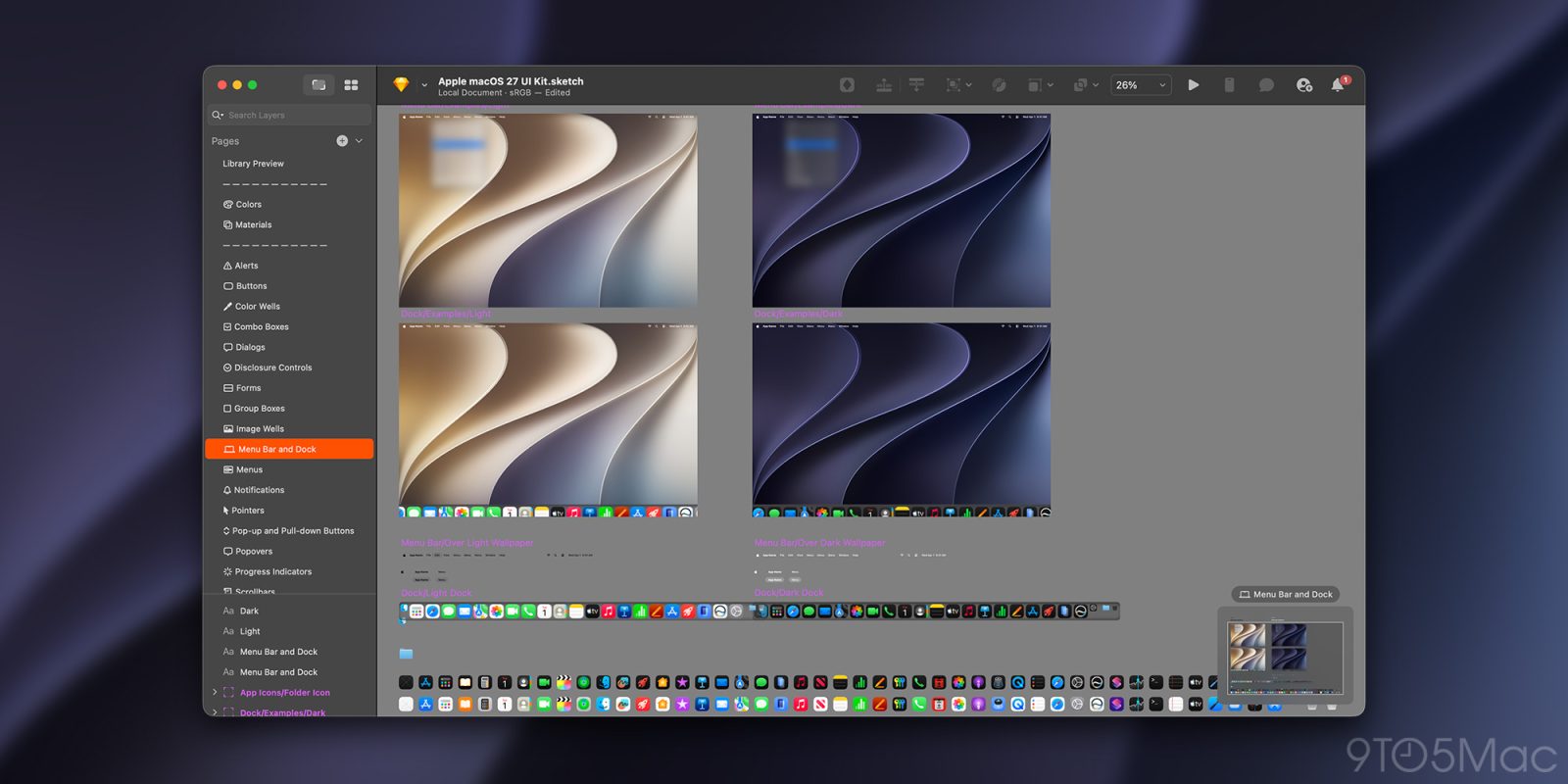
Apple has released the Sketch files for three of the new systems it announced during WWDC26, alongside the updated App Icon Template in several file formats. Here are the details.
More resources and assets expected soon
The Design Resources portal of Apple’s Developer website has been updated with several assets for iOS 27, iPadOS 27, and macOS 27 Golden Gate.
For now, the UI Kit files for these three operating systems are available for Sketch, with Figma resources expected to be added soon.
These files feature updated light and dark mode assets for buttons, headers, lists, input fields, alerts, every system app icon available in each operating system, and more.
Although the shape and structure of the icon didn’t change from iOS 26 and iPadOS 26, Apple has also updated the iOS 27 and iPadOS 27 App Icon Template asset for Sigma, Photoshop, Illustrator, and Sketch.
Apple’s design resources portal still lets developers download UI Kit assets for iOS 26, iPadOS 26, and macOS 26, as well as for tvOS 18, watchOS 26, visionOS 26, and visionOS 2.
The portal also includes templates and assets for several other Apple-related technologies and platforms, including AirPlay, App Clips, Camera Control, Siri Icons (which have yet to be updated with the artwork announced this week), in addition to fonts, SF Symbols 7, Icon Composer, product bezels, and more.
To check out the updated assets on the Apple Design Resources portal, follow this link.
Worth checking out on Amazon
FTC: We use income earning auto affiliate links. More.