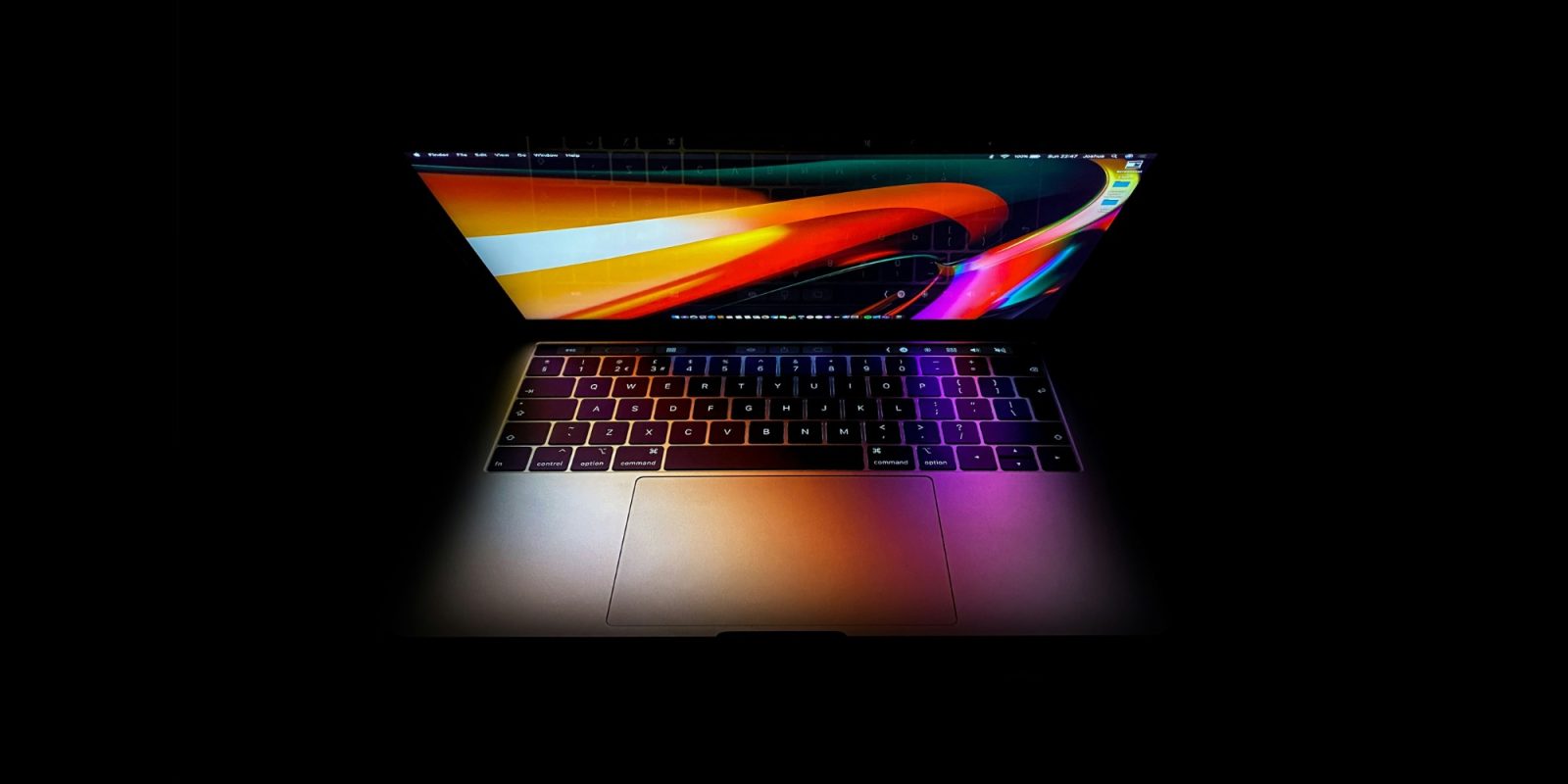
Apple devices were long known for having some of the highest-quality LCD screens in the business, and that remains the case for today’s MacBooks. The company upped the ante first through retina displays and then mini-LED backlighting. This is the reason Apple has been in no great hurry to adopt OLED technology.
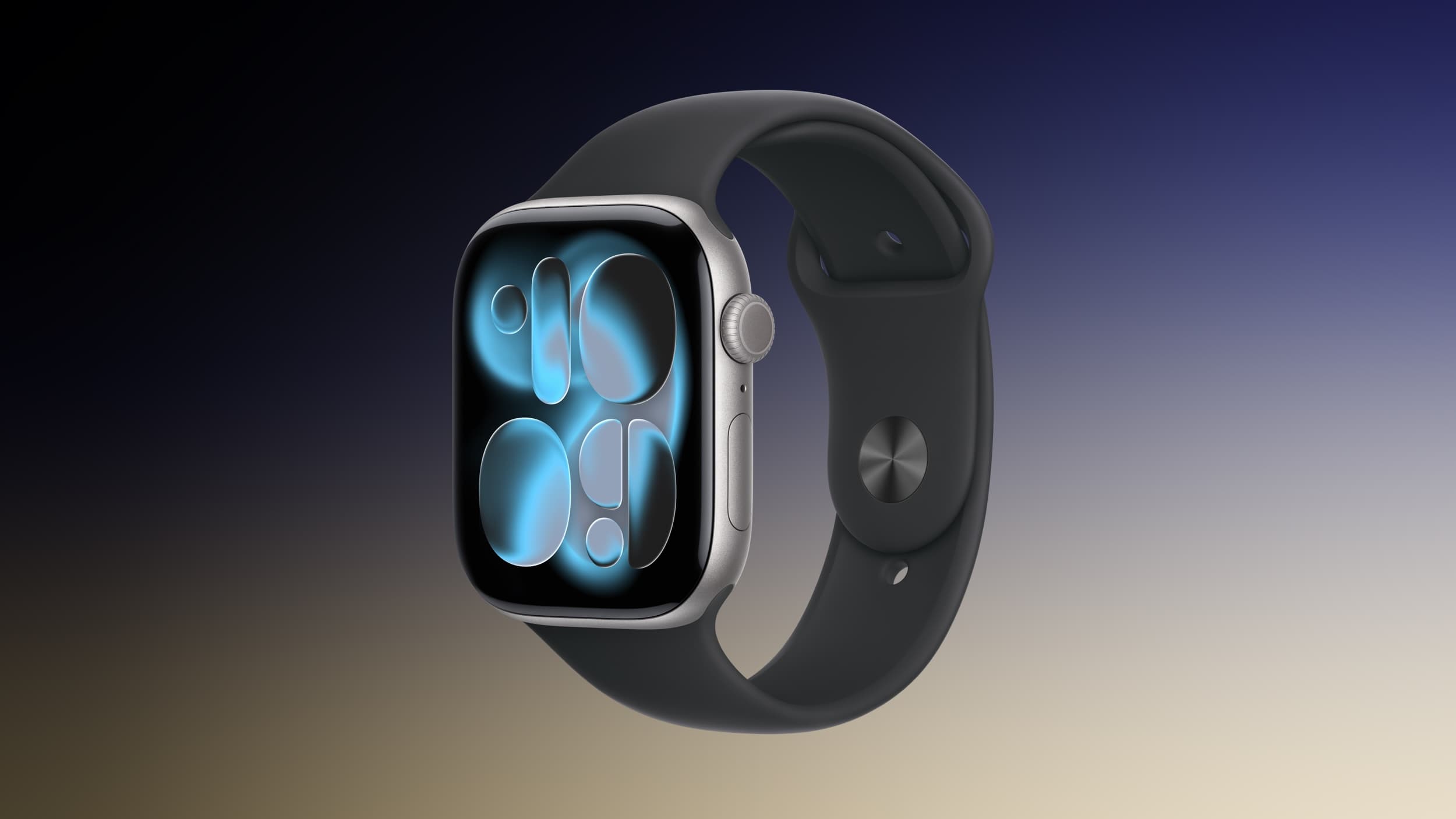
It has, however, been making a phased transition to OLED. Apple first introduced the display tech with the Apple Watch, followed up with iPhone and iPad models, and the MacBook Pro is next in line for the upgrade …
Further ahead, the MacBook Air and iMac are also expected to make the switch from IPS LCD to OLED.
Almost every report we carry on this – including yesterday’s one on the Mac roadmap – generates one or more comments concerned about OLED’s reputation for burn-in, so it’s worth looking at what causes this and whether it is still a problem with today’s higher-spec displays.
What is OLED burn-in?
With LCD screens, the pixels themselves don’t directly illuminate. Instead, they are backlit by an array of LEDs. In the case of Apple’s mini-LED screens, there are more of these, allowing more precise control over the illumination of specific areas of the display.
OLED screens are a completely different technology. Each pixel directly illuminates, which allows for more vibrant colors and deeper blacks as unused pixels are switched off. As the name suggests, the chemistry here is organic, meaning that they contain carbon-based molecules rather than silicon ones, which are more susceptible to uneven wear.
Additionally, far more power is delivered to each pixel. This can cause them to degrade over time, and as some pixels are illuminated more frequently than others, this can accelerate uneven wear.
When the same image is continuously displayed for extended periods, such as channel logos on a TV screen, those pixels will degrade and lose brightness faster than the rest of the screen. OLED panels try to compensate for this by delivering additional power to weaker pixels, but this can further increase the rate of degradation and result in a permanent ghost image of the repetitive content.
Do we need to worry about burn-in with MacBooks?
The short answer is almost certainly not, for four reasons.
First, usage patterns. The most common instances of burn-in are monitors used to display static content for very long periods of time. Think airport monitors and CCTV displays. It’s far less likely to occur with laptops, where even static content like menu bar items and the Mac dock are regularly hidden by full-screen apps.
Second, modern OLED panels in general are far more robust, with their pixels far less susceptible to the problem. We all carry iPhones whose home screen icons remain unchanged, sometimes for years at a time, yet no one complains about burn-in.
Third, burn-in is most likely to occur when monitors are used for extended periods at maximum brightness. This is extremely rare with laptop screens, especially as the tech has improved so that maximum brightness is really glaring.
Finally, Apple will be using tandem OLED panels. These stack two layers together so that each of them needs roughly half as much power for the same brightness. This significantly reduces the energy stress that causes pixel degradation.
Put all of these factors together and the chances of anyone seeing burn-in on an OLED MacBook Pro is exceedingly unlikely, even if you do plan to hold onto your next Mac for longer than usual.
FTC: We use income earning auto affiliate links. More.