DuckDuckGo Browser can now block video ads, including YouTube's
DuckDuckGo will now block video ads by default in its browser.
DuckDuckGo Browser can now block video ads, including YouTube's
An unsubtle shot at Chrome.
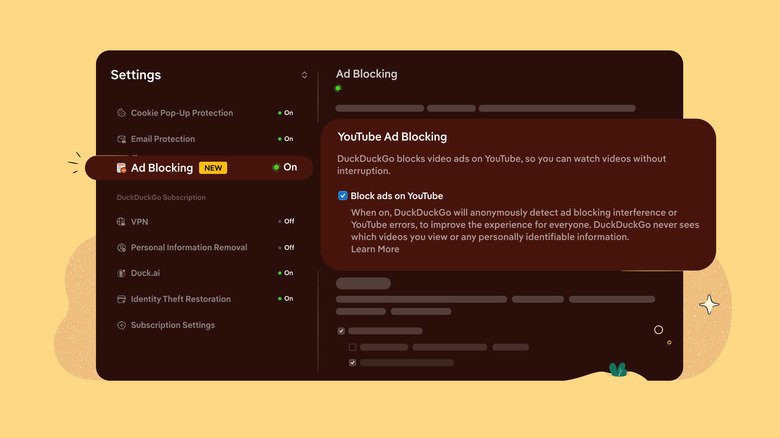
DuckDuckGo announced that it can now block most video ads, particularly those on YouTube, when a video is playing in its browser.
In a blog post about the new feature, the company explained that its YouTube ad detection and blocking is based on the open-source community filter lists from uBlockOrigin. DuckDuckGo noted that it may also apply its own rules for better compatibility, but viewers may see longer buffering times when using the blocker and there may still be some unexpected hiccups.
The blocking feature will be on by default for most DuckDuckGo users on iPhone, Windows and Mac. It will be automatically enabled soon on Android but can be manually activated in the browser settings menu in the meantime. All platforms can also have YouTube ad blocking turned on or off from the settings menu. And just to state the obvious, remember you'll actually have to be watching the video in the DuckDuckGo browser rather than the YouTube app in order to take advantage of the blocker.
Originally published on Engadget