Ethernet splitter vs switch: What's the difference and how do you use them?
At this point, there are very few situations in which you'll want to use an Ethernet splitter.
Ethernet splitter vs switch: What's the difference and how do you use them?
At this point, there are very few situations in which you'll want to use a splitter.
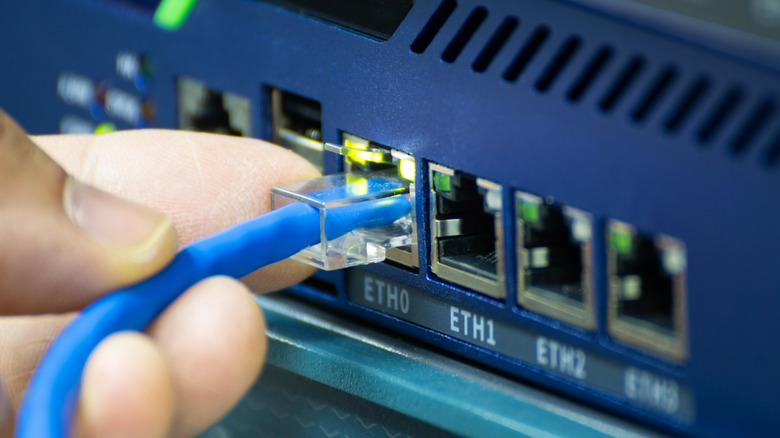
Have you ever found yourself needing to connect two or more devices to the internet off a single Ethernet cable? Chances are that you've considered an Ethernet splitter or switch, especially if you're far from your router and cannot run a second line. With so many options on the market, however, picking the best option can get confusing.
Passive Ethernet splitters are incredibly simple devices and don't have any hardware capable of distributing network traffic between devices connected to them. This limits the maximum speed and has a tangible real-world impact on usability. On the other hand, powered Ethernet splitters and network switches actually have the processing hardware to route data between devices. But why does this distinction matter and which one should you buy? Let's break it down.
Why you should avoid passive Ethernet splitters
Before we talk about the differences between Ethernet splitters and switches, we first need to examine what's inside a typical Ethernet cable. Modern Ethernet cables, specifically Cat5e or better, use four twisted pairs of copper wires, which translates to eight individual copper wires. These days, most devices are capable of gigabit speeds and use all four twisted pairs to send and receive data.
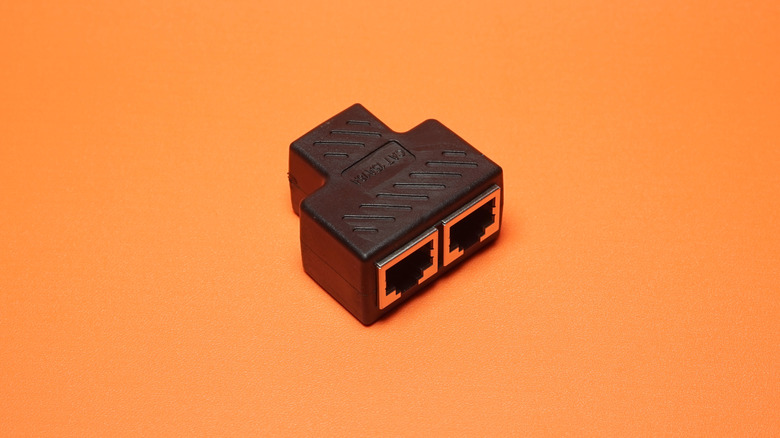
However, not every Ethernet standard requires the use of all four pairs. Older Ethernet standards are limited to 10Mbps and 100Mbps transmission, and these only require two twisted pairs to reach maximum throughput. This leaves the other two pairs in the Ethernet cable unused. And this is where the most basic type of Ethernet splitters come into play. They split the cable's four twisted pairs into two separate two-pair connections. Each connection gets its own RJ45 port, allowing you to connect two different devices.
Passive Ethernet splitters (pictured above) have two major drawbacks, with the most obvious one being that they can only carry 10/100Mbps Ethernet connections. However, the other big catch is that you actually need two splitters for this setup to work. You cannot simply plug one cable from your router's LAN port into a passive splitter and connect two devices at the other end.
This is because passive splitters simply rearrange the wiring so that each device gets two twisted pairs. The router, meanwhile, cannot communicate with two different Ethernet devices through a single physical RJ45 port.
Active or powered Ethernet splitters: The bare minimum
Because of the limitations of passive Ethernet splitters, you need two of them: one at each end of the cable run. If you only use one splitter at the end, one of the two connected devices will likely fail to connect.
To remedy this problem, you'll need an active or powered Ethernet splitter. These cost a bit more than their passive counterparts, but they contain networking hardware that can logically manage traffic between multiple RJ45 ports. So even though they're marketed as splitters, they're essentially compact switches that take a single Ethernet connection and provide multiple fully functional ports on the other side.
The easiest way to identify an active Ethernet splitter is to look for a power input as these devices contain dedicated switching hardware. Besides simplifying the setup, these splitters also offer one more advantage: the ability to take advantage of the full bandwidth of the Ethernet connection, including Gigabit speeds and beyond. That said, if you use both devices simultaneously, you'll still be sharing the upstream connection between them, effectively splitting the available bandwidth.
Network switches: The most versatile Ethernet splitting solution
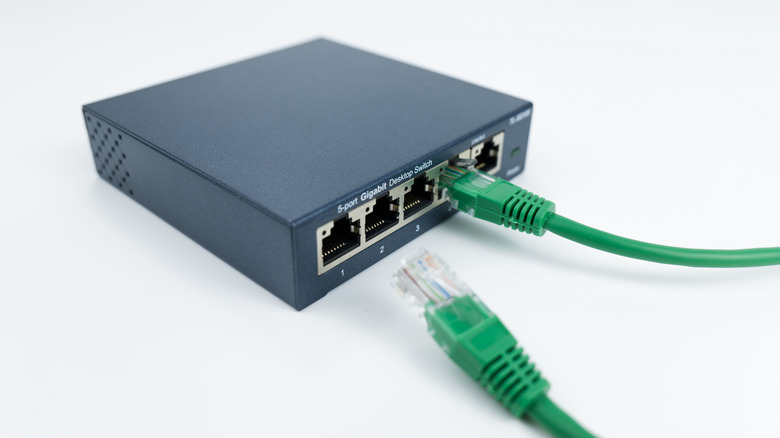
While active Ethernet splitters make sense when you simply need one or two additional RJ45 ports, they're often limited to just that. If you need multiple ports from a single cable run, a conventional Ethernet switch would be a better choice. And luckily, they typically don't cost much more than an active splitter. Switches offer anywhere from a handful to dozens of RJ45 ports, making them much more flexible for future expansion.
Even the most inexpensive network switches these days support Gigabit Ethernet, while higher-end ones start to offer 2.5Gbps ports. Enterprise-grade switches add 10Gbps ports, but that's beyond what most home users need. A 2.5Gbps switch is a good middle ground if you're looking to keep the switch well into the future.
This distinction matters beyond your internet speed too — if you use network-attached storage (NAS) to back up your data or serve media through Plex, a faster switch can significantly improve transfer speeds between devices on your local network. Of course, the devices in question need to support 2.5Gbps Ethernet for this distinction to matter.
In a home setting, all you need is a simple, unmanaged switch from the likes of Netgear and TP-Link. These require power but are essentially plug-and-play otherwise: connect one port to your router while the rest can be used for your TV or other devices. Several network switches exist on the market, so simply pick the one that matches the number of devices you need to connect and the maximum speed you anticipate needing. But if you only need to connect two devices, an active splitter will serve you just as well.
Originally published on Engadget