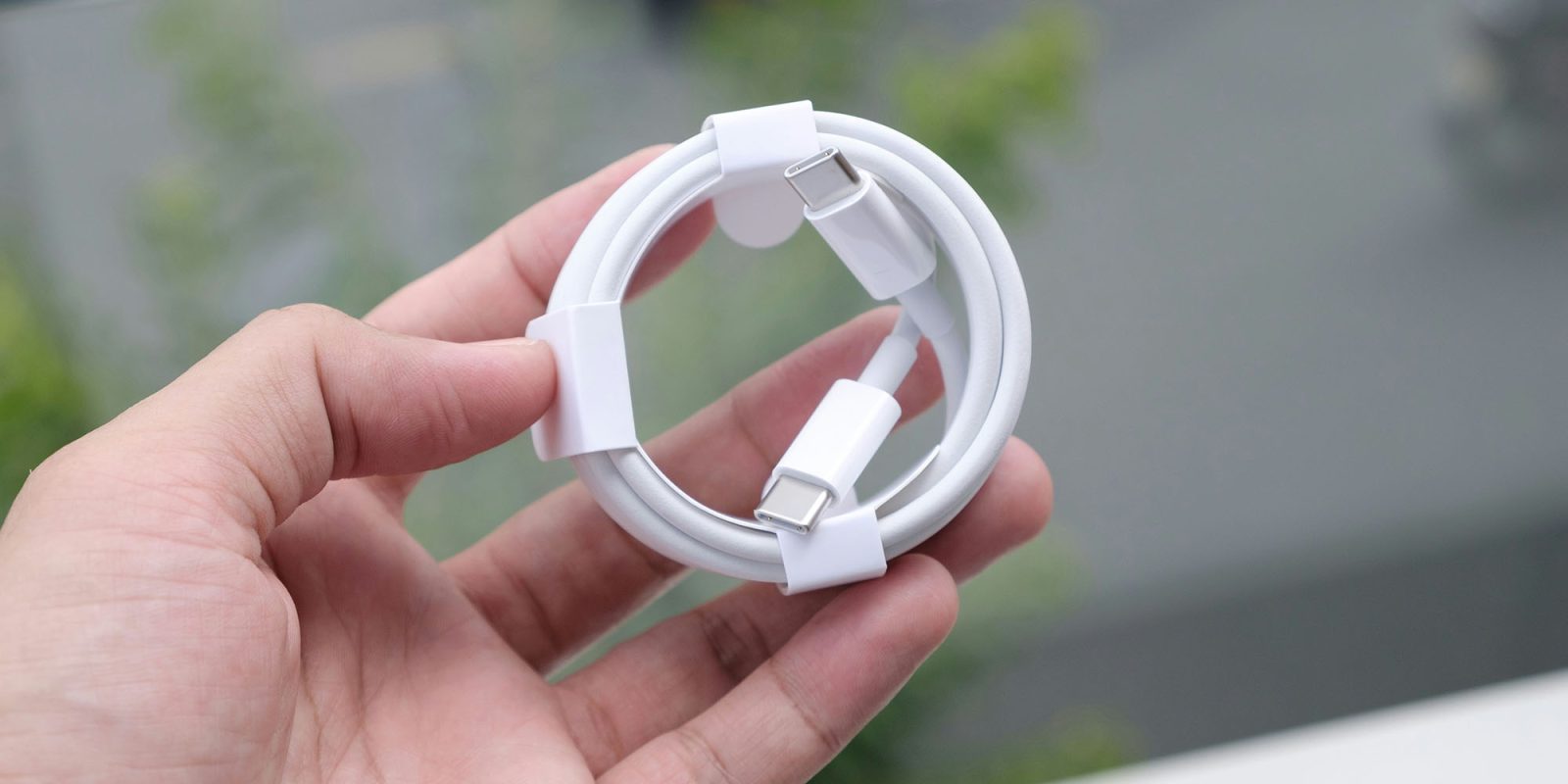
We’ve talked on a number of occasions about the problem with USB-C cables: namely, they all look alike but can have very different capabilities.
Google addressed this issue in Chrome OS several years ago, and we suggested at the time that Apple should copy it. That hasn’t yet happened, but there’s now a free Mac app, WhatCable, to turn your Mac into a hardware cable tester …
Pretty much every gadget we buy these days comes supplied with a USB-C cable, so it’s easy to end up with a whole drawer full of these and not know which one to reach for when you need particular features. Each cable may offer different maximums for each of:
- Data transfer speed
- Video transmission bandwidth
- Power delivery
At one end of the scale you can buy a cable that offers 40Gb/s data speeds, 8K 60Hz video support, and 240W power delivery. At the other, you get power-only cables and slow-speed data transfer cables that top out at 480Mbps.
You can buy hardware cable testers that report the capabilities of cables connected to them, but there’s now a free Mac app to do the same thing. WhatCable works by measuring what the cable is delivering while it’s actually in use, or by looping it from one USB-C port on your Mac to another, like the joke about a self-charging Mac.
It can also read the identifier in the embedded chip in order to determine the vendor and whether it is certified by USB-IF. Note that lack of certification may mean the cable is fake, but it can also mean that the manufacturer simply chose not to pay the certification fee.
The app works because the Mac already reads these capabilities from the embedded chip. WhatCable lets you easily access this data while turning everything into plain English.
See whether the cable, charger, or Mac is limiting the current charge rate, with the negotiated power profile highlighted.
A plain-English verdict on what is limiting the link: the Mac port, the cable, or the device, so you know whether a faster cable would actually help.
When a monitor is connected, see whether the link is carrying its full resolution and refresh, or falling short, and whether an adapter, the cable, or the selected mode is the limit.
Decode cable speed, current rating, vendor identity, and USB PD capability flags from marked USB-C cables.
The free app does everything shown above, while the Pro version provides greater detail, such as the live negotiation breakdown of every connection, showing how and why the two devices ended up operating at particular charging rates or transmission speeds. This is available for a one-off fee of £9.99 (around $13.40).
The Verge’s Sean Hollister tested it and found it performed well, although not perfectly, as some cables lie about their capabilities.
FTC: We use income earning auto affiliate links. More.