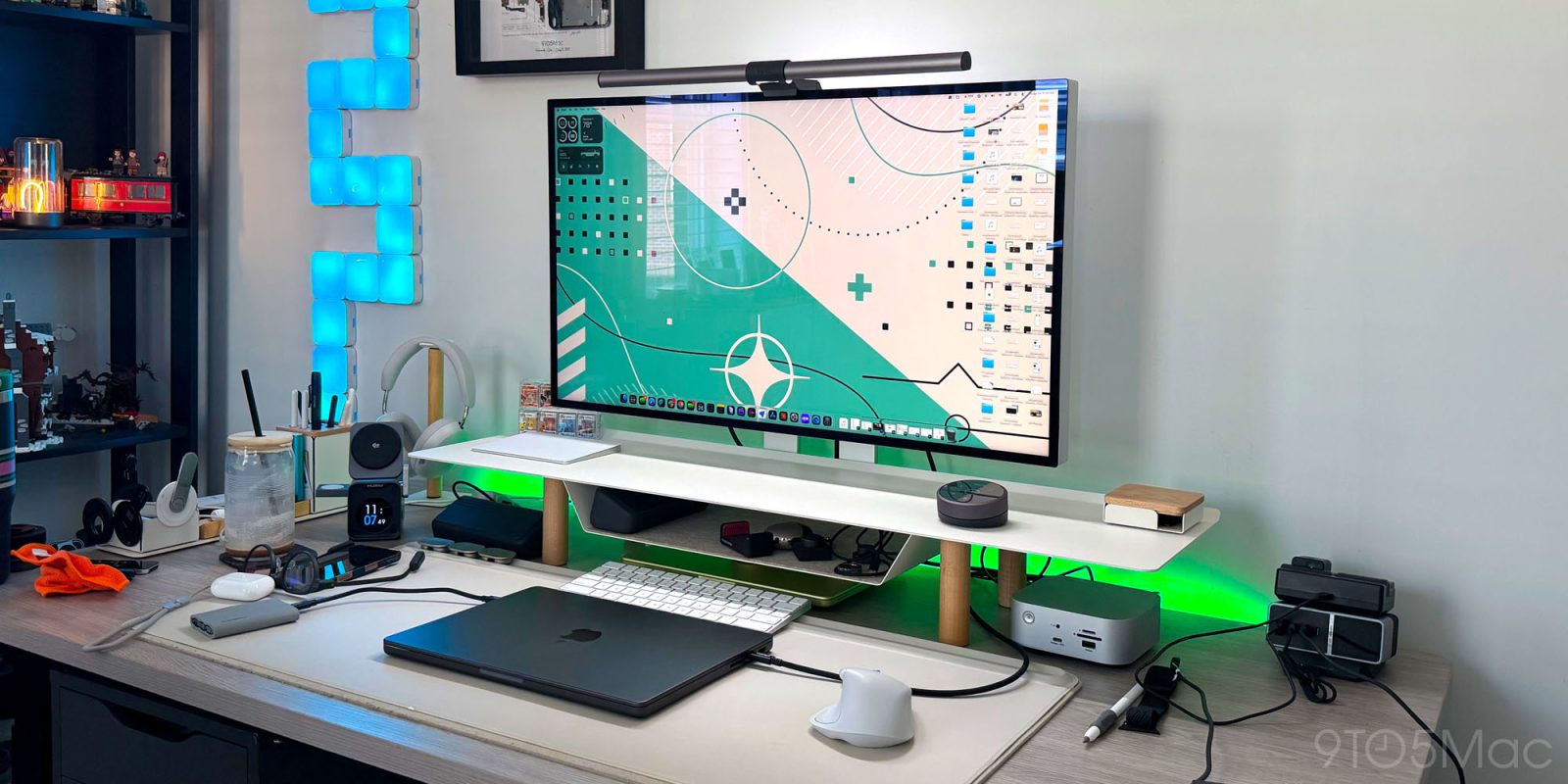
Earlier this year, Apple decided to completely discontinue its Pro Display XDR, which was an amazing piece of hardware but hadn’t been updated in years and was still $6,000+. Their new lineup consists of a Studio Display and the new Studio Display XDR, which are impressive in their own right, but now both only offer 27-inch 5K displays. The XDR starts at an insane $3,299 and can be spec’d up to $3,600 before tax. So now the door is open for someone to deliver a larger retina-class monitor for Mac users, and that is exactly what the new Meirro Pro does. The Meirro Pro is a 32-inch, 6K monitor made of a full aluminum construction. It is a single-cable solution and brings an adjustable stand for just $1,199. I’ve been using it as my primary display, and while a few compromises helped Meirro reach that price, this might be the most convincing Studio Display alternative I’ve tested. Here’s what you need to know.
Be sure to check out our hands-on video with the Meirro Pro to get a first-hand look!
Design and specs
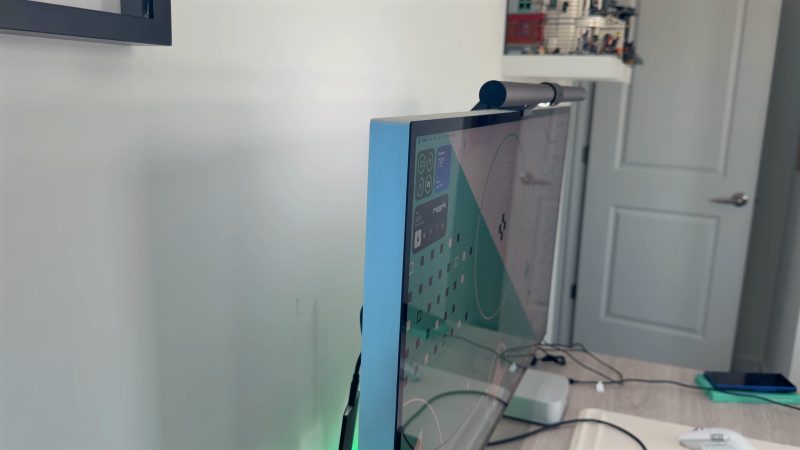
The very first thing you notice is just how similar it looks to the current Apple Studio Display. This monitor will naturally and aesthetically fit into any Apple setup. It is made of full CNC-machined aluminum, has an adjustable stand to match, and feels ultra premium. The construction of the display breathes confidence into any setup. Most monitors outside the Apple world use plastic enclosures with stands that are often flimsier than you want, but with the Meirro Pro, there is no plastic anywhere in its build.
The unboxing and setup of this monitor is also very simple. You attach the base to the stand and secure the stand to the back of the display, plug it in, and it powers on. The monitor is so minimal that it has zero buttons, and the best part is that the power supply is built into the display. So there is no ugly power supply hanging from the power cable, which allows for an ultra-clean setup. The monitor includes the adjustable stand and the VESA mount right in the box at no additional cost. So, again, this is a very Apple-inspired look and aesthetic, which is exactly what I was looking for.
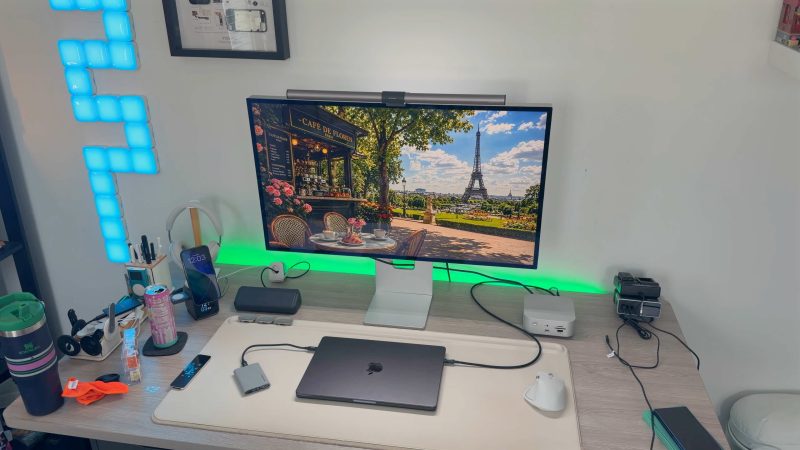
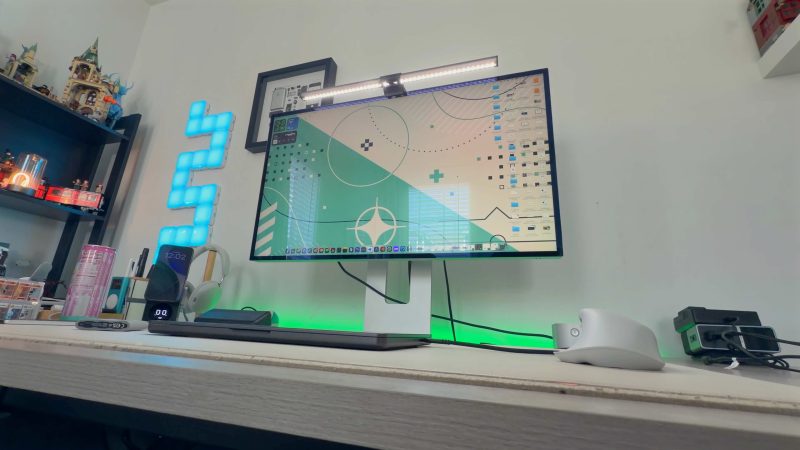
But now, what about the actual display? As I mentioned in the intro, this is a true 6K panel. It is a 32in Nano IPS Black panel with 6144 × 3456 resolution, which works out to 224 ppi, giving you retina-class sharpness. These are the main specs to consider:
- 32-inch Nano IPS Black panel
- 6144 × 3456 resolution
- 224 PPI
- 60Hz refresh rate
- 2,000:1 contrast ratio
- 10-bit color with more than 1.07 billion colors
- 98% DCI-P3 coverage
- 99.5% Adobe RGB coverage
- 450 nits of typical brightness and 750 peak HDR brightness
The panel also comes with a glossy anti-reflective finish as the only display option. While I do wish there was a matte-coated finish as an option, the glossy finish still looks great even in rooms with tons of windows.
Port selection and accessories
Similar to Apple’s display offerings, the Meirro Pro kept it simple by providing five USB-C ports on the rear as the only I/O. One port acts as the primary upstream connection, which supports DisplayPort 2.1, up to 80Gbps of bandwidth, and up to 96W of power pass-through to make sure your MacBooks stay charged up. So with a single cable, you can carry a 6k video signal. The other four USB-C ports are downstream ports that are pretty limited in terms of data speeds since they are USB 2.0 ports. But they are more than capable of handling things like a webcam, speakers, and other peripherals.
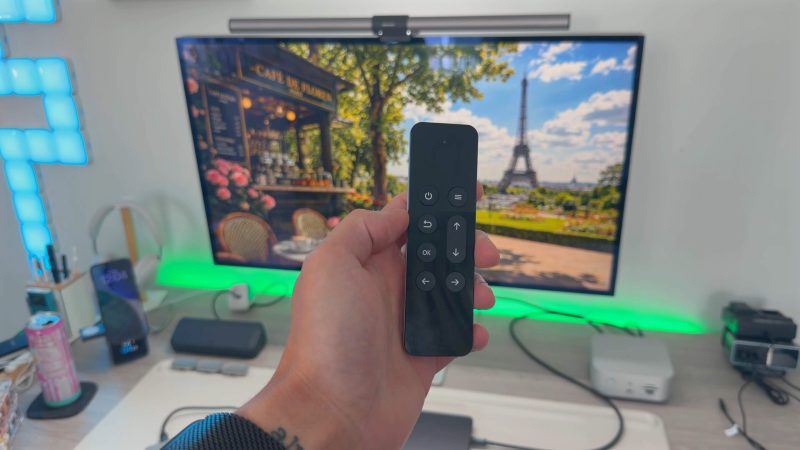
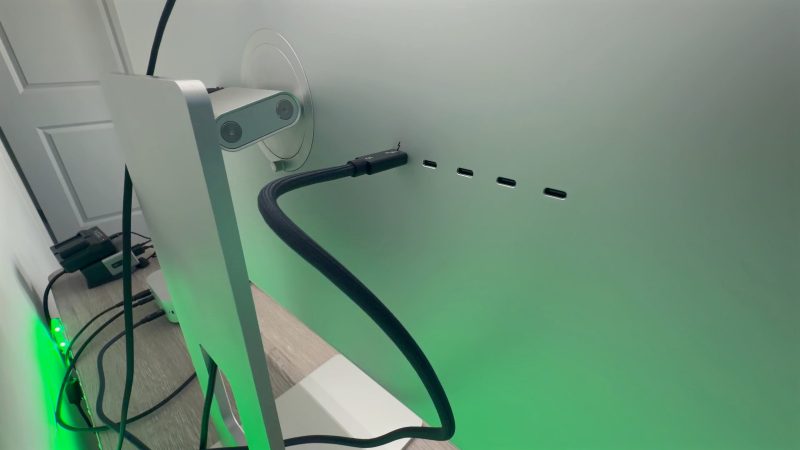
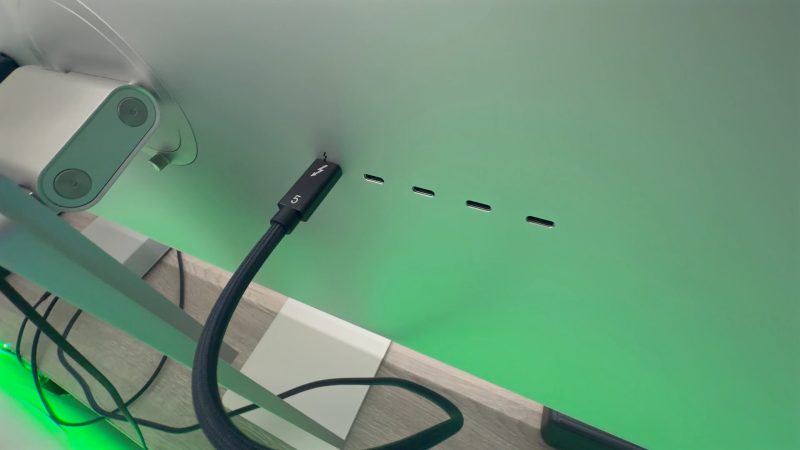
Since the Meirro Pro has no buttons (not even a power button), it comes with a remote in the box that looks very similar to the last-gen Apple TV remote. That remote has a power button and allows you to get into the display system settings if needed.
My experience & setup
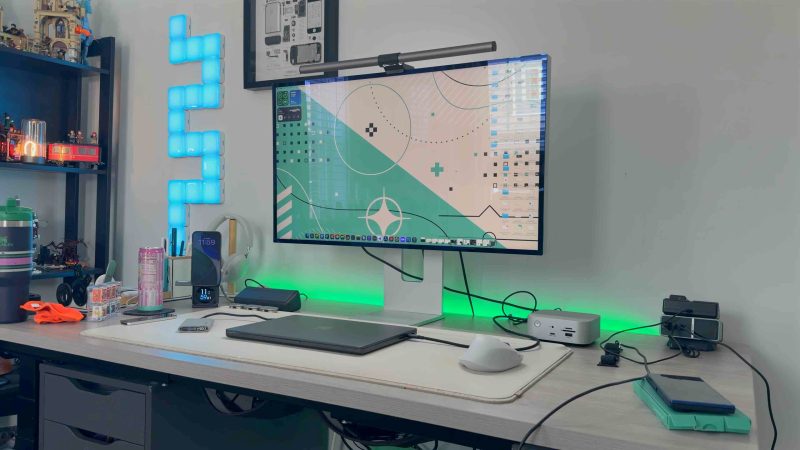
I have been using the Meirro Pro as my main and only monitor for my desk setup, and it has been a great experience. The combination of a 32in sized display and a 6k resolution gives me both the physical space and pixel density I want from a higher-end Mac display.
The way I have this set up is simple. I am someone who uses a lot of external SSDs, and I like using my Satechi Thunderbolt hub, so I routed the monitor through that hub. I have a Thunderbolt cable going from the monitor to my hub, and then another Thunderbolt cable going from the hub to my MacBook Pro. Everything works as you would expect.
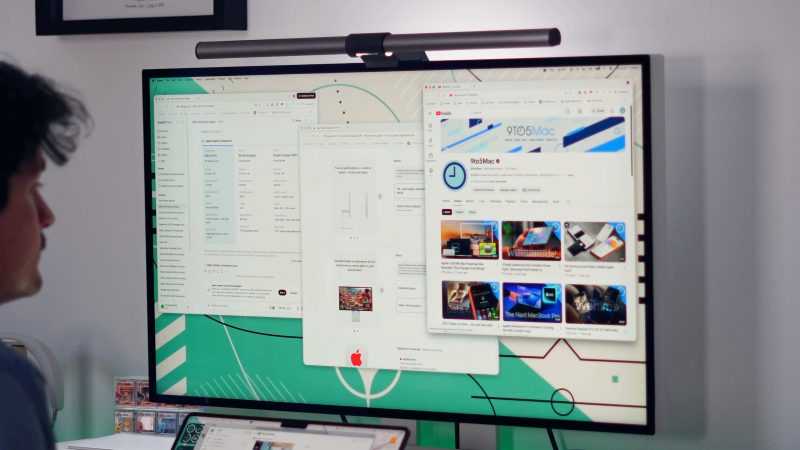
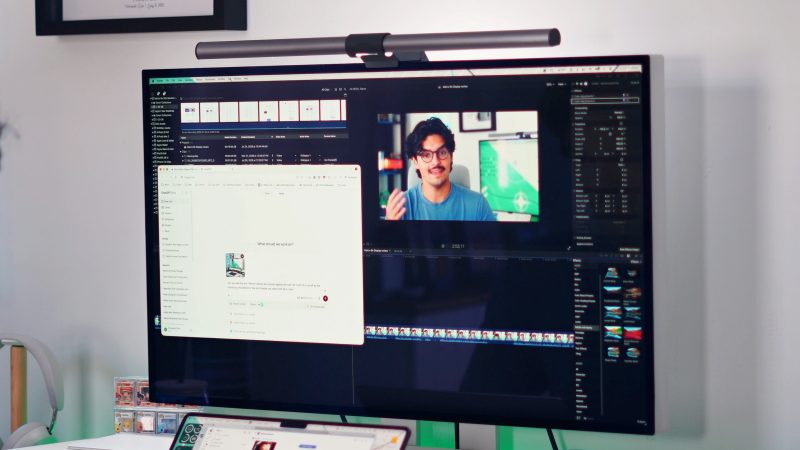
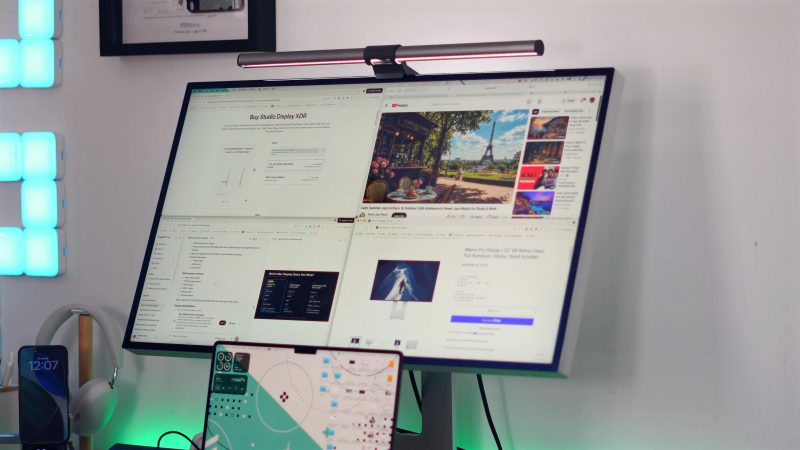
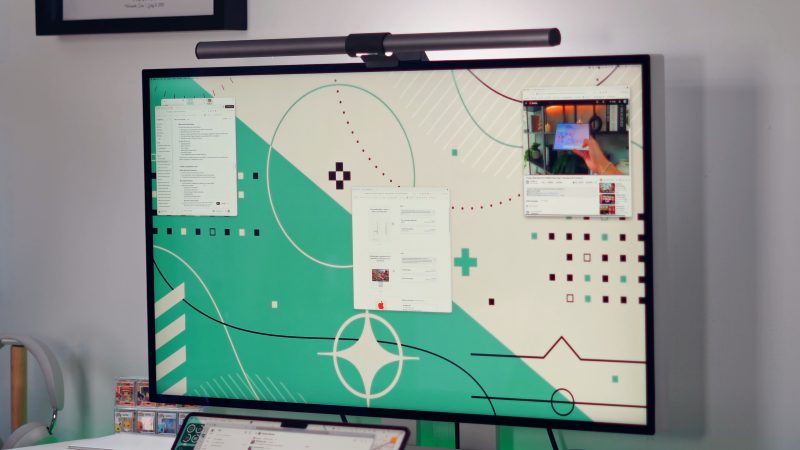
I tested this monitor with all of my normal workflows, and it handled everything with ease. I tested it with Final Cut Pro, with my timelines, organizing all of my media files, and having that extra screen real estate really helps. A big part of my workday is also research, which involves a ton of tabs and windows open at the same time; having that extra pixel density made it feel like I had a larger display than just 32 in. The most important aspect of this monitor is the 224 PPI it has. It allows macOS and even iPadOS to scale exactly as Apple intended.
The last part I want to mention is that the build quality really helps in terms of the wobble. Most of these monitors wobble when you are typing on your desk, especially if you use a sit-stand desk as I do. So the combination of the build materials and the sturdy stand really helps reduce that wobble. So, on paper and in practice, the Meirro Pro makes a strong argument to be an alternative to the studio display. But at this price point, there were a few compromises that need to be mentioned.
The compromises
Again, a 32-inch 6K monitor made of CNC aluminum for under $1,200 almost sounds too good to be true. Meirro had to make some decisions in order to get it down to this price. Since most potential buyers will be comparing this to the Studio Display, it’s important to note its omissions. The Meirro Pro does not have or support:
- A built-in webcam
- No speakers
- No microphones
- Does not support daisy chaining
Now, for me personally, these omissions were worth the cost savings because I already have an external webcam and speakers. The lack of microphones also does not bother me since I use my AirPods or my Shure mic when needed. But I just wanted to make these known to educate anyone looking into this monitor.
The final compromise I noticed was the USB-C port speed on the back of the display. Apple’s Studio Display gives you four total USB-C ports, two being Thunderbolt and the other two being USB 3.0 speeds. The Meirro Pro does give you more USB-C ports, but only one is Thunderbolt, and the other four are the much slower USB 2.0 speeds. Again, for me, not a huge deal since I have the Satechi Thunderbolt dock, but I can see others needing faster ports.
But even after seeing these compromises, I still think this is a no-brainer recommendation over Apple’s Studio Displays because of the sheer value you get from the Meirro Pro.
Pricing and availability
The Meirro Pro normally starts at $1,299 but is currently available for preorder for $1,199. Orders are expected to begin shipping on August 1. Technically, you could opt out of the stand and save yourself $50 if you already have a monitor arm, bringing the total down to $1,149. The $1,199 price includes:
- Meirro Pro monitor
- Aluminum stand
- VESA mount
- USB-C cable
- Power cable
- Remote
Final thoughts
The Meirro Pro is the best true Studio Display alternative that I have tested. For $1,199, you get a 32in, 6K display with retina-class sharpness, a glossy Nano IPS Black panel, full aluminum construction, one-cable Mac connectivity, an adjustable stand, and a VESA mount. If you want Apple’s most complete all-in-one desktop experience, then the Studio Display still has its advantages, but if you already have some external accessories and really prioritize screen size, resolution, build quality, and value, the Meirro Pro is an easy recommendation.
What do you think? Is this a monitor you would consider? Do you own a Studio display already? Do you miss the Pro Display XDR? Curious to hear your thoughts. Again, be sure to check out our video to really see it in action!.
FTC: We use income earning auto affiliate links. More.