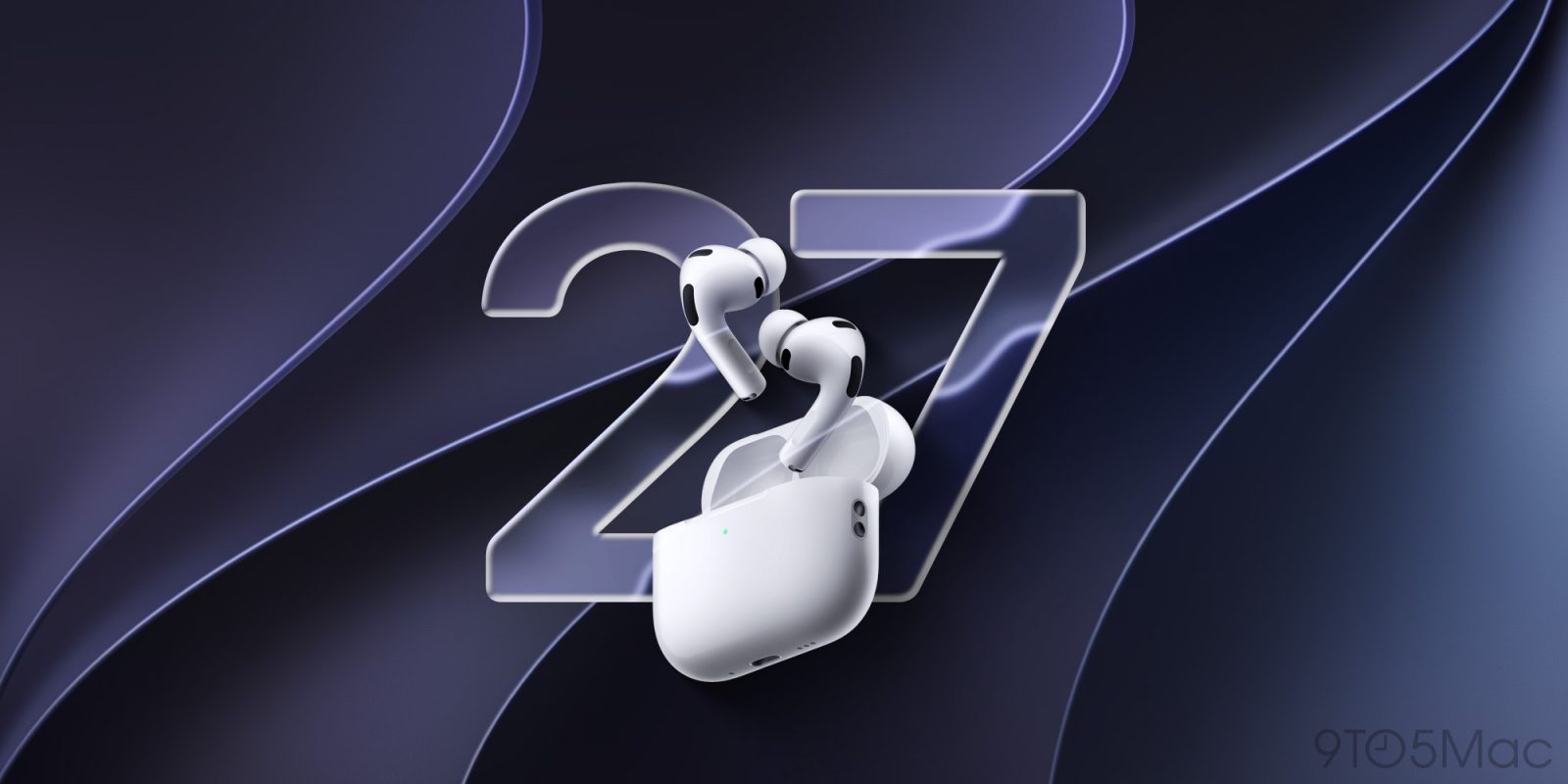
When Apple unveiled iOS 27, it highlighted only a pair of new AirPods features initially. But there are several more AirPods additions in iOS 27, here’s everything new.
Custom EQ
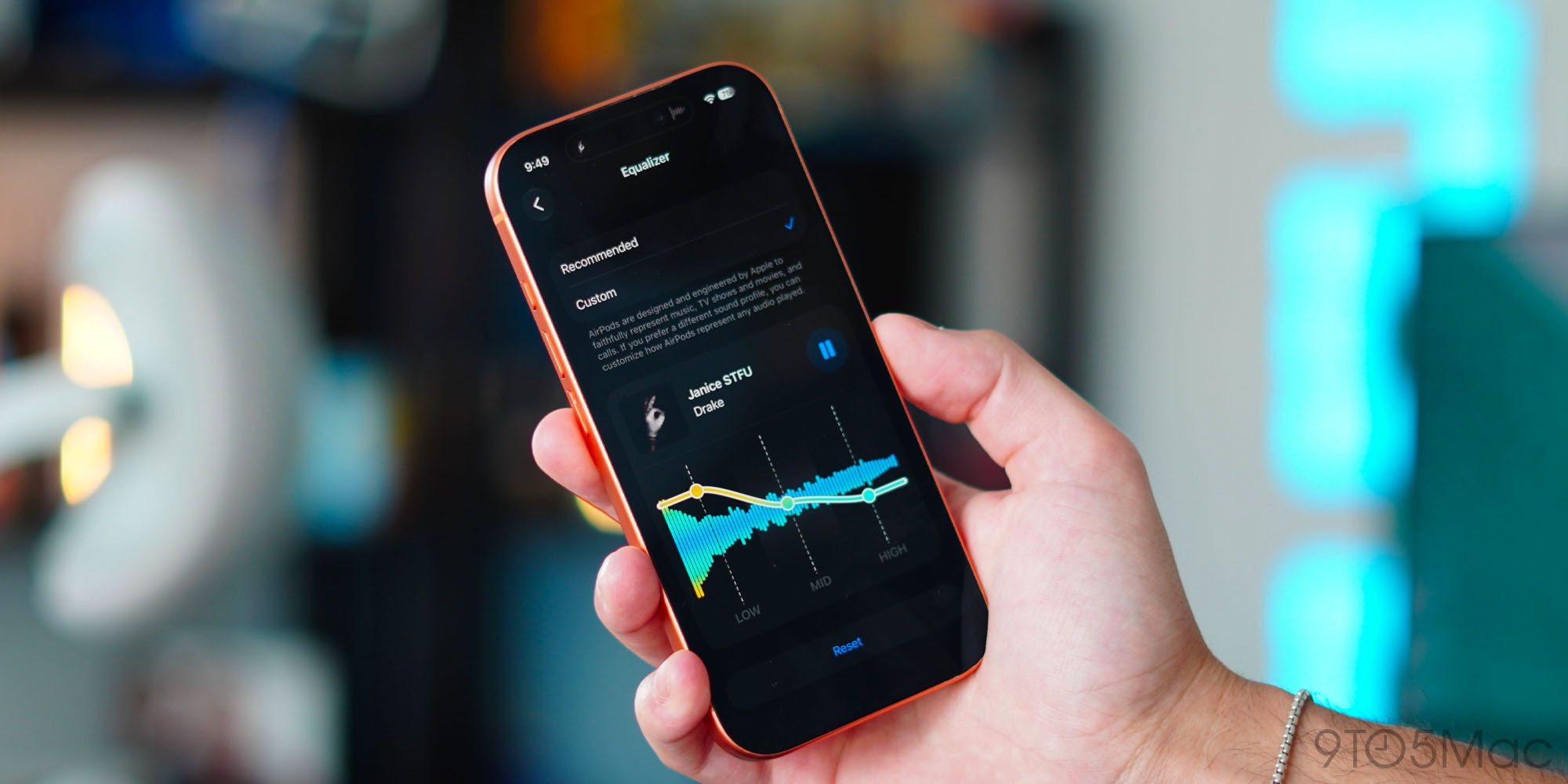
Custom EQ is a feature that some AirPods users thought Apple would never ship. But it’s here in iOS 27, available now in the AirPods beta.
With Custom EQ, Apple now lets you set your own sound profile for AirPods. Per Apple:
AirPods are designed and engineered by Apple to faithfully represent music, TV shows and movies, and calls. If you prefer a different sound profile, you can customize how AirPods represent any audio played.
You can change the EQ by going to your AirPods’ settings ⇾ Audio & Routing ⇾ Equalizer ⇾ Custom. From here, you can adjust the sound profile for low, mid, and high frequencies.
Custom EQ is available on AirPods Pro 3, AirPods Pro 2, AirPods Max 2, and AirPods 4.
GymKit can sync AirPods Pro 3’s heart rate data

Apple GymKit has been available for years, but only for Apple Watch. It lets you pair and sync workout data with compatible cardio equipment, like treadmills, ellipticals, indoor bikes, and more.
In iOS 27, GymKit expands to support iPhone using AirPods Pro 3’s heart rate sensor. My colleague Zac gave it a try:
The setup is simple. I tapped my iPhone to the treadmill, picked Indoor Walk (Indoor Run is also offered), and started the workout from the treadmill. With GymKit, workout data is stored privately on iPhone and removed from the equipment.
Once the workout started, the treadmill received heart-rate data from AirPods Pro 3. Meanwhile, the Fitness app on iPhone received the treadmill’s distance, pace, incline, and calorie data. Treadmills know details that an iPhone and AirPods can’t know on their own, especially incline and precise belt distance.
For more details on iOS 27’s GymKit feature for AirPods Pro 3, check out Zac’s full hands-on below.
Read more: iOS 27 basically turns your iPhone and AirPods into an Apple Watch at the gym
Siri AI

For most AirPods users, the single biggest upgrade in iOS 27 will be Siri AI.
Siri AI is available on compatible iPhone hardware in iOS 27, and Apple made sure to expand full support for the AI assistant to AirPods too.
AirPods are essentially becoming an AI wearable thanks to the new Siri. It will let users do a lot more than the current Siri. Here are some key features via Apple’s website:
- World Knowledge: “Ask about virtually any topic that’s on your mind, from important facts to recipes and restaurant recommendations. Siri AI can reference information online to give you detailed, up-to-date insights.”
- Conversational: “Siri AI is your conversational AI assistant with entirely new capabilities…Ask open-ended questions, brainstorm ideas for work or creative projects on the go, and engage in natural, back-and-forth conversations.”
- Personal Context: “Siri AI can find relevant answers to what you’re looking for just by asking. Search for a photo from years ago, easily locate an email buried in your inbox, or pull up a note you saved on your iPhone.”
Read more: AirPods keep getting better, and iOS 27’s biggest upgrade is Siri
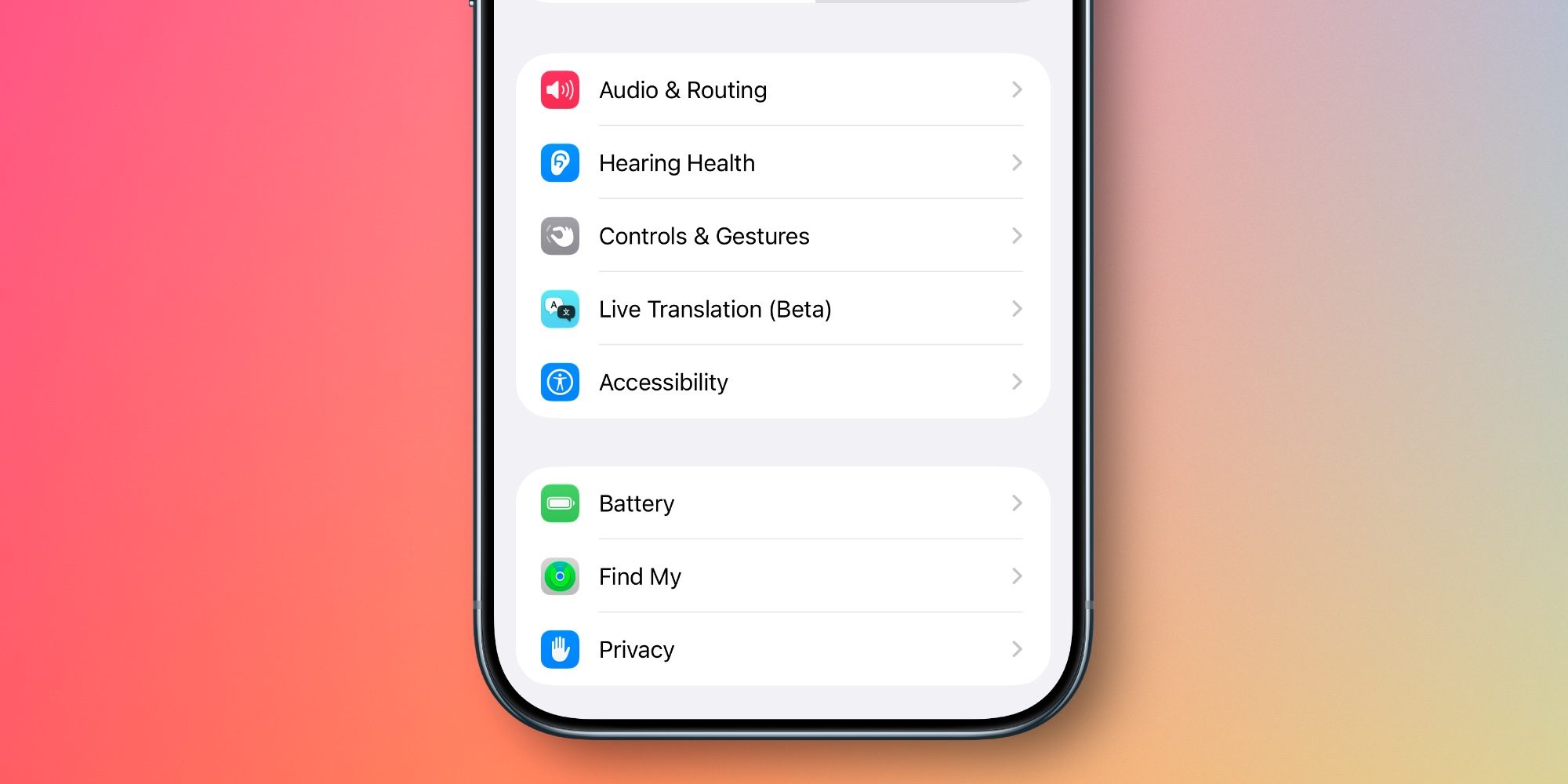
With every batch of new AirPods features that debuts, the AirPods settings screen in the Settings app gets more cluttered.
But in iOS 27, Apple has a welcome fix: it’s redesigned and reorganized all AirPods settings.
Now, you’ll find AirPods settings organized into more categories and submenus, accompanied by colorful icons. It makes finding the right setting way easier and more intuitive than before.
Read more: iOS 27 revamps AirPods settings in a big way, here’s the new design
Precision Finding via Apple Watch
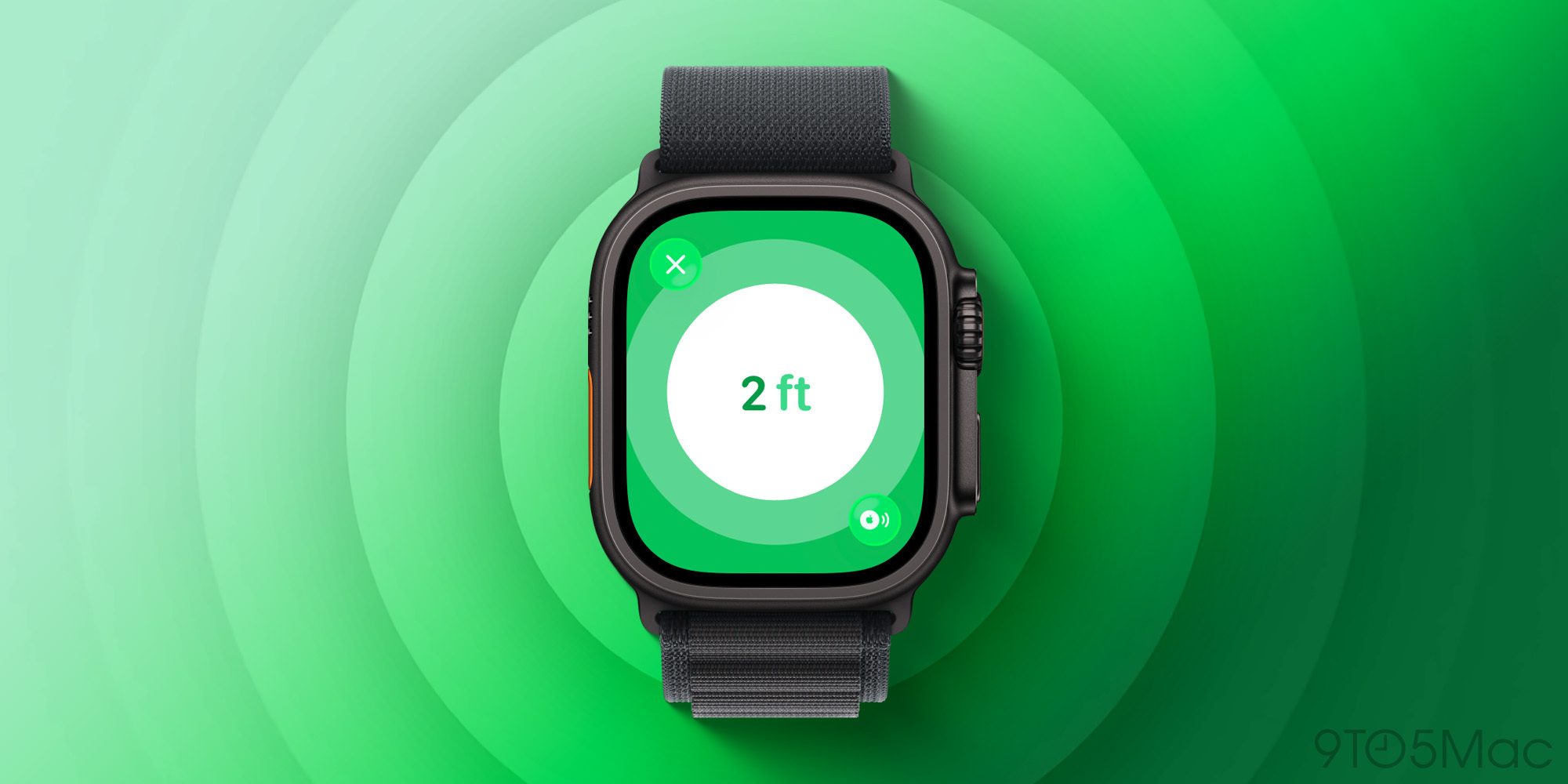
Earlier this year when AirTag 2 launched, Apple brought Precision Finding support to Apple Watch for the first time. Until now though, it’s been limited to AirTag 2.
But with iOS 27 and watchOS 27, Apple expands Precision Finding on the Watch to AirPods Pro 3.
AirPods Pro 3’s case includes the latest second-generation Ultra Wideband (UWB) chip, letting you find it with greater precision and step-by-step guidance right from your wrist.
Which new AirPods features in iOS 27 are you most excited about? Let us know in the comments.
Best AirPods deals and accessories
FTC: We use income earning auto affiliate links. More.