iOS 27 adds new features across many system apps, like Wallet, Calendar, Music, and Maps. Here’s what’s new for the Messages app in iOS 27.
One-tap suggestions
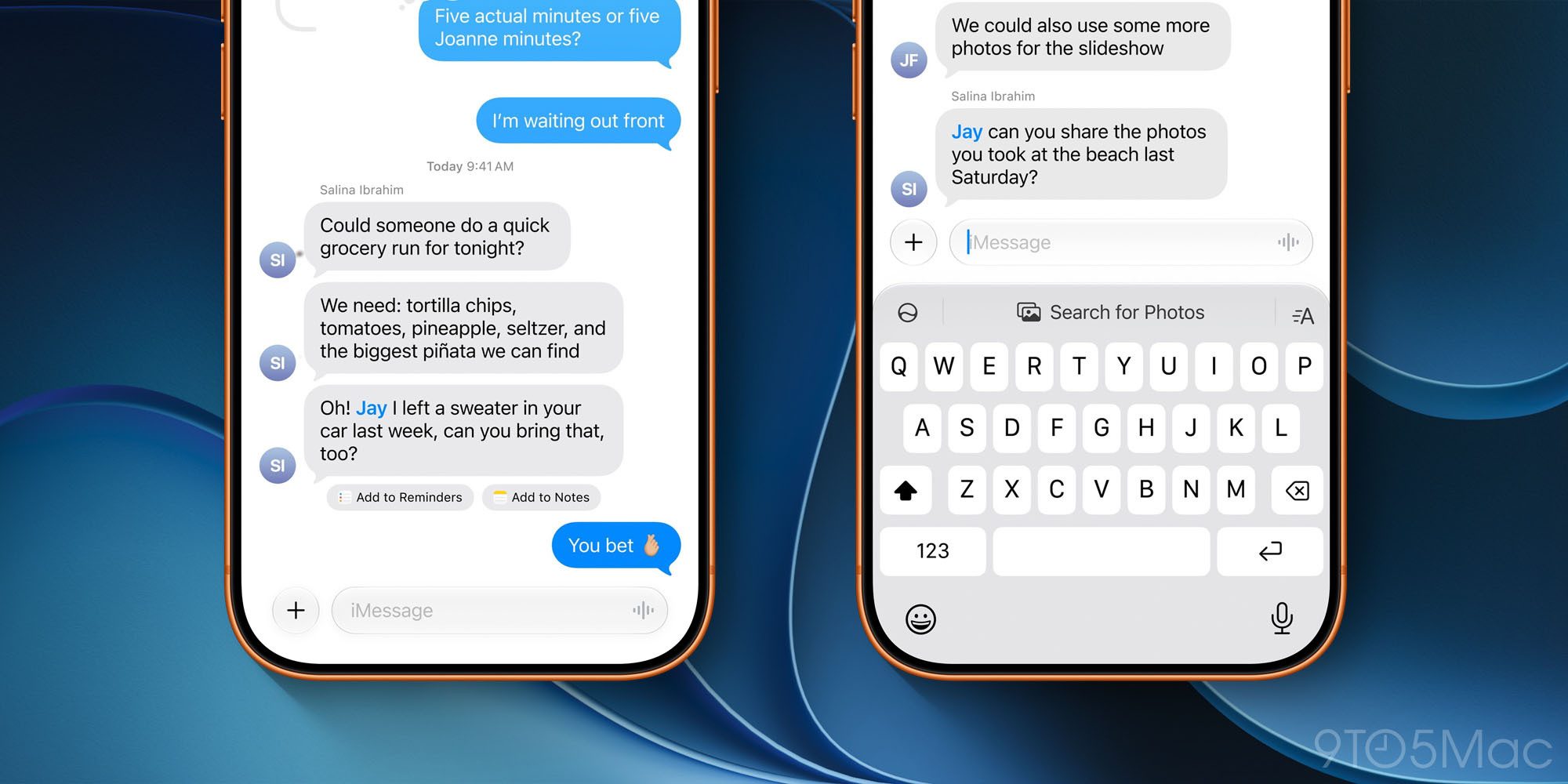
Apple Intelligence enables new ‘one-tap suggestions’ in the Messages app that can help you get things done or find relevant information to share.
Messages offers one-tap suggestions based on the context of users’ conversations, making it easier than ever to get things done, such as creating a reminder or a note. For example, if someone asks for photos, Messages can also help users find the right ones, recognizing keywords, locations, and people in their library to find the best options.
As seen in the image above, these suggestions will sometimes appear right below a message they’re relevant to, and sometimes they’ll appear in the top keyboard row.
’Drawing’ iMessage app
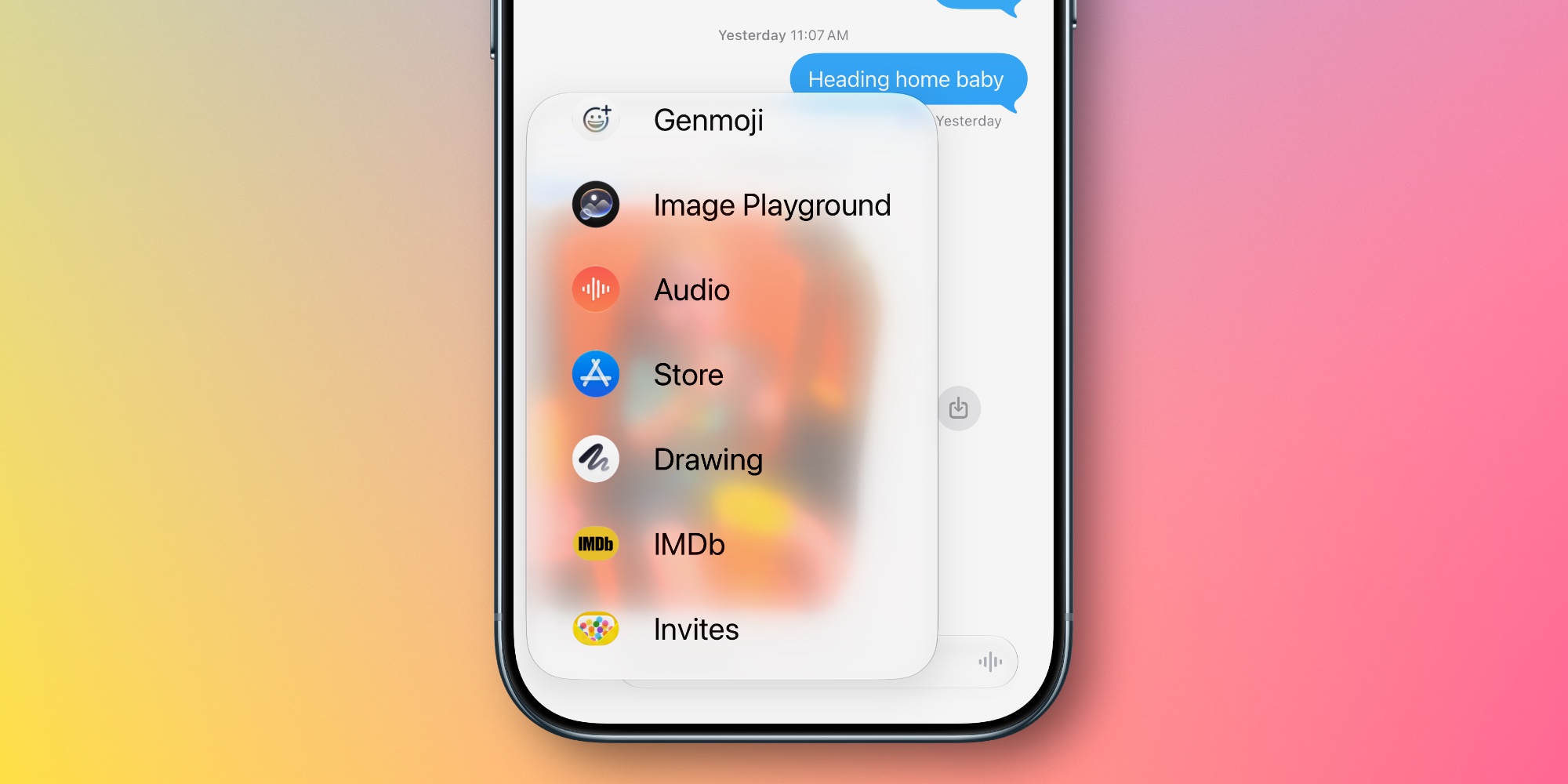
iOS 27 is full of signs that the iPhone Ultra is coming this fall. In addition to code that references foldable iPhone features, the Messages app gets a new ‘Drawing’ iMessage app.
In any other year, the new iMessage app would be a curious addition. But ahead of the first foldable iPhone, it’s very obvious why the ‘Drawing’ app exists.
Apple’s latest iMessage app contains the same basic set of Markup tools you’ll find across the Notes app, Preview, and more, letting you send a quick doodle to your friends.
Any iPhone can use the new app, but it will no doubt prove especially useful on the large iPhone Ultra display. The only question now is whether iPhone Ultra will be compatible with Apple Pencil.
Miscellaneous new features and changes
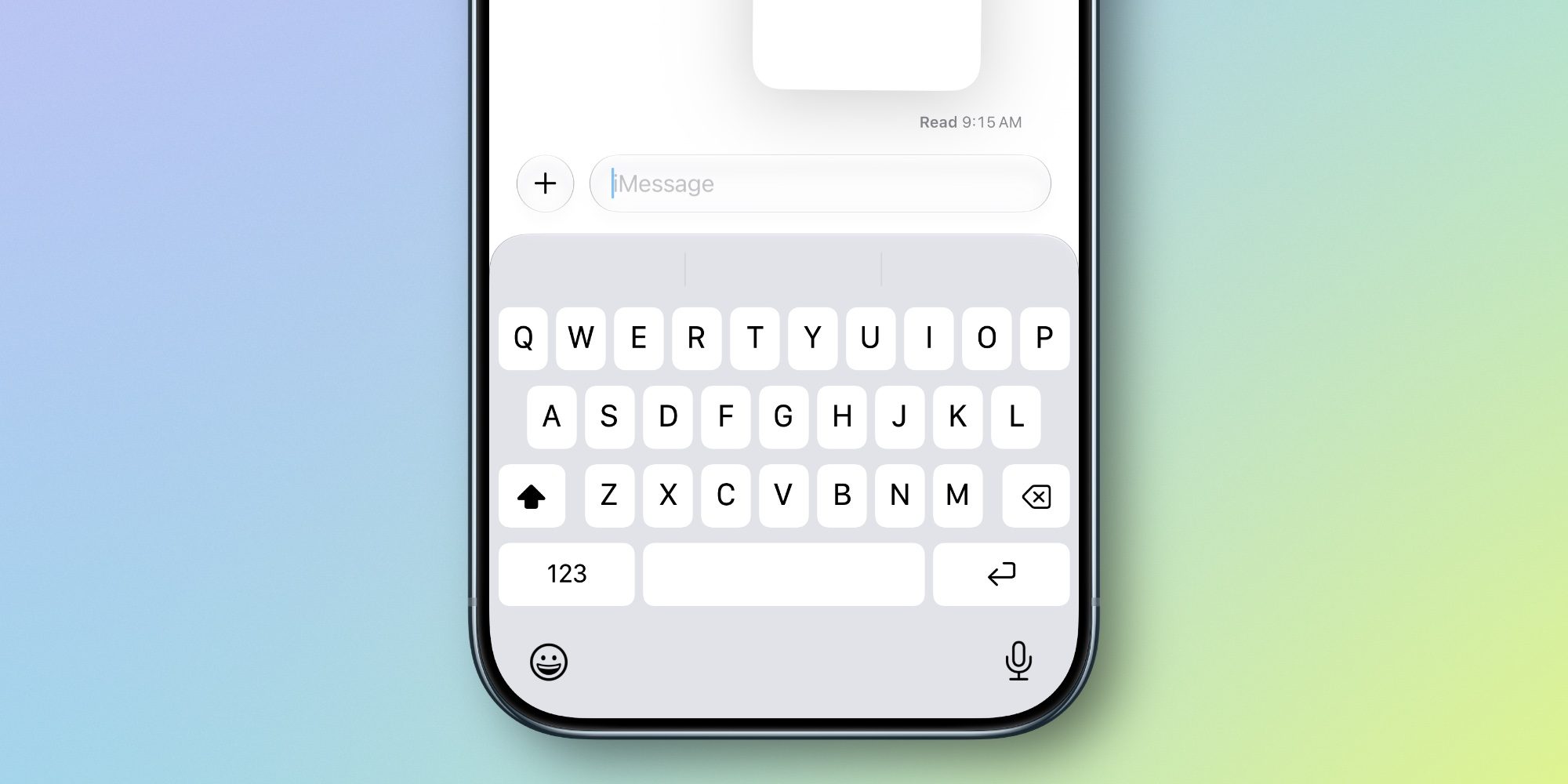
Here are four more miscellaneous iOS 27 changes in Messages:
- A new setting lets you optionally disable the audio button that’s normally on the right side of the active message field. Go to Settings ⇾ Apps ⇾ Messages ⇾ Show in Text Field to choose between ‘Record Audio,’ ‘Start Dictation,’ and ‘None.’
- Consolidated notifications for multiple tapbacks will help keep your alerts from getting out of control.
- Smart Reply suggestions that appear in the top keyboard row are now informed by a user’s personalized writing style, so they’ll be more useful in iOS 27.
- For child accounts, Messages will automatically detect and block gore or violent content when it’s found in shared images or videos.
Performance improvements and refinements
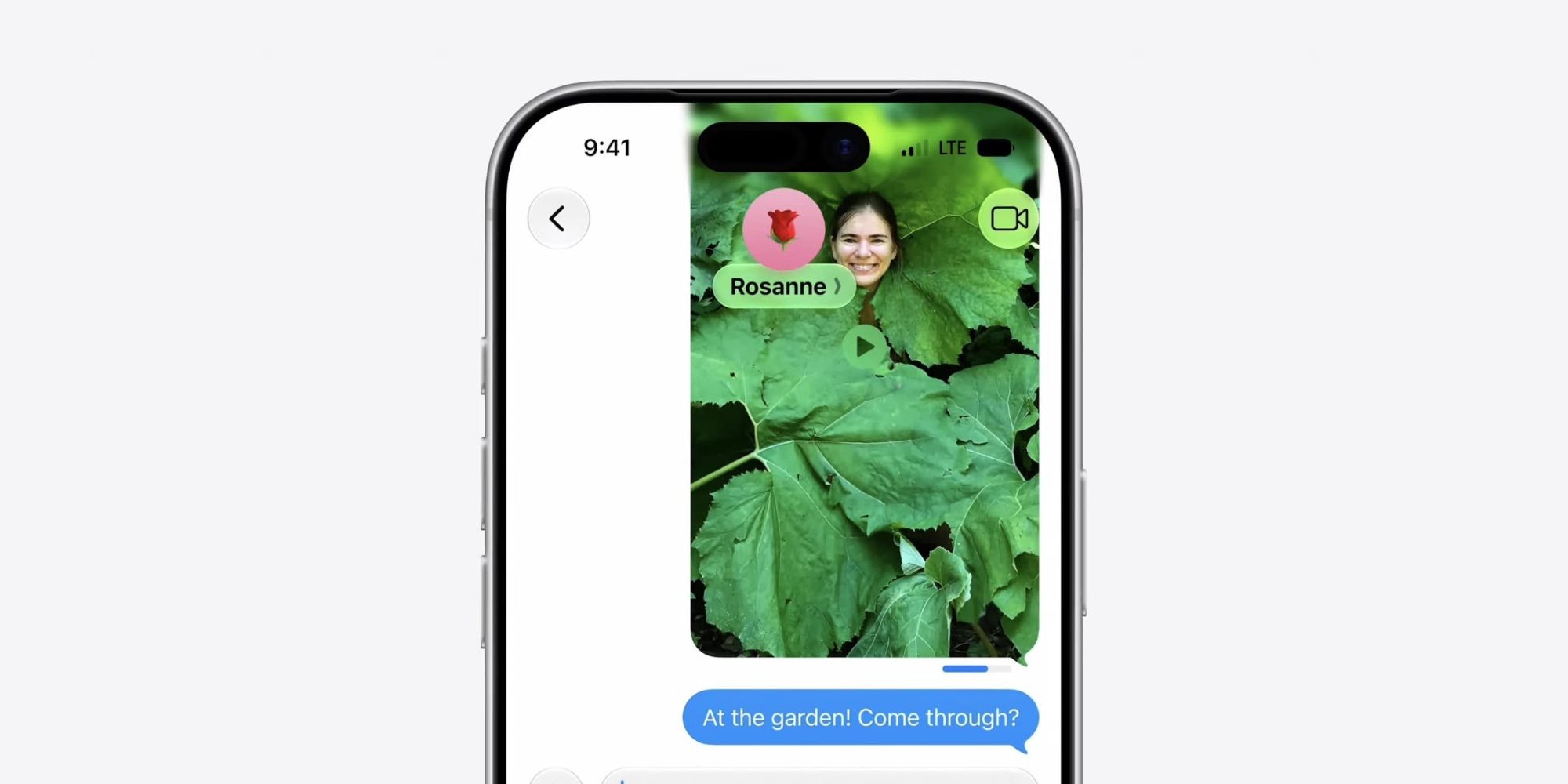
The idea of bug fixes in a major new OS version may not sound the most exciting. But Apple has done a lot of work to make the Messages app perform better than ever, and the promised refinements sound significant.
Here’s what Apple says is newly improved in iOS 27:
- Failed messages automatically retry sending
- Faster message loading
- Faster syncing across devices
- Thumbnails display for offloaded media
- Find offloaded media in Messages
- Continuous sending of photos, videos, and texts in Messages
- Search for conversations by phone number or contact’s nickname
Which iOS 27 features and changes for Messages are you most excited about? Let us know in the comments.
Best iPhone accessories
FTC: We use income earning auto affiliate links. More.