How does using your MacBook while charging affect its battery life?
Modern MacBooks are pretty smart about managing their battery's health.
How does using your MacBook while charging affect its battery life?
Modern MacBooks are pretty smart about managing their battery's health.
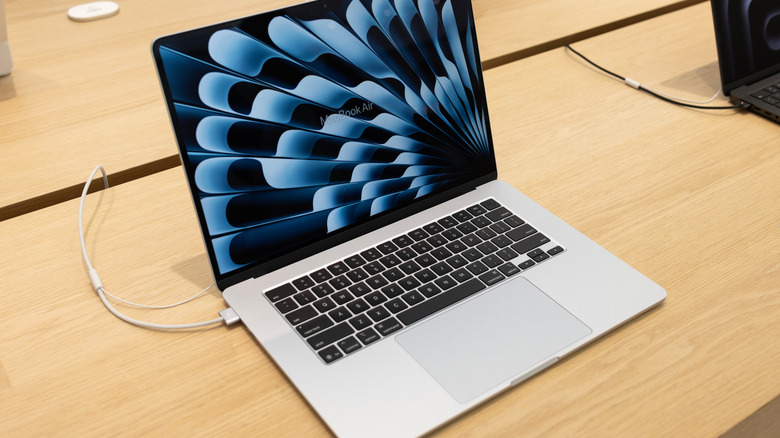
When you are deep in the zone, typing away on your MacBook, the last thing you want is for its battery to die in the middle of a work session. But is it safe to keep your device plugged in nonstop? There is a widely-held conception that doing so may fry your battery, or at least reduce its effectiveness. But in fact, thanks to the lithium batteries and smart charging software installed in new MacBooks, it's generally fine to keep your laptop plugged in at all times.
Still, there are some caveats, including accounting for unusual home electricity related issues like storms or blackouts, or overheating due to other factors. And there are some tricks to keeping your battery healthy that may include the occasional unplug, as well as a number of settings that promote battery health. Read on to learn tips for consistently charging your MacBook without impacting its battery life long-term.
Is it better to use a MacBook on battery or plugged in?
The short answer is that it typically doesn't make a difference. Mac computers use default software to monitor battery life and adjust to user habits and device power fluctuations. These tools work by monitoring its temperature history and charging patterns and modify charging accordingly. MacBooks (and basically all other laptops) run on lithium batteries, which have a high number of charge cycles. They also contain software that uses charging data to calculate when to reduce your battery's maximum charge, reducing wear and giving it more longevity.
The battery health management feature is activated by default on Mac laptops running on operating systems Catalina 10.15.5 (released in 2019) or later. If for some reason you've turned it off, you can activate it by going to your Apple menu, clicking "System Settings," and finding "Battery" in that sidebar. Click on "Battery Health" in this section and select "manage battery longevity."
While in the past, it was wise to avoid letting your battery charge to 100 percent and letting it stay there, today it's perfectly OK to keep your MacBook plugged in while using it. That's because the system will simply pause its charging cycle at optimized times.
How to protect your laptop's battery health over time
If you're worried about your MacBook's battery health, you can start by checking its status under "System Settings." Click "Battery" on the left-hand sidebar, and look at "Battery Health" to see its status – it will typically read "normal" or "service recommended." Some fluctuation is to be expected over time, but Apple doesn't recommend replacement until it passes below 80 percent capacity.
One instance in which battery levels are important to monitor is when storing your device long term: According to Apple, the best way to preserve battery health if not using your device for an extended period is to charge it to around 50 percent. "If you store it fully charged for an extended period of time, the battery may lose some capacity, leading to shorter battery life," its guide says.
The biggest issue affecting battery health is heat: If you're working outside at a cafe on a warm day, for example, you may want to unplug your device or move to a shadier spot. A computer heating up and charging at the same time could negatively impact battery health, and Apple lists MacBook Air operating temperature ranges as 50° to 95° F. In addition to warm environments, some cases or laptop stands can cause a device to overheat while charging. If you notice your device is getting hot, check to make sure its fans are unblocked. As a general rule, keeping batteries cool is one of the easiest ways to help them last longer.
Originally published on Engadget


