How to cancel your Whoop membership (and why you may want to)
How to cancel your Whoop membership (and why you may want to).
How to cancel your Whoop membership (and why you may want to)
One less credit card charge to deal with.
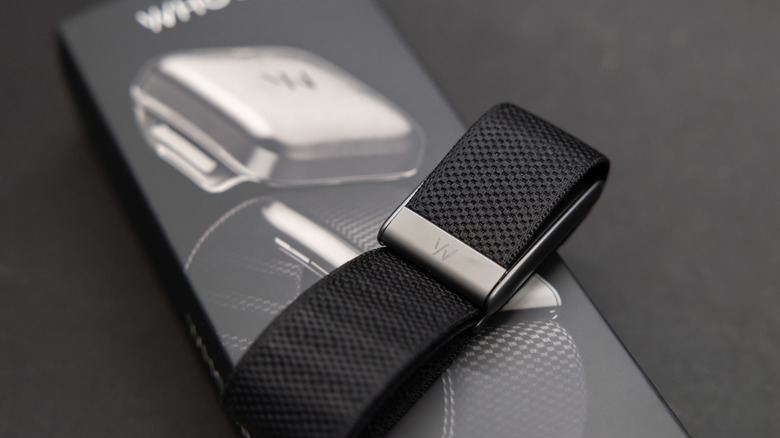
One too many subscriptions on your plate? If you're a Whoop user hoping to shed an extra charge from your monthly or annual bill, the steps are simple.
Earlier this month, the fitness tech brand removed the necessary subscription for its Advanced Labs blood-testing health screenings, which are now available to members without a band or a subscription. That's one of the only things Whoop has to offer if you don't pay an ongoing fee, and ironically enough, each test still starts at about $70.
Unlike other subscription-based wearables like the Oura Ring, which still lets users access their sleep, readiness and activity scores at no charge, the Whoop band is virtually useless without an active membership. That means you need to pay at least $149 a year for Whoop One, the lowest tier, to get features like recovery insights, sleep tracking and VO2 max metrics. Meanwhile, other new options offer all this and more at no monthly cost, but more on that later.
If you're looking to switch to a subscription-free competitor or just trim recurring charges with no need for another tracker, canceling your Whoop membership might be worth considering.
How to cancel your subscription
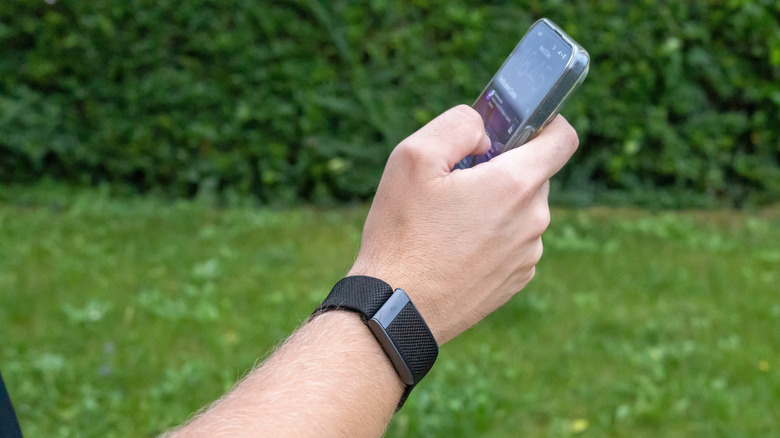
Canceling your Whoop subscription is simple, but it does require a trip to the brand's web app. Visit app.whoop.com in your web or mobile browser, then head to your account dashboard and click into the Membership tab. Scroll to the bottom of the page, select "Cancel Your Membership" to start the process and choose the right option based on your membership type.
If you're paying monthly but committed to 12 months, you can either pay off the remainder of your subscription then and there or schedule it to end at the year mark. If you have a standard, commitment-free monthly plan, you can cancel before the next billing date to avoid another charge. If you paid for the whole year upfront, you can cancel when the 12-month term ends.
If you're a new owner trying to bail within the first 30 days of receiving your device, completing these steps qualifies you for a full refund and hardware return. If you just started a free trial, you can follow the same flow as standard subscribers. Simply download the prepaid label or QR code, then package the device and charger. Just remember to send them back within the same week to avoid the $110 restocking fee.
Why consider canceling?
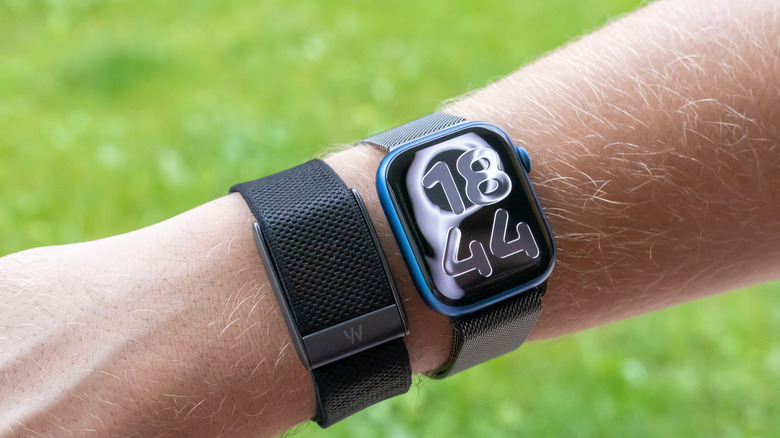
With wearable competition coming out of the woodwork, including the Amazfit Helio Strap and the newly released Garmin Cirqa, there are several screenless, subscription-free alternatives to consider.
Another one to keep in mind is the budget-friendly Fitbit Air, which offers all the key features without a bulky design or monthly fee, unless you opt to enhance the experience with a Google Health Premium subscription. Regardless, you can still access blood oxygen levels, sleep scores, 24/7 heart rate and more for a one-time fee of $100 — that's more affordable than any Whoop subscription.
While first-year Whoop One subscribers start at the $149 mentioned earlier, that's only compatible with the 4.0 Sensor, which is on the cusp of turning five in September. That price increases to $199 after you renew your membership. Meanwhile, the same membership and entry-level features cost $199 with the latest 5.0 Sensor.
The other two tiers, Whoop Peak and Whoop Life, cost $239 and $359, respectively. Although both come equipped with the 5.0 Sensor and offer additional advanced metrics like blood pressure insights and Healthspan, the proprietary feature that specifies your physiological age, none of these memberships are necessarily cheap.
Originally published on Engadget