Some owners of the HomePod and HomePod mini have been startled awake by music playing from their devices in the middle of the night. There are some things you can do to stop ghost or phantom touches firing up audio at random.
The HomePod and HomePod mini are largely hands-free devices. Most of the time, you're directly interacting with them by voice, or through HomeKit, or using AirPlay.
All models also include a touch-sensitive display in the top. While you could keep yelling at HomePod Siri to change volumes, you can also tap the display to do the same thing, or to trigger Siri manually.
However, it's this display that is causing problems for users. Complaints on the Apple Support Forums and elsewhere mention that there are ghost touches affecting their devices.
Ghost touches occur when the touch-sensitive display registers input with no physical contact, triggering the HomePod.
This results in Siri being triggered, music playing and pausing at random, and even changes in volume.
It's a problem that also isn't easily fixed forever, and a reboot and restore doesn't generally fix it. You could try the Genius Bar at your local Apple Store for help, but you're facing the cost of expensive out-of-warranty repairs or a replacement.
There is no single reason for why the issue exists, and it probably varies by model. Various fixes shared online suggest that manipulating that touch display in different ways can temporarily alleviate it.
Some are much easier than others, depending on how much work you want to put in.
The first things to try
Starting off simply, clean the display. If it's a HomePod that's sat on a shelf for a long time, it can get a layer of dust on the top, which can trigger a false touch.
Use a lightly damp cloth to wipe the display, and dry it immediately.
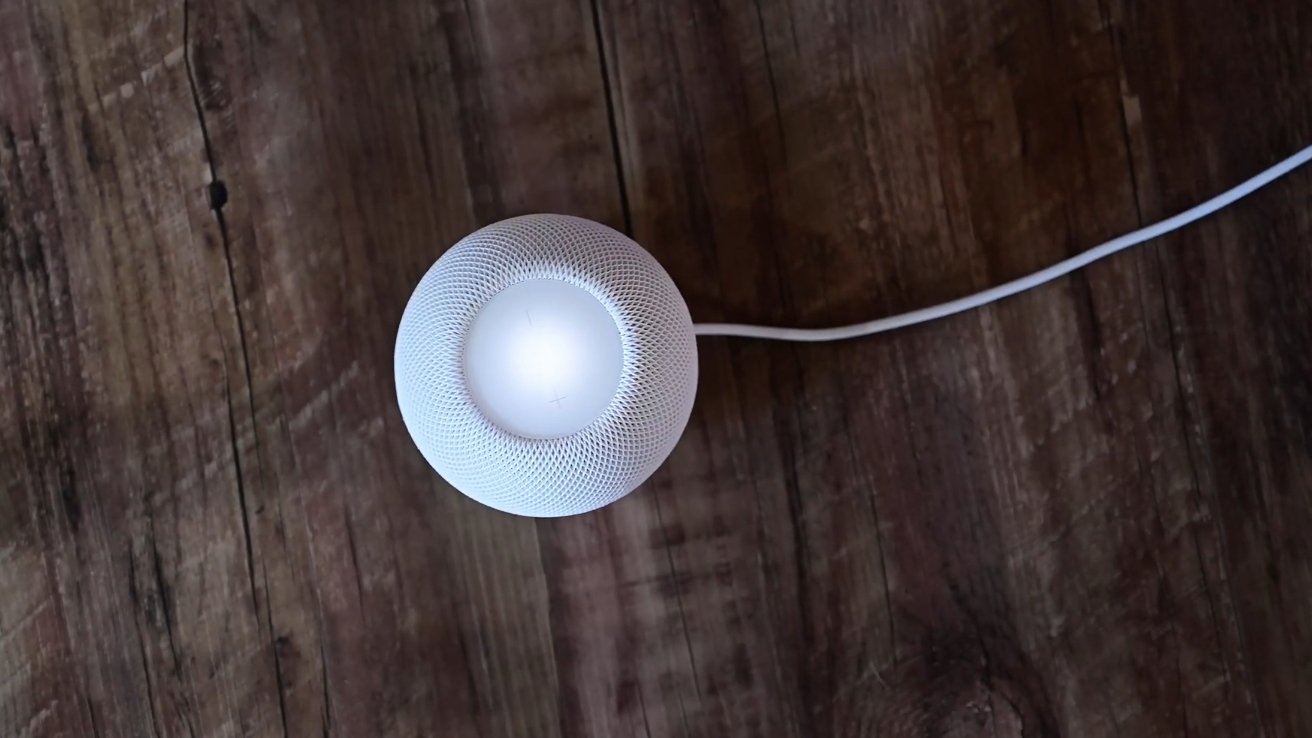
Don't forget to clean your HomePod mini's screen.
A second thing you can also try specifically with the second generation larger HomePod is to place a magnet on the top of the display. This could be anything from a fridge magnet to a MagSafe charger's magnet ring.
The theory is that the magnetic fields interfere with the display enough that they cancel out whatever is causing the phantom touch. It works for some, and not for others, but it's worth a shot.
Software workarounds
If the ghost touches are still happening, you can try some settings changes from your iPhone.
- In the Home app on your iPhone, select the HomePod in question
- Hit the gear icon to bring up settings
- Scroll down to Siri
- Toggle off Touch and Hold for Siri
There is another option available to you under Accessibility.
- Scroll down further to Accessibility
- Select Touch Accommodations, and enable the feature
- Scroll down to Hold Duration, and enable the feature
- Change the time to the maximum of four seconds
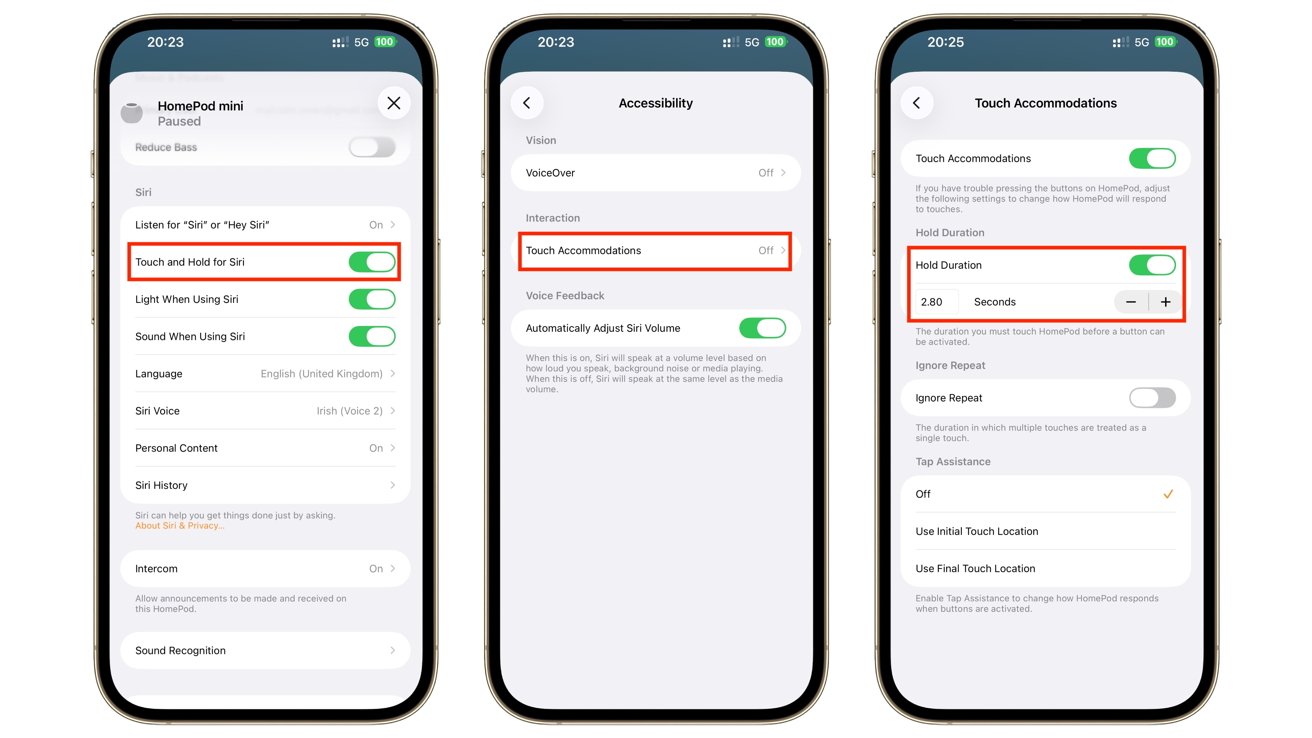
You can change how the HomePod screen acts in the Home app
This does mean that, if you are triggering Siri from the HomePod directly, you will have to hold the touch for a few seconds, instead of just tapping it.
As an aside, this is a very handy option to use if you have cats or small children who have a habit of touching the display.
If all else fails
The previous suggestions should be enough to fix or mitigate ghost touches without replacing your HomePod. But, if the problem persists, there's a riskier path for the more adventurous user or for those with technical knowhow to take.
It is possible to disconnect the touch panel from the display entirely. This does require opening up the HomePod and HomePod mini, making it a move that should only be performed if your hardware is out of warranty.
For obvious legal reasons, AppleInsider doesn't recommend this course of action, but it is possible. There are guides available for taking apart the HomePod and HomePod mini. In each case you can unplug the cable and reassemble it without too much trouble.
That said, the process involves removing the glued-down display directly from the first and second generation larger HomePods. For the HomePod mini, it means removing the base, unsheathing the outer layer, disassembling the unit, and then unplugging the right cable.
In both cases, you will do some damage to the fabric of the HomePod and HomePod mini, and possibly break it further.