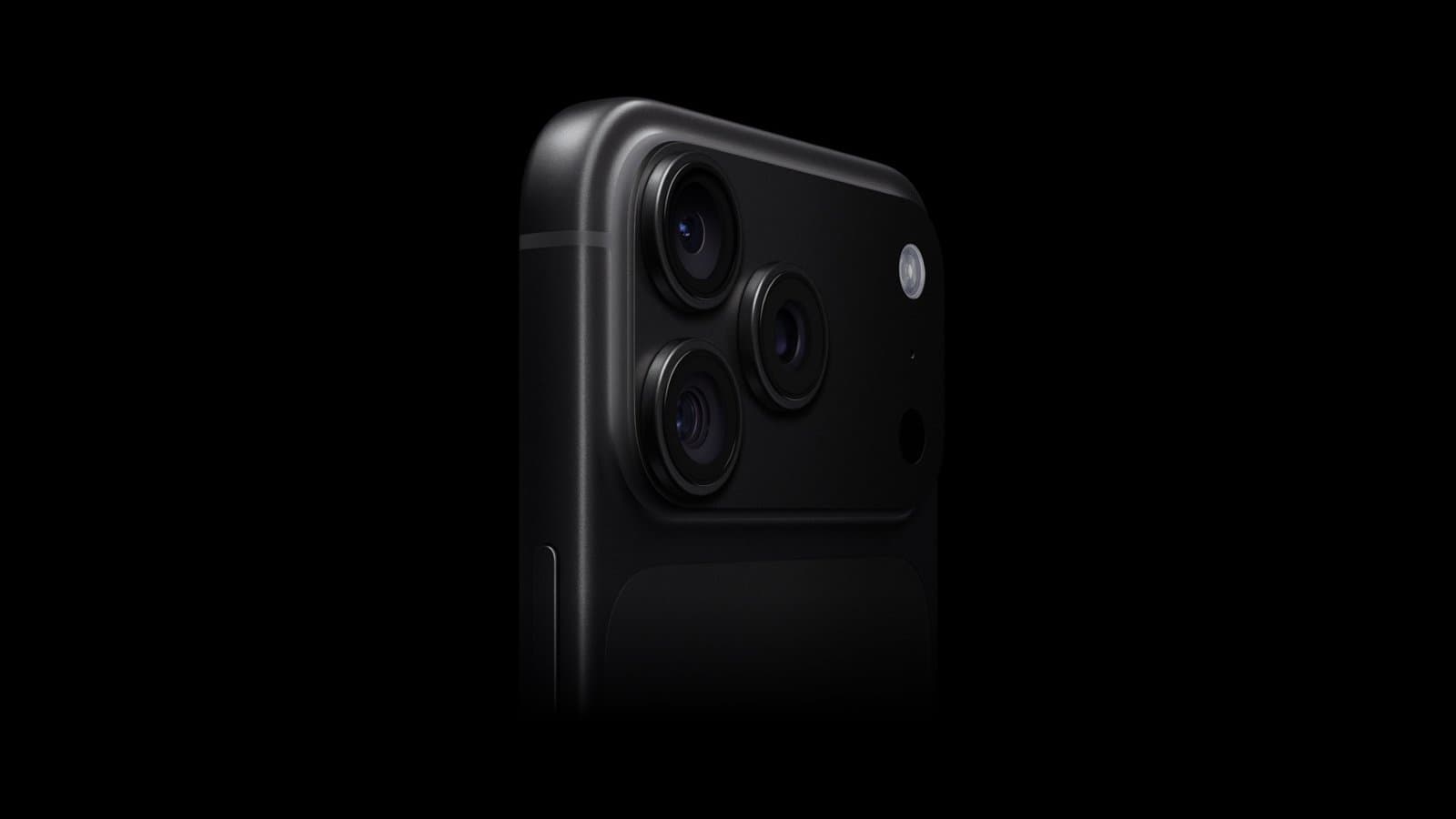
iOS 27 will roll out to iPhones everywhere on September 14, but there’s no need to wait. You can install the final version this weekend and start exploring the new features whenever you have time.
Best of all, there’s nothing dodgy or risky involved. You’ll be downloading the same final release Apple will push to everyone else — just a few days ahead of schedule.
iOS 27 has so much to offer. Why wait? Install it now.
iOS 27 was announced at Apple’s Worldwide Developers Conference way back in June, and has been in beta testing ever since, so what’s coming is not a surprise.
And there’s a lot to like. iOS 27’s biggest upgrade is Siri AI, which transforms Apple’s assistant into a much more capable, conversational tool. It can understand natural requests, use information from across your iPhone, take actions in apps and provide answers based on current information from the web. Apple even added a dedicated Siri app.
Plus, Visual Intelligence gains new capabilities that let you interact with what your camera sees.
In fact, Apple expanded Apple Intelligence’s role throughout iOS 27, with smarter photo editing, AI-powered suggestions in Messages and Mail, automatic Safari tab organization and a new Notify Me feature that can alert you when a webpage changes.
iOS 27 also brings performance improvements, more flexible Liquid Glass customization and faster app launches, photo loading and AirDrop transfers.
The iOS 27 release candidate is already here
The iOS 27 release candidate arrived for beta testers on September 9, giving them a chance to try out the finished version of Apple’s latest iPhone operating system before it goes out the general public. In other words, Apple has already made the final build available to beta testers — and signing up for the beta program to get access yourself takes only a few minutes.
Normally, installing beta software comes with some risk. Pre-release operating systems are expected to contain bugs and other problems. But this is different: you’re joining the beta program specifically to get the release candidate. It’s the same version Apple plans to release to everyone on Monday, September 14.
You can install it right now and start playing with iOS 27 when you actually have time to explore it. Put the release candidate on your iPhone this weekend and you can try out the new AI features, tweak the redesigned interface and make sure everything works as expected before Monday rolls around. Because you probably won’t have time for all of that on a workday.
Here’s what you need to do.
How to install the iOS 27 release candidate
Screenshot: Apple/Cult of Mac
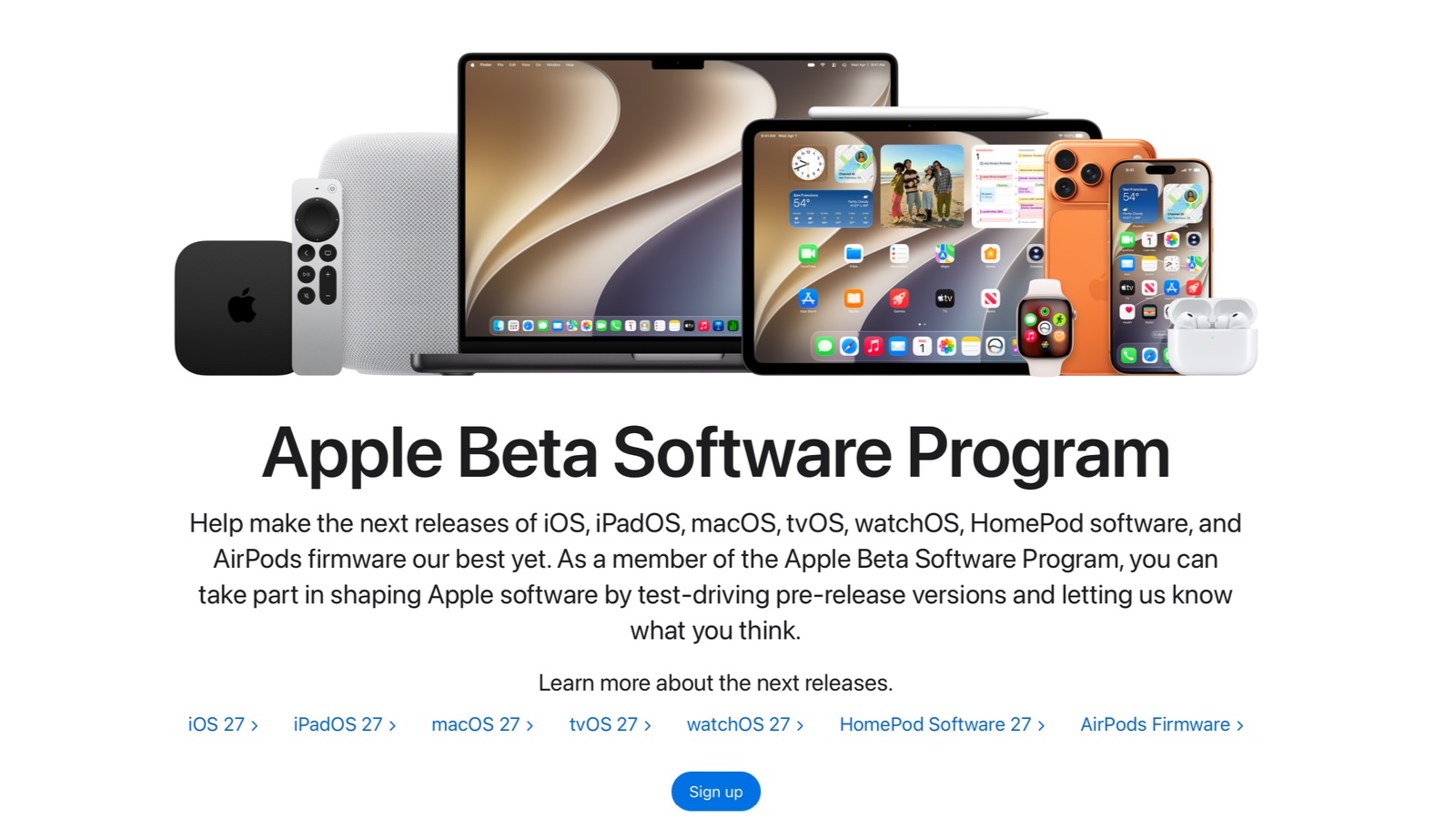
If you like the idea of trying out iOS 27 now rather than later, start by going to the webpage for the Apple Beta Software Program. Be sure you’re signed in with your Apple ID, then click the Get Started button (Or this might say Sign up instead.). You will then need to click Agree on the Beta Software Program Agreement to continue.
You can then choose which version of Apple’s software you want early access to on the resulting Guide for Beta Software page. In this case, you want iOS. Tap on it, then look for the Get started section and tap on Enroll your iOS device.
Now grab your iPhone and go to Settings > General > Software Update > Beta Updates. (If this is not showing up, restart your iPhone.) Be sure iOS 27 Public Beta is checked. Now iOS 27 should show up in Settings > General > Software Update on your iPhone. Tap Install Now to download and install the release candidate.
Unenroll iPhone from beta program
Once you have the iOS 27 RC installed, you can unenroll your iPhone from Apple’s public beta program. It’s a two-step process.
Start on your iPhone by going to Settings > General > Software Update > Beta Updates and tap Off from the list of options.
Then, in a web browser, go to Apple’s unenroll your devices web page, scroll down and tap on Leave Apple Beta Software Program. Then follow the prompt on the pop-up window. Restart your iPhone.
To be clear, this won’t remove iOS 27 from your handset. You just won’t receive any future iOS betas. All you’ll get are the same operating system updates everyone else receives.
Enjoy
When you finish, you’ll have iOS 27 on your iPhone and won’t have to worry about installing it on Monday, September 14. Go try the cool new Siri AI.
And when your friends or coworkers point out that iOS 27 is available on Monday, you can say, “Oh, I installed that days ago.
![Our first reactions to iPhone Duo and other new Apple gear [Cult of Mac podcast 32]](/_next/image?url=http%3A%2F%2Ftech4you.club%2Fmedia%2Farticles%2Fcovers%2Fcover_wfrZsLF.webp&w=3840&q=75)