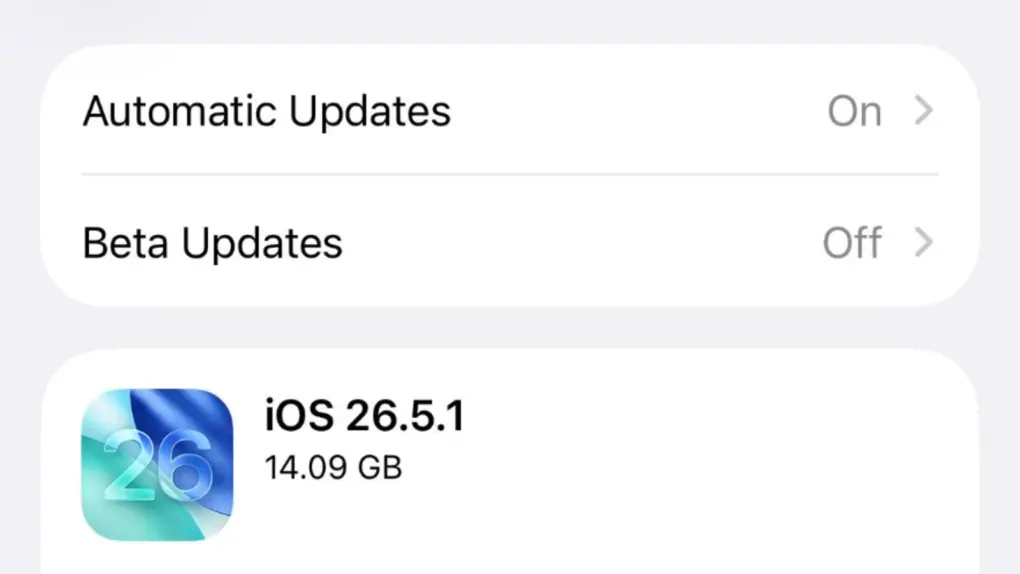
Apple made an update available for its iPhone operating system Monday with iOS 26.5.1. It addresses a wired charging problem some users with iPhone Series 17 or iPhone Air handsets face.
Apple said the problem affects a “small number of users.” But for the few users who face it, the problem probably feels pretty big. The same goes for a Mac glitch fixed by macOS 26.5.1, also released Monday.
iOS 26.5.1 update fixes charging problem
The new iOS 26.5.1 update appears to address charging problems that only a small group of iPhone users have experienced since iOS 26.5 came out in May. It involves difficulty with wired charging of iPhone 17 and iPhone Air handsets when they have a very low battery level.
Here’s what Apple’s release notes say:
This update addresses an issue for a small number of users that may prevent wired charging on iPhone Air and iPhone 17 models when the battery is nearly drained.
So that’s not a whole lot to go on. As always, the release could address other bugs. Apple typically doesn’t list every element of updates in its scant release notes.
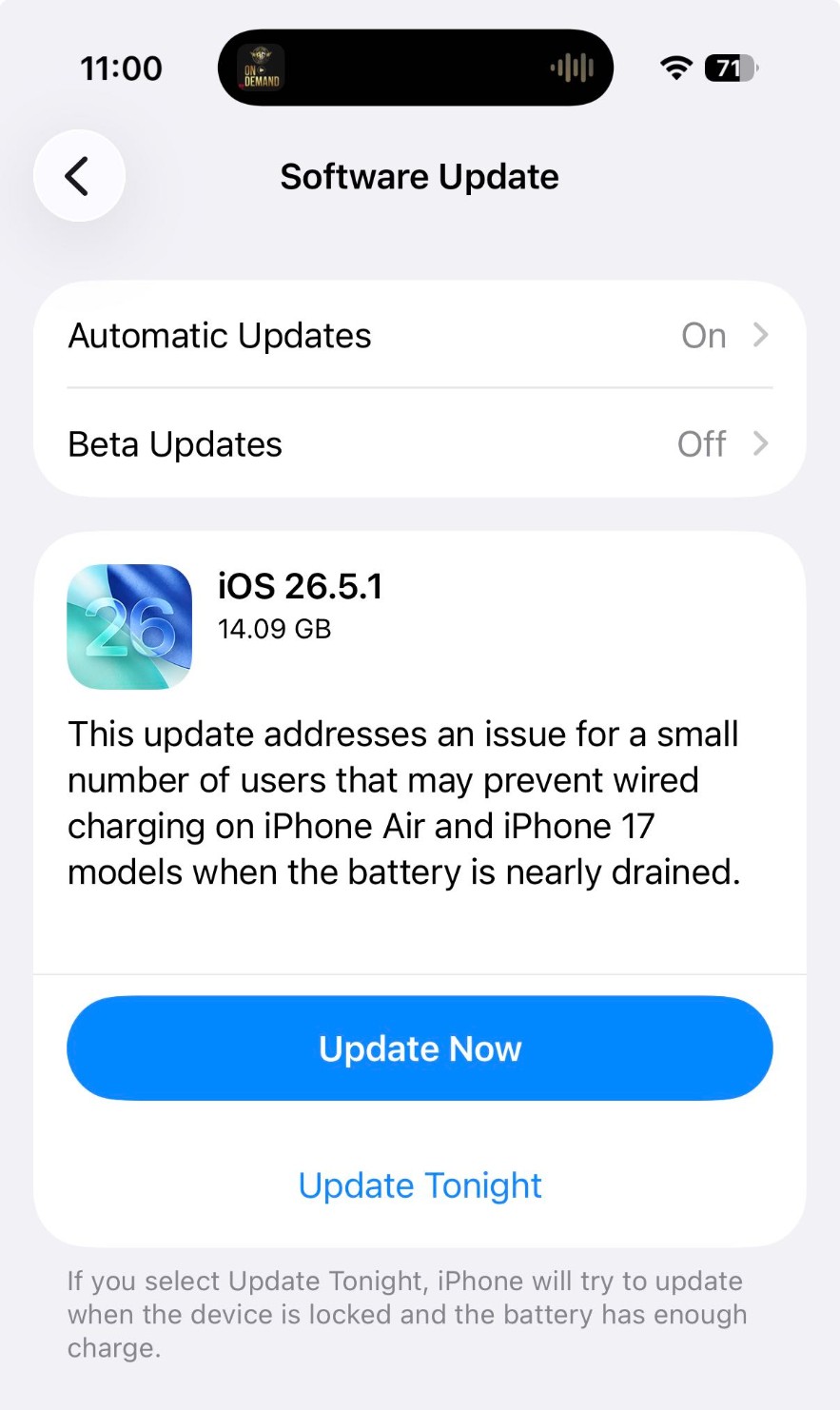
Photo: Apple
And with iOS 27 due to make headlines with new features at WWDC26 next week, iOS 26.6 is in beta testing. iOS 27 won’t be out right away — more like September, in fact, as usual with the year’s biggest software releases. So in the meantime, updates to iOS 26 will continue.
If you need the iOS 26.5.1 update, just go to Settings > General > Software Update on your iPhone to download and install it.
macOS 26.5.1 fixes M5 Mac problem
Apple also released macOS 26.5.1 on Monday. Like the iOS update, it targets a problem experienced by a thin slice of Mac users.
“This update addresses an issue for enterprise users where Macs with an M5 chip could unexpectedly shut down when using certain content filtering network extensions,” Apple’s release notes said.
To get the macOS 26.5.1 update, just go to System Settings > Software Updates on your Mac to download and install it.
Read more about iPhone batteries and iOS at Cult of Mac:

David Snow, an expert on Apple hardware and software, writes on a variety of technological and cultural topics for Cult of Mac. They include Apple news, technology buying guides, and features about computer setups and Apple TV shows and movies.
With 30 years of experience covering technology and other subjects, he has written and edited for numerous print and online publications, including CMP Media, TechTV.com, CNET, Wired News, Red Herring magazine, Law.com, The National Law Journal and Law Technology News magazine. Among other roles, he served as executive editor of the Law.com network of websites and editorial director, technology, for ALM Media.
Snow graduated with a B.A. from Syracuse University with majors in magazine journalism and psychology. While there, he worked as a reporter for The Daily Orange newspaper and associate editor of Equal Time magazine.
Founder of the blog At the Waterline, he can be reached on X (formerly Twitter) via @atthewaterline and on Mastodon via @dsnow.