iOS 27 brings GymKit to iPhone and AirPods, but what does it actually do?
GymKit is a great idea that has never been fully realized. Now, it doesn't require an Apple Watch to take advantage of.
iOS 27 brings GymKit to iPhone and AirPods, but what does it actually do?
GymKit never became as popular as it should have, but great compatibility could fix that.
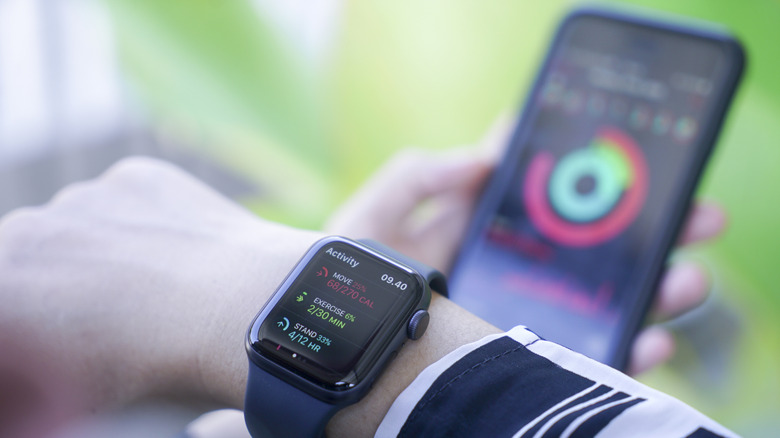
Released in October 2017, Apple's GymKit is an exciting idea that was never widely adopted. The premise is simple: you tap your watch to a machine in the gym to enable data syncing in both directions. The gym equipment can display what your watch is measuring, while your watch uses the machine's metrics to better calculate the quality of your workout. However, gym equipment replacement tends to be a slow process and purchasing equipment for the home is getting more expensive every year. Given the need for an Apple Watch and a compatible cardio machine, Apple's exercise API has had a lot working against it.
With iOS 27, however, Apple is bringing GymKit to iPhone. With this update, your AirPods Pro 3 will handle heart rate data, while the iPhone becomes the screen and record-keeper for workouts. The exercise machine completes the trifecta, contributing its own gathered workout information to the Fitness app.
Nothing has changed on the compatibility front. The cardio machine still needs Apple's GymKit integration, whether you're using an Apple Watch or an iPhone. iOS 27 just adds the same tap-to-connect option for iPhone, so you use the NFC reader with your phone instead of your watch.
Without GymKit integration, iPhones and AirPods are still useful for ordinary workout tracking. They just won't pull any data from the exercise equipment.
How iPhone and AirPods fit into GymKit
With iOS 27, the process of connecting with GymKit is the same as using your iPhone to pay at a store. With a compatible machine handy, tap the iPhone on the GymKit or NFC connection point, choose the type of workout and start the session. Treadmills, ellipticals, bikes and stair steppers are mentioned among the supported types of cardio equipment, but compatibility may extend to other units as well.
If you're wearing AirPods Pro 3, the earbuds will provide live heart rate data to your iPhone, which feeds that information to the equipment, which sends workout details to the Fitness app. It's all one big, clean circle of data. According to Apple's GymKit privacy page, the workout information is removed from the connected equipment once your workout session ends, unless you're using a machine you've signed into.
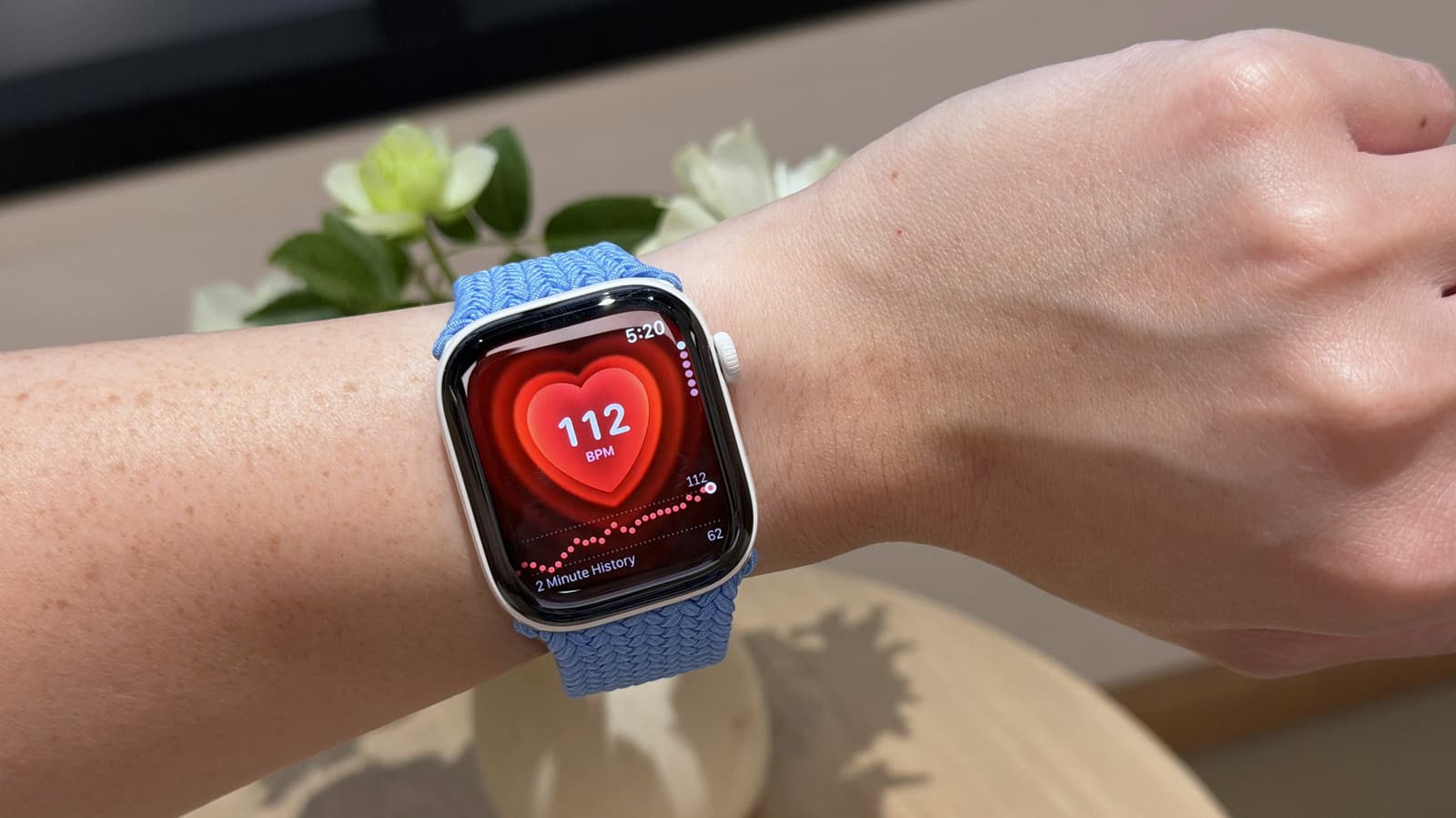
The point is that you no longer need an Apple Watch to take advantage of workout features that were once exclusive to the wearable. If you forget to charge your watch, you can still connect to compatible workout equipment with an iPhone and AirPods Pro 3.
What GymKit does and doesn't replace
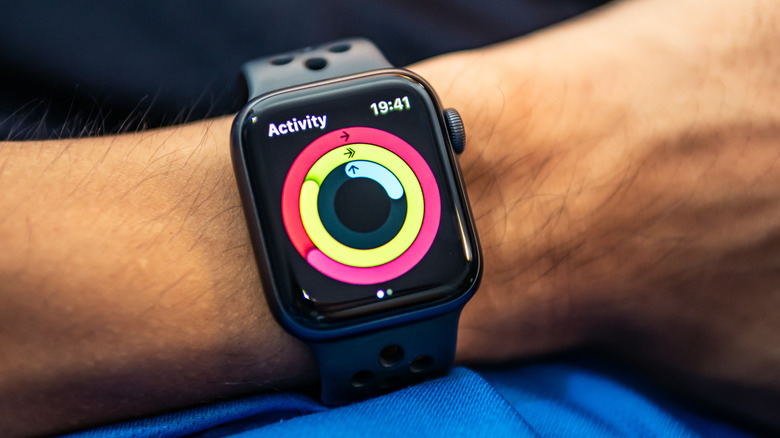
Unfortunately, this new functionality is not a full-fledged replacement of the Apple Watch. Your iPhone and compatible AirPods supply all the data you could realistically need from a workout session. But the Apple Watch is a broader tool that provides the all-day, all-night data context to go along with daily workout routines.
There are practical limitations, too. You must have your iPhone updated to iOS 27, and need AirPods Pro 3 for heart rate tracking. As of this writing, GymKit-supported cardio machines will disconnect from an iPhone if AirPods Pro 3 aren't also in the mix. Perhaps the biggest obstacle is compatible workout equipment, since many of the machines common in gyms and home setups don't work with GymKit.
If you don't own an Apple Watch, tend to forget it at home or don't charge it on a regular basis, the iOS 27 update paired with AirPods Pro 3 will do the trick in a pinch. Due to the practical constraints of needing your phone and AirPods, though, wearing a charged and ready-to-go Apple Watch is still the more convenient option.
Originally published on Engadget