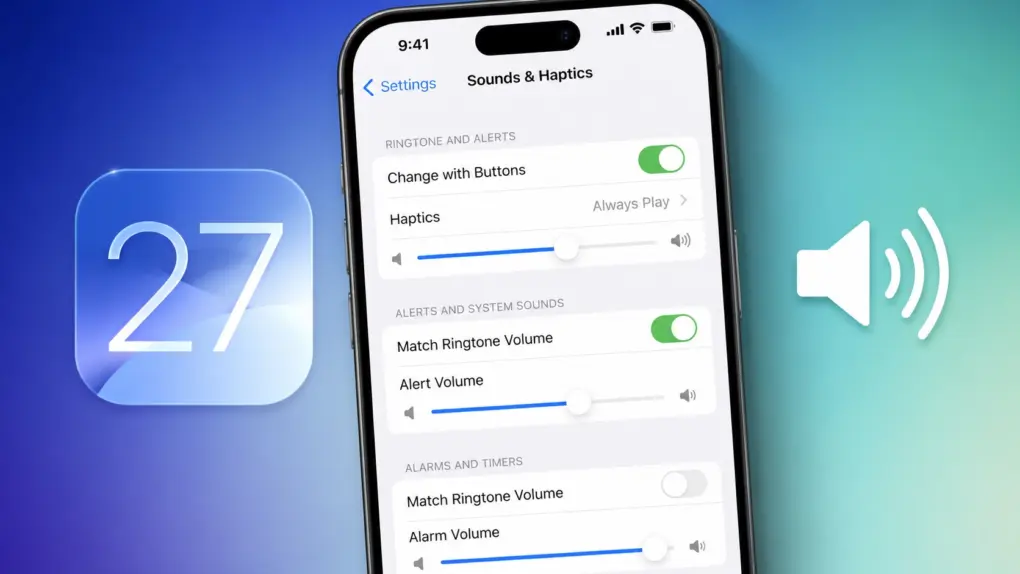
With iOS 27, Apple finally brings independent volume controls for alarms and timers on the iPhone. This means adjusting your phone’s ringtone volume will no longer affect how loud your alarms, timers and other system sounds are.
It’s a small quality-of-life improvement, but one that iPhone users have been requesting for years.
Separate ringtone and alert volumes
Apple highlighted performance improvements, Liquid Glass refinements, Siri AI, and new Child Safety features in iOS 27 during the WWDC26 opening keynote.
But beyond those headline features, the update also includes several smaller but important usability upgrades. One of them is the ability to set separate volume levels for ringtone and system alerts.
In iOS 26, you only get a single volume slider for both Ringtone and Alerts. With the first iOS 27 beta, Apple introduces a new Match Ringtone Volume toggle in the Settings app, under Alerts and System Sounds and Alarms and Timers.
Turning it off lets you set separate volume levels for your ringtone, system alerts, alarms and timers. System alerts control the volume for incoming messages, keyboard clicks, camera shutter and more.
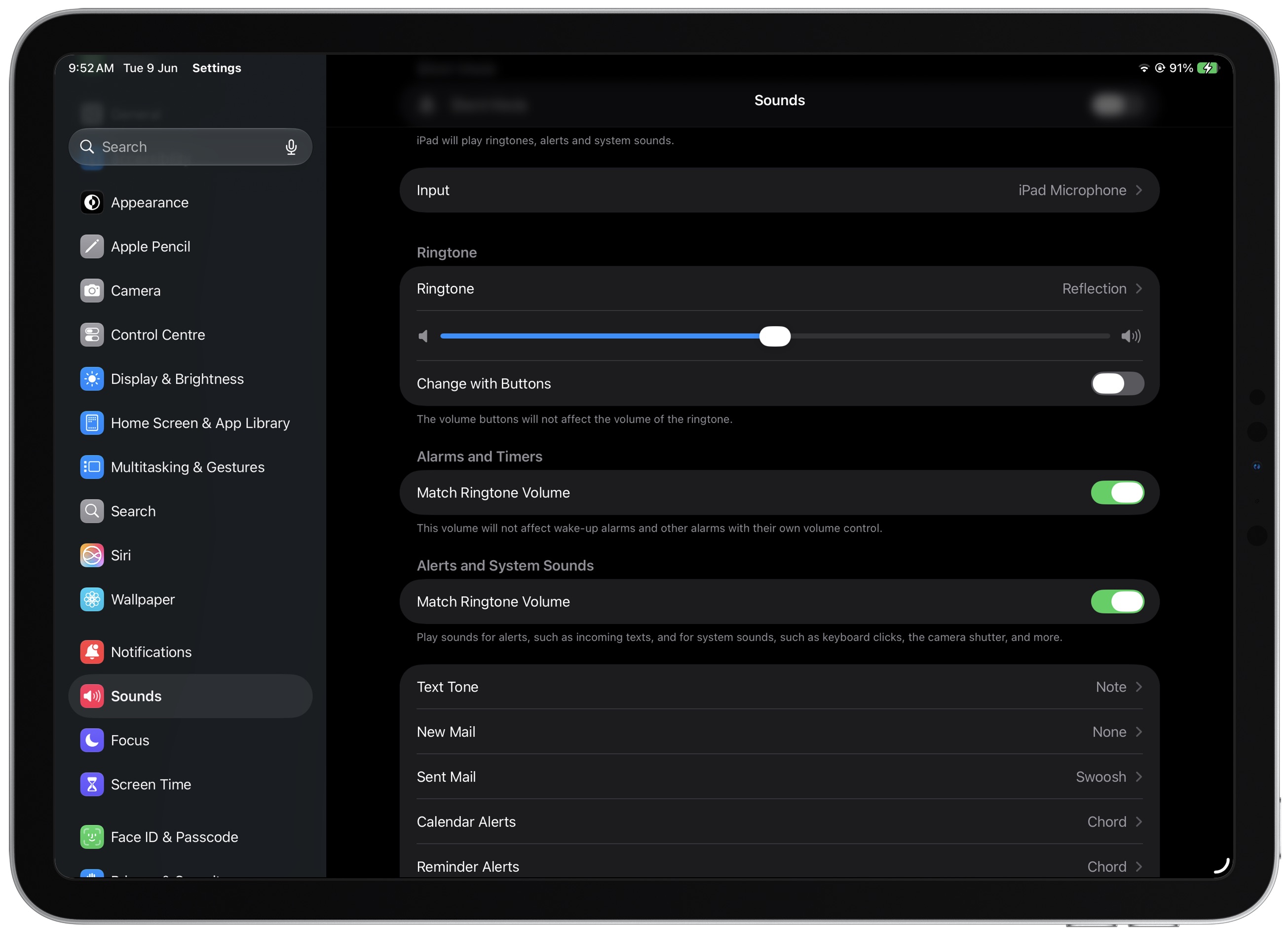
Screenshot: Rajesh Pandey/Cult of Mac
A similar option is also available for iPads in iPadOS 27.
The change might sound minor, but it solves a long-standing annoyance for iPhone users. Until now, lowering your ringtone volume also meant quieter alarms and timer alerts.
So, if you prefer a low-volume ringtone during the day, you risk missing an important alarm or timer. On the flip side, keeping alarms loud enough often meant your ringtone and notification sounds were uncomfortably loud as well.
Android phones have long offered independent volume controls for ringtones, alarms and system alerts. So, it is good to see Apple finally offer the same level of flexibility on iPhones.