Apple has released iOS 27 to the public, bringing with it the long-awaited overhaul of Siri among other AI-based changes to your iPhone.
Introduced back in June at WWDC 2026, Apple's update to iOS 27 has undergone many developer beta and public beta passes. But now, with the release of the iPhone 18 Pro and Pro Max on the horizon, it's made it available to all iPhone users.
Apple is continuing with its current numbering strategy of referring to the year that the operating system will be used the most in. That would be a small part of 2026 but nine months of 2027.
As usual, users can expect some changes from the operating system update. One of them is a very long-awaited change.
iOS 27: Siri AI and Apple Intelligence
The big news this time is that Apple has finally implemented its Siri overhaul. The change announced during WWDC 2024 and delayed in early 2025 has become a reality.
Using the Apple Foundation Model trained by Google Gemini, Siri in iOS 27 is being supercharged, as is all of Apple Intelligence in general.
As well as the new model, there's now a System Orchestrator that combines all of the elements that make up Apple Intelligence into a cohesive whole.
That means you're tapping the same systems if you're dealing with images, text, or anything else.

Siri AI now uses contextual awareness and your data more. Image Credit: Apple
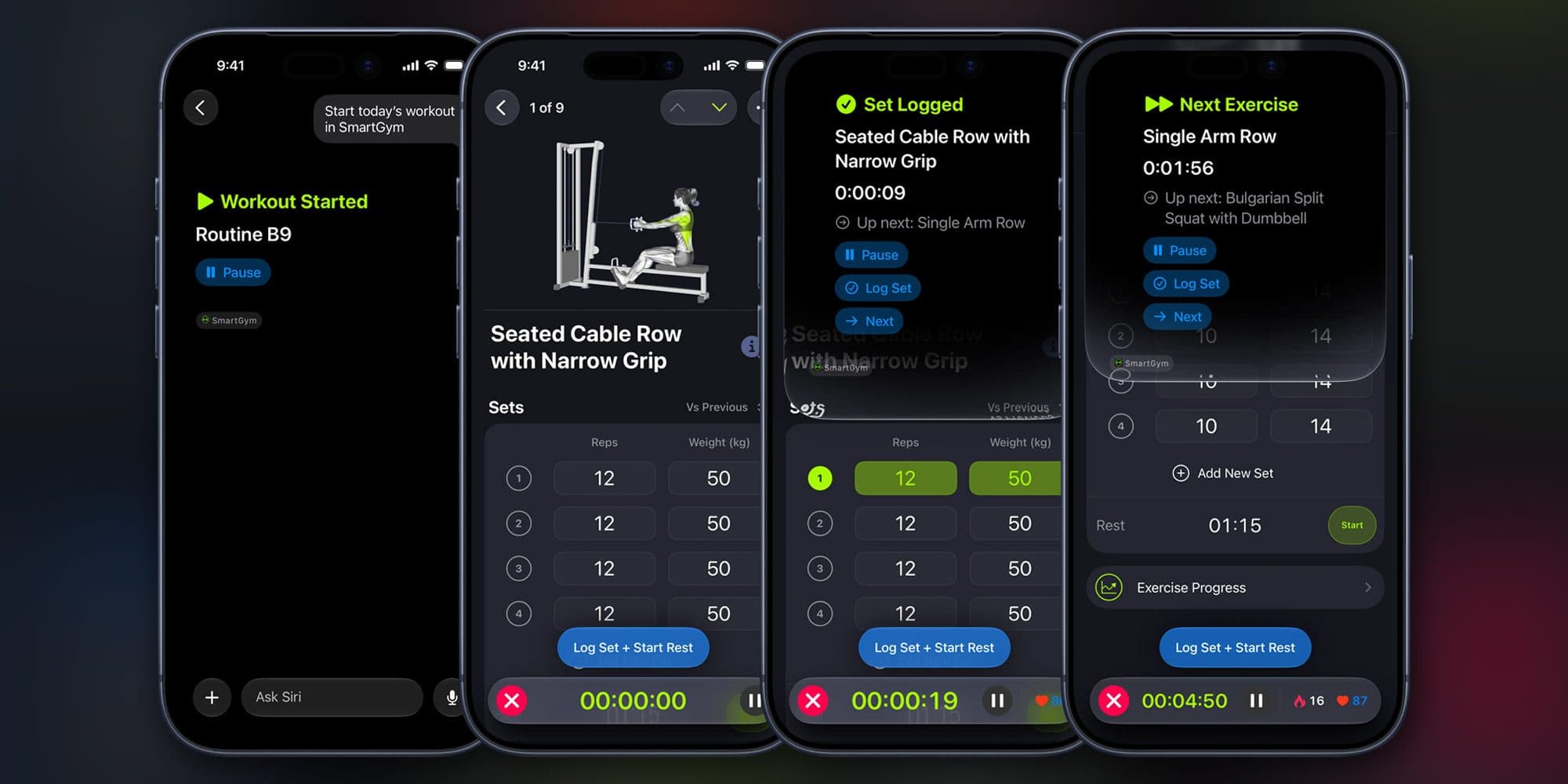
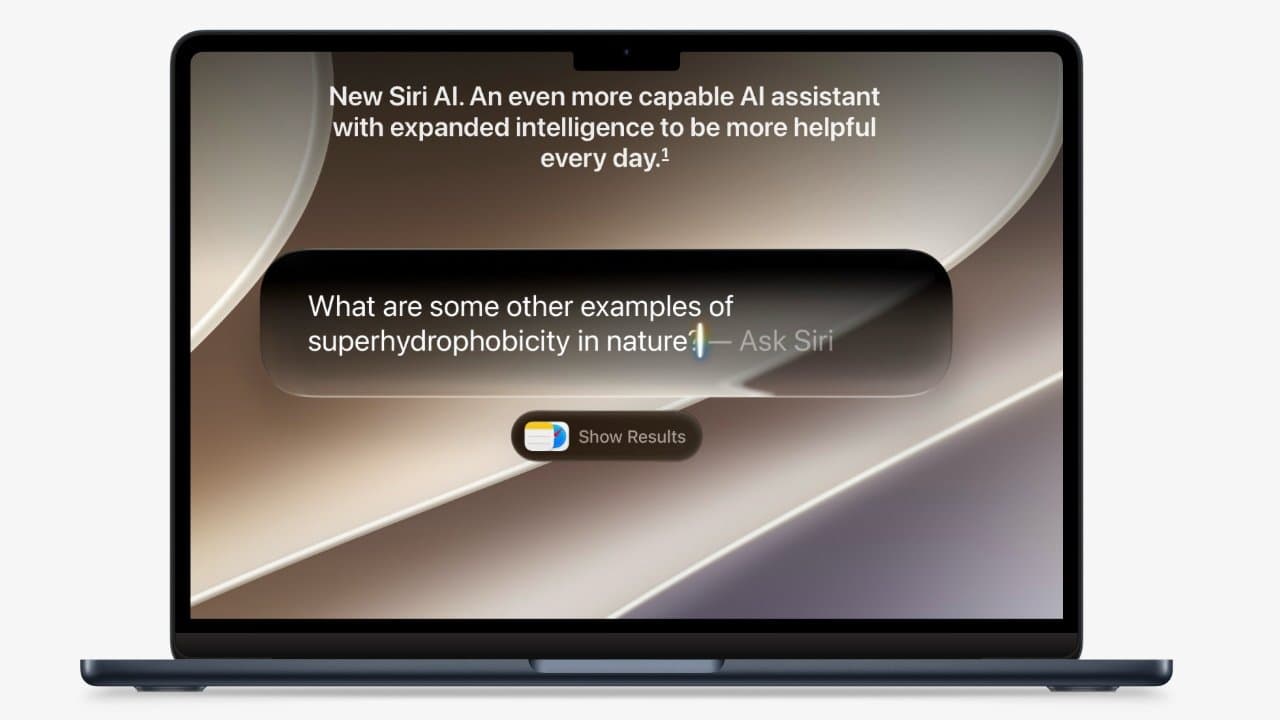
The primary way that everyone will experience this will be through Siri, now dubbed Siri AI. With a new Liquid Glass appearance that consumes the Dynamic Island, it works much like old Siri with verbal prompts, but there's also text entry and a new Siri AI app.
The app is your destination for checking over previous conversations you've had with Siri. Those discussions are also more conversational, with follow-up questions and prompts.
It brings Siri and Apple Intelligence more in line with other AI chatbot services. However, the new contextual awareness will make it seem more impressive.
Siri can now take advantage of your data, your contacts, and messaging history, in answering queries. For example, if you ask where you went on your last vacation, Siri could bring up shots from your trip, referencing comments in your messages planning the event, and tourist spots you passed through.
However, while any device with Apple Intelligence support can use Siri AI, only some will benefit from using Apple's new "most advanced on-device model ever." That means the iPhone Air and iPhone 17 Pro and later will be able to use those new LLMs.
iOS 27: Images and Photos
The changes aren't just about Siri, but they also apply to other areas.
For example, Visual Intelligence is now much easier to access in the Camera app thanks to a new Siri mode. Taking a shot, you can then use what's visible in the image as part of a Siri query.
You're not limited to the camera either. You can even take a screenshot and make a Siri query from that.

Siri mode in the Camera app
In the Photos app, there are now new editing options driven by AI. That includes Extend, which can generate more of an image for you beyond what the camera saw.
There's also Spatial Reframe, which lets you change the camera angle after you took the shot. It's advised not to push it too far, though.

Spatial reframing of a portrait of a kitten works well. Original on the left.
Image Playground, Apple's image generation feature, has been enhanced since iOS 26 with ChatGPT integration. That means being able to create images in more styles, including photorealistic graphics.
iOS 27: Child Safety
Parental controls have been a continual area of complaint from groups concerned about the safety of their children. Once again, Apple is trying to appease them with a new set of features.
The parental controls have been revamped in iOS 27, including making it a lot easier for a parent to set up a new child Apple Account. Parents will also be guided on how to modify a child's access to apps on a device.
While children could ask for access to an app before, the iOS 27 update expands these requests to include websites.
The Time Allowances feature of Screen Time now makes it easier to manage app usage. APIs also allow developers to hook into that system.
There's also an update to Communication Safety. Before, it would block nudity from view, but now it will also hide gore.
iOS 27: Smaller changes
These are the main things to look out for in iOS 27, but there are many other much smaller changes too.
The controversial Liquid Glass aesthetic has been given some tweaks to make it more readable. Better contrast, sharper icons, and a customization slider are available in this release.
On the health side, GymKit on iPhone now means you can connect it to compatible cardio equipment at a gym. If you have AirPods Pro 3, you can also use it to track your heart rate with those workouts.
Perimenopause and Menopause support in Health's Cycle Tracking will now notify users if logged cycle patterns are suggestive of perimenopause.

Old Apple Maps and new iOS 27 Apple Maps. Note the changes in how the trees are rendered.
Apple Maps now has better Flyover imagery, enhanced with Visual Intelligence. Local Lists will automate lists of restaurants and other topics based on the interactions of other users.
There are also enhancements to the Home app with Apple Intelligence. Notifications can be combined, HomeKit Secure Video footage can be described to you before you watch it, and AI can now help you search for specific clips.
HomeKit Secure Video also now streams and records in 4K.
iOS 27: Compatibility and Installation
IOS 27 will be compatible with the iPhone 11 and later models, as well as the second-generation iPhone SE and later. This is the same compatibility list as iOS 26, meaning no models have been dropped off the roster.
The full list of compatible models that can update to iOS 27 follows.
To install iOS 27 onto an iPhone, open the Settings app, tap General, then Software Update. Tap the iOS 27 update and follow the instructions.
For participants in the developer and public beta programs, the update may appear automatically with the final version. In some cases, you may have to tap Beta Updates and set it to Off.
New owners of the iPhone 18 Pro will not need to install the update, as it will be preinstalled on their hardware.