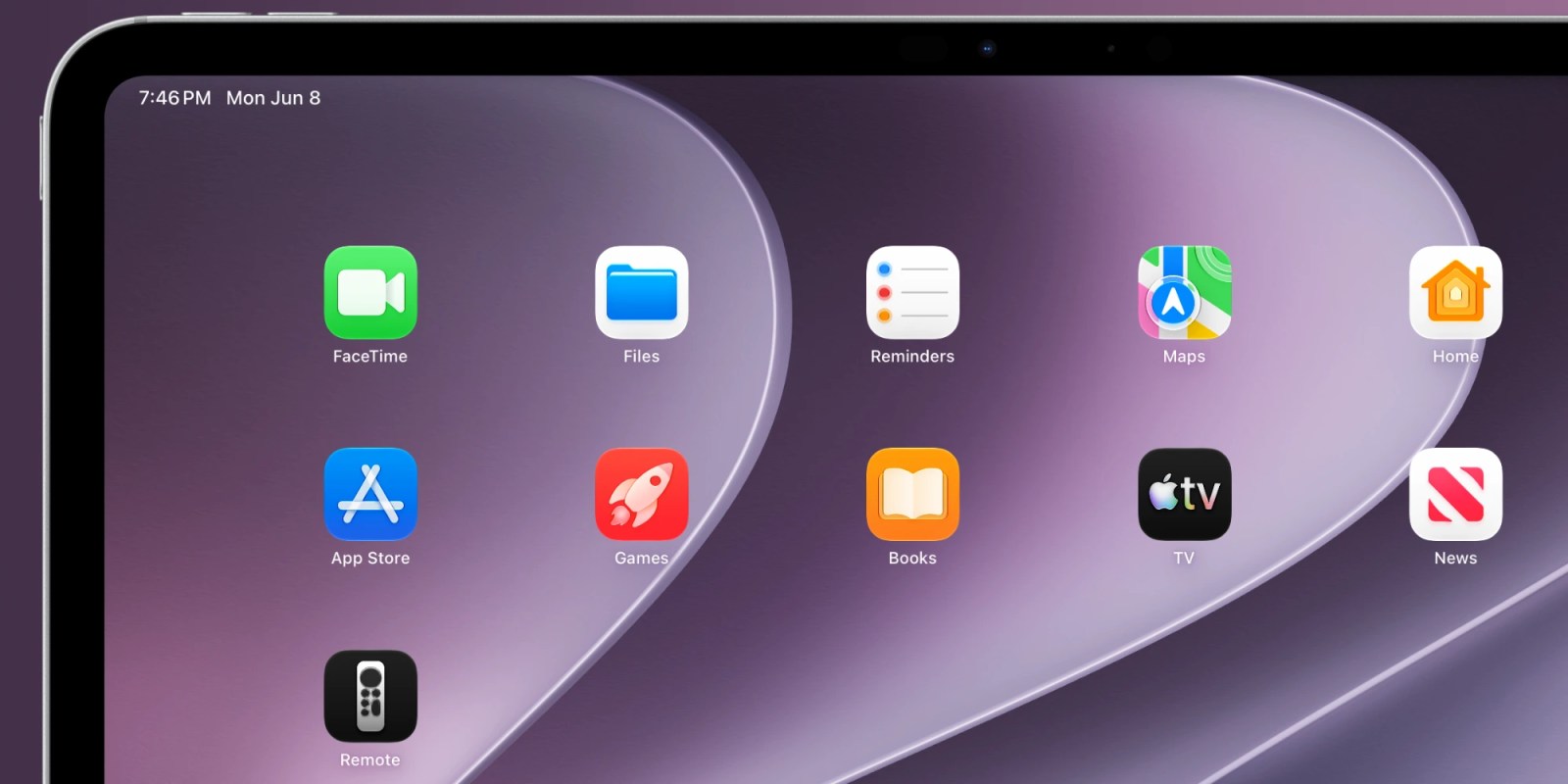
iPhone and iPad can easily control an Apple TV when you don’t feel like reaching for the physical remote. Starting with iOS 27, the virtual Apple TV remote can once again be added to your Home screen, not just Control Center.
The virtual Apple TV remote started as an App Store app before changing to a built-in Control Center tile. Since 2020, the dedicated app version hasn’t been available. If you wanted to launch the remote from your Home screen, you’ve needed to make a Shortcut instead.
Now with iOS 27 and iPadOS 27, you can again invoke the virtual Apple TV remote with a built-in Home screen app icon.
You can either search for “Remote” and drag the icon to your Home screen, or you can find it in the App Library.
This is a welcome change for anyone who regularly uses the iPhone or iPad as an Apple TV remote. Being able to place it on the Home screen again makes it more discoverable and easier to access, and having the option again is a nice change.
iOS 27 and iPadOS 27 are currently in developer beta. Apple will release public beta versions in July ahead of the official launch this fall.
FTC: We use income earning auto affiliate links. More.