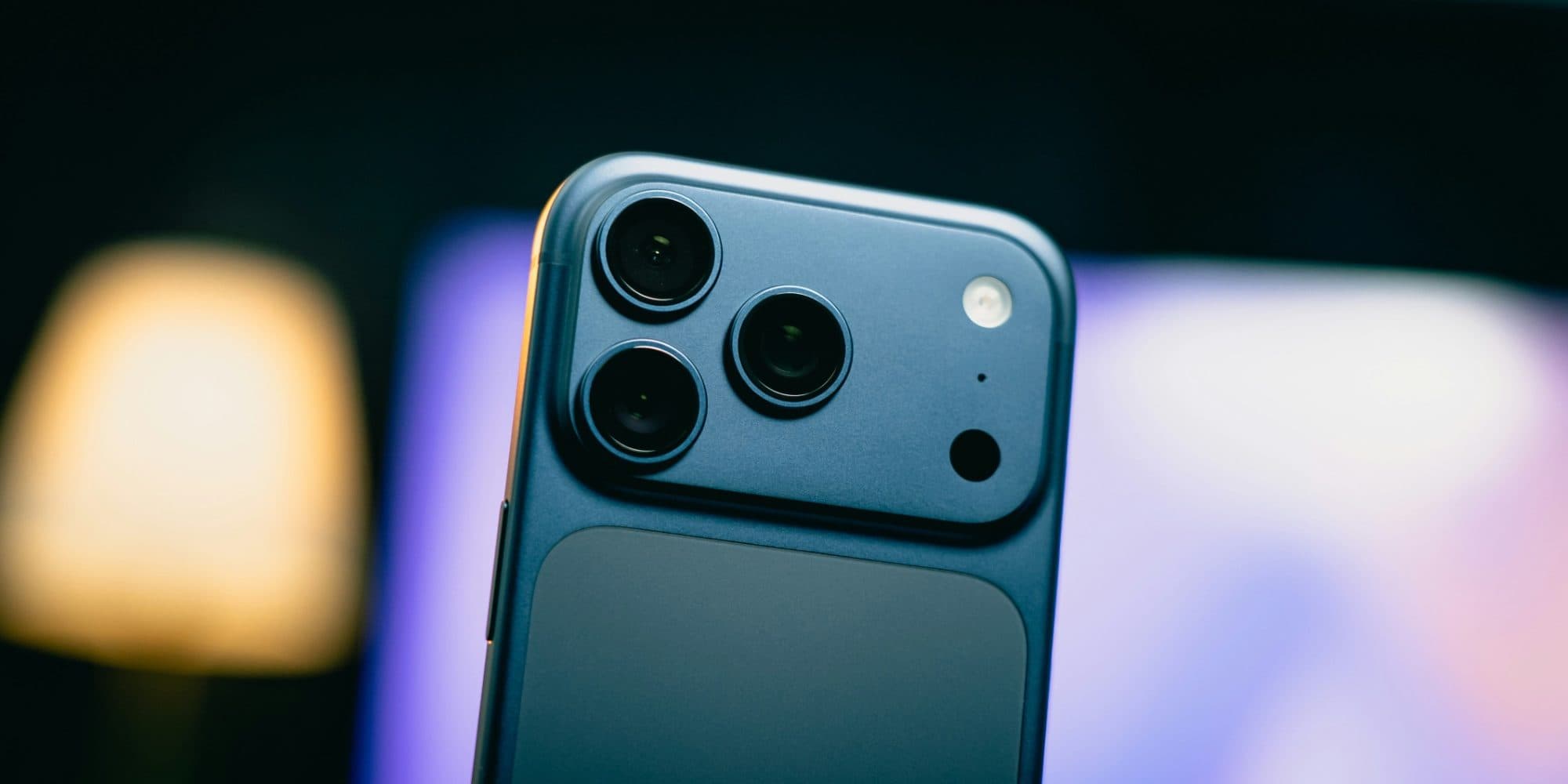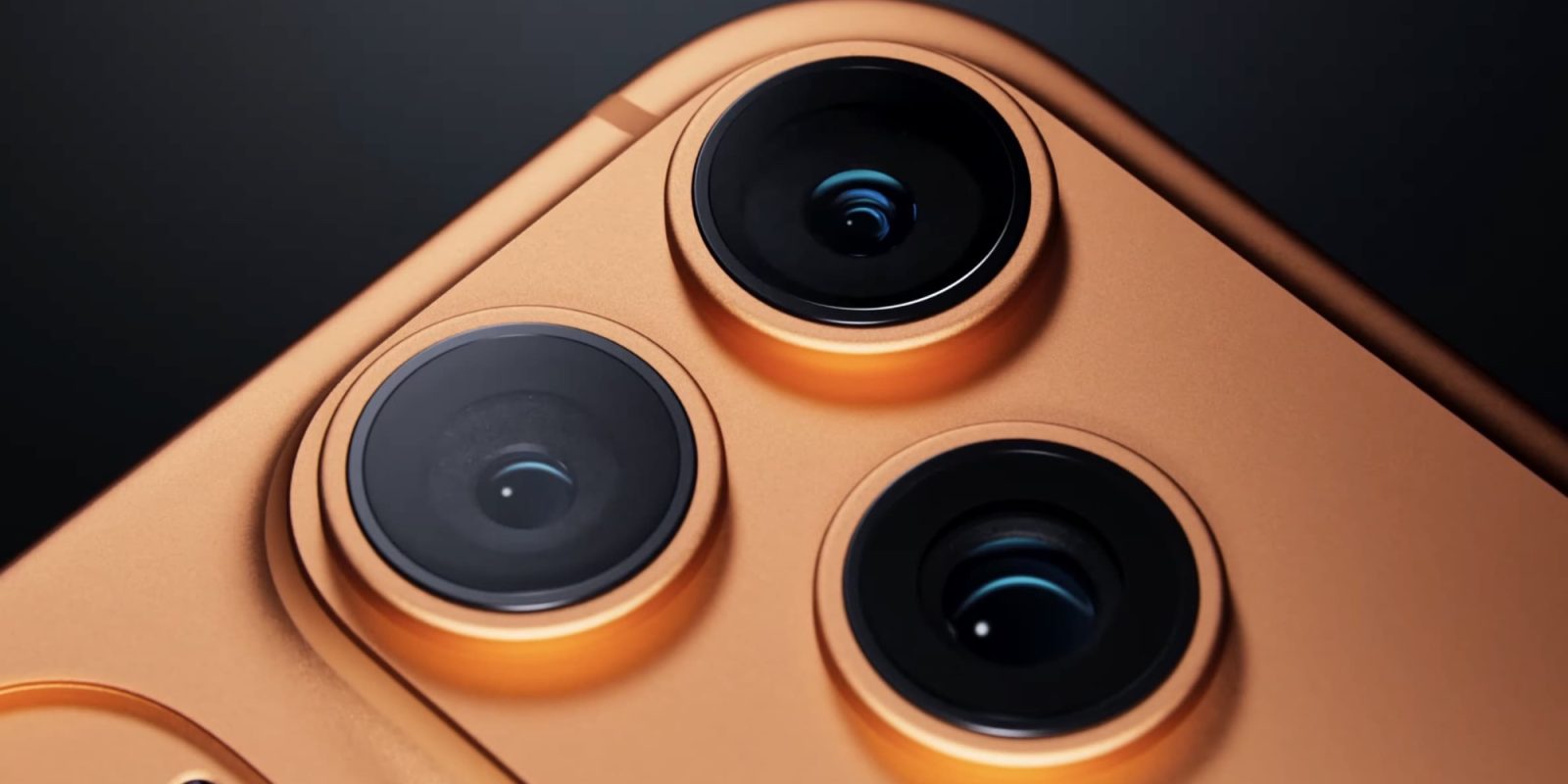
Yesterday Apple updated its ‘pro’ camera app, Final Cut Camera, with a new feature that’s exclusive to iPhone 17 Pro. Here are the details.
Apple adds new ‘Clean HDMI Out’ feature to Final Cut Camera, exclusively on iPhone 17 Pro

Yesterday Apple Creator Studio got big updates across apps like Pixelmator Pro, Final Cut Pro, and more.
Simultaneously, Apple debuted a new version of Final Cut Camera, its pro-focused camera app that’s free on the App Store.
The update brought several new features, such as the ability to easily bring files from Final Cut Camera into Final Cut Pro by connecting iPhone to your Mac.
One change that’s especially intended for “pro” users is exclusive to iPhone 17 Pro and iPhone 17 Pro Max. From the release notes:
Use Clean HDMI Out to send a clean video feed without overlays to an external monitor or recorder so you can stay focused on the image being captured (requires iPhone 17 Pro)
I don’t work in professional video, but I can understand why this feature would be helpful. Getting to see the full image, with zero obstructions, is an important option to have.
I’m unsure, however, why removing overlays requires an iPhone 17 Pro. At a minimum, I would expect iPhone Air to support the feature too. But perhaps Apple assumes that anyone who needs a feature like this will opt for the Pro model—which is likely true.
In any case, the iPhone keeps getting better for ‘pro’ and ‘prosumer’ video work. And before long, iPhone 18 Pro could bring another big leap.
Do you use Final Cut Camera? What do you like about it? Let us know in the comments.
Best iPhone accessories
FTC: We use income earning auto affiliate links. More.