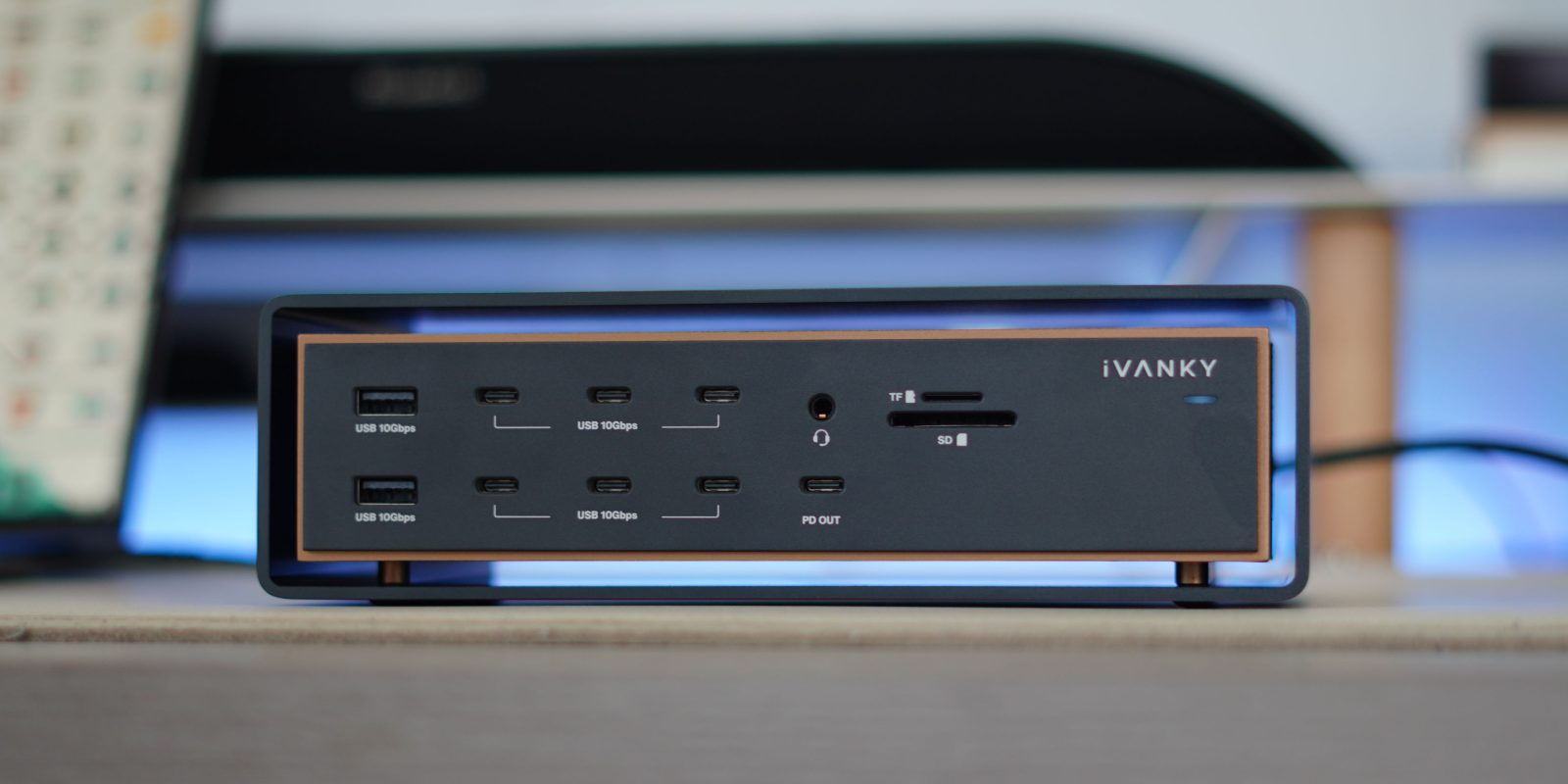
I have used plenty of docking stations over the years, and it seems the desktop dock market is as crowded as ever. I have tested smaller portable docks, to larger stationary docks that give you all the ports you would ever need. But the new iVANKY FusionDock takes a different approach. Instead of just adding more ports, this Thunderbolt 5 dock is built around sustained reliability even while under heavy professional workloads. It can support multiple high-resolution displays, fast SSDs, NAS transfers, and full MacBook Pro performance all running simultaneously. If you are a power user and you need a powerful dock to match your workflow, the FusionDock Ultra is worth considering. Here’s why.
iVANKY FusionDock Ultra
The FusionDock Ultra is a Thunderbolt 5 dock built specifically for high-performance Mac workloads, especially for those with Apple Silicon MacBook Pro setups that need extensive I/O and sustained bandwidth. FusionDock Ultra is only compatible with Apple silicon Macs and is not compatible with PCs or Intel-based Macs. This dock is loaded with ports and capabilities.
You get:
- Dual-chip architecture with up to 120 Gbps bandwidth
- Native support for up to four external displays
- Up to quad 6K 60Hz monitor support
- 10Gb Ethernet connectivity
- UHS-II SD and TF 4.0 card slots
- Optical audio support
- 140W host charging
- 45W PD charging port
- 26 total ports
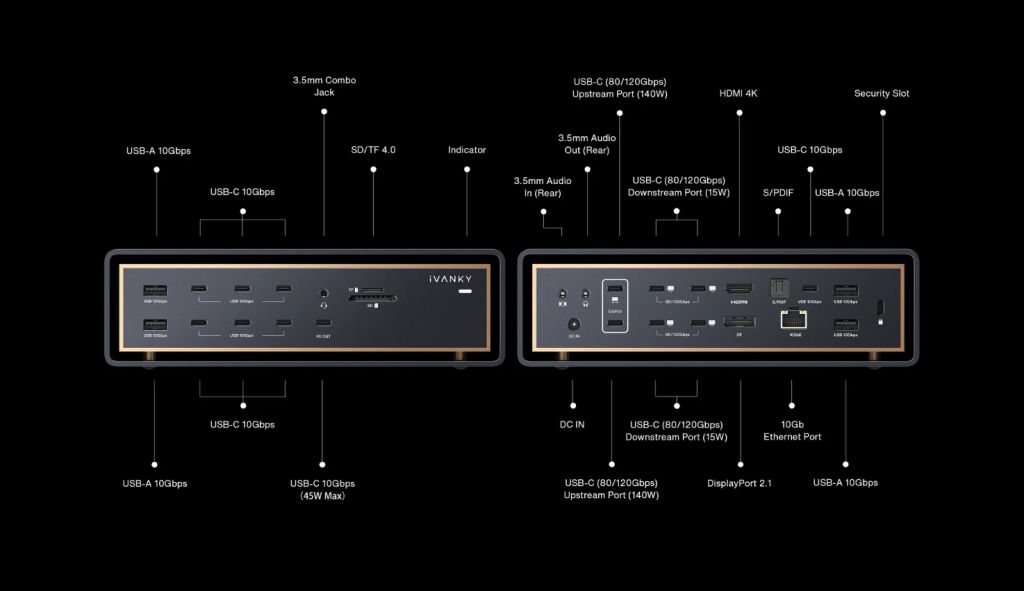
The key standout here is the dual-chip architecture. The reason for the dual-chip structure is that most docks use a single-chip architecture, which ends up bottlenecking the bandwidth pipeline. Normally, displays, storage, networking, and peripherals all compete for space on a standard dock. The FusionDock Ultra separates these workloads into independent subsystems. In real-world use, that means heavy storage transfers shouldn’t impact display performance or network speeds the way they often do on traditional docks.
The big headliner here is the display support. For reference, an M5 Pro MacBook Pro can natively support up to three 6K 60Hz displays, which is already a very high-end native display setup. On Max-series MacBook Pro models that natively support four external displays, FusionDock Ultra enables a native quad-display setup without relying on DisplayLink compression. It is worth noting that the 4-display output is only achievable on Mac models with Max-series chips, and the total number of external displays cannot exceed what the Mac itself natively supports. So if you are someone who works with multiple color-accurate duiplats for photo or video production, this is a high-selling point.
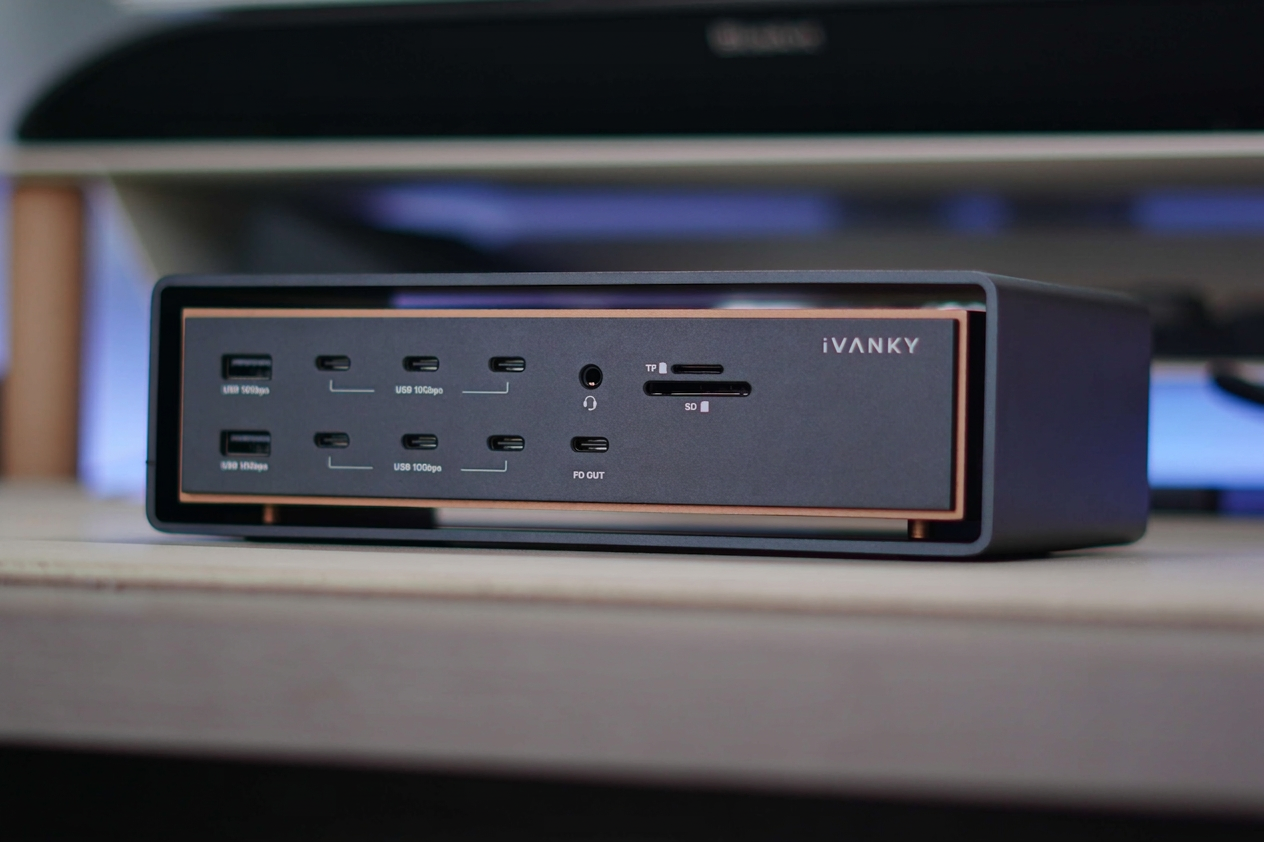
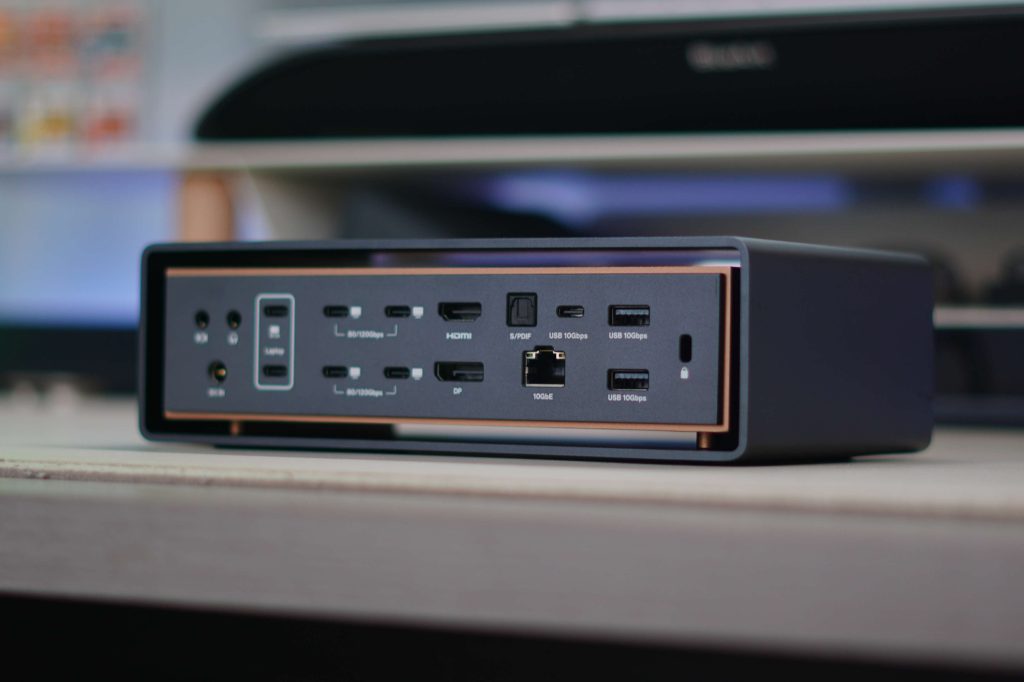
One more aspect of the dock to mention here is the built-in 10GbE support. As more people use physical storage with NAS setups, accessing your data as quickly as possible becomes a must. Especially for those handling large file sizes like 4k or 6k ProRes footage, faster network throughput can dramatically improve workflow efficiency and reduce downtime waiting for file transfers.
How I use the FusionDock Ultra
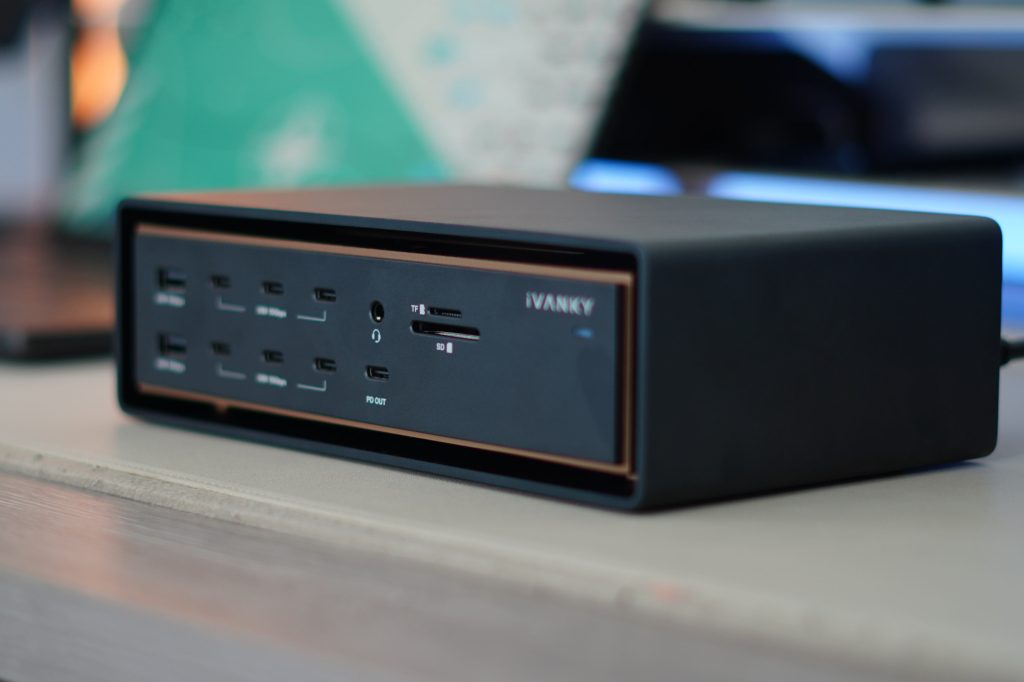
In my setup, I often have multiple accessories connected to my dock simultaneously. Between external SSDs, SD cards, my display, webcams, charging accessories, and all of my other desktop peripherals, it is easy to overwhelm a typical dock. The first standout benefit for me is the insane port variety; there aren’t many docks that can match the 26 ports of the iVANKY FusionDock Ultra. I mean, this dock has 12 total high-speed USB-C ports, HDMI, and DisplayPort, and that’s just half of the ports you get. That alone changes the day-to-day experience more than you might expect. No cable swapping, no unplugging drives to charge something else, no rearranging your setup depending on the task.
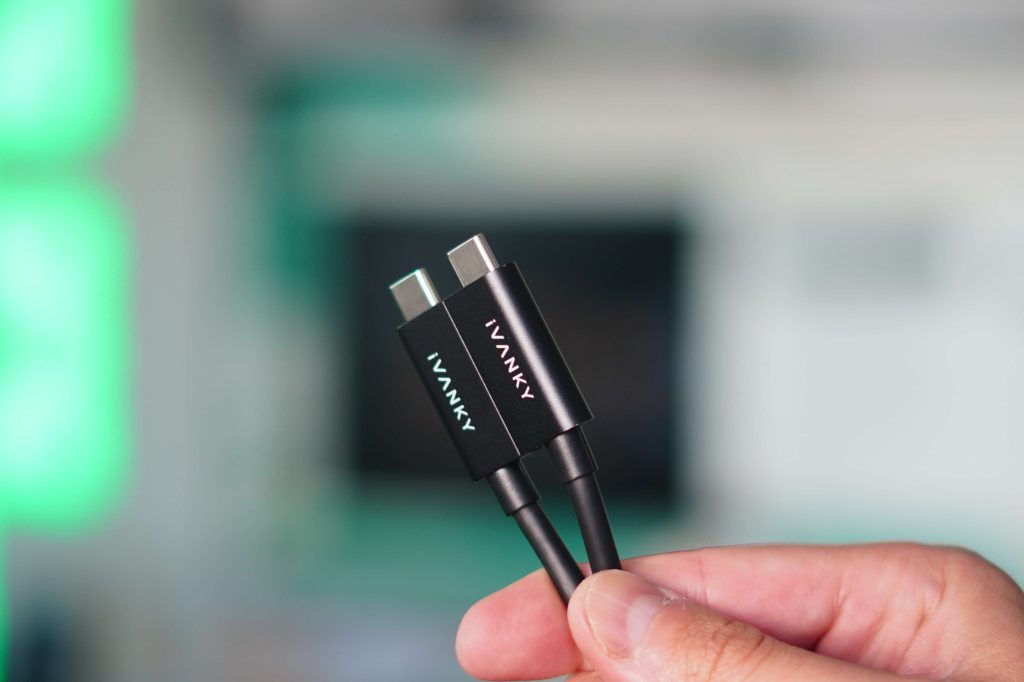

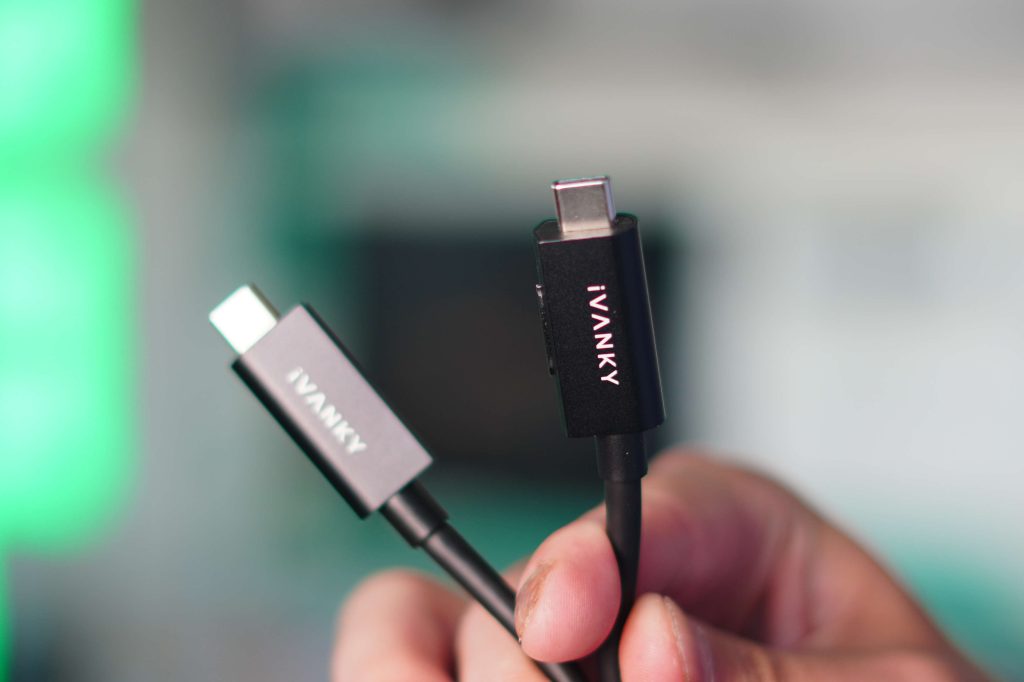
My biggest worry with a high-powered dock like this was thermals and throttling. Many docks I have tested tend to heat up quite a bit, even under moderate loads. So, with iVANKY putting 26 ports on their FusionDock Ultra, I expected some heating issues. But it seems they have put a lot of time and thought into the thermals. They put an adaptive dual-fan cooling system that only ramps up under sustained heavy load. In my testing, I heard them fire up only a few times, and it was usually when I was exporting videos from FinalCut while using all the other ports simultaneously. I like that they have included this because it allows for bandwidth and power to be sustained for long periods of time, and then it also cools it down quickly when it is coming off a high-powered instance.
The last piece I wanted to mention was just the overall build. This dock is built like a tank. It is well-made, fits the Apple aesthetic nicely, and has this beautiful, almost levitating design language. Port placement is also just as important, and they have nailed it. The ports I use the most are at the front, and the lesser-accessed ones are tucked away at the back.
Pricing and availability
The iVANKY FusionDock Ultra is available today and is on sale for $649.99. For that price, you get:
- Thunderbolt 5 connectivity
- Native quad-display support for Apple Silicon Macs
- 10GbE networking
- 26 total ports
- Up to 120 Gbps bandwidth
- 140W host charging
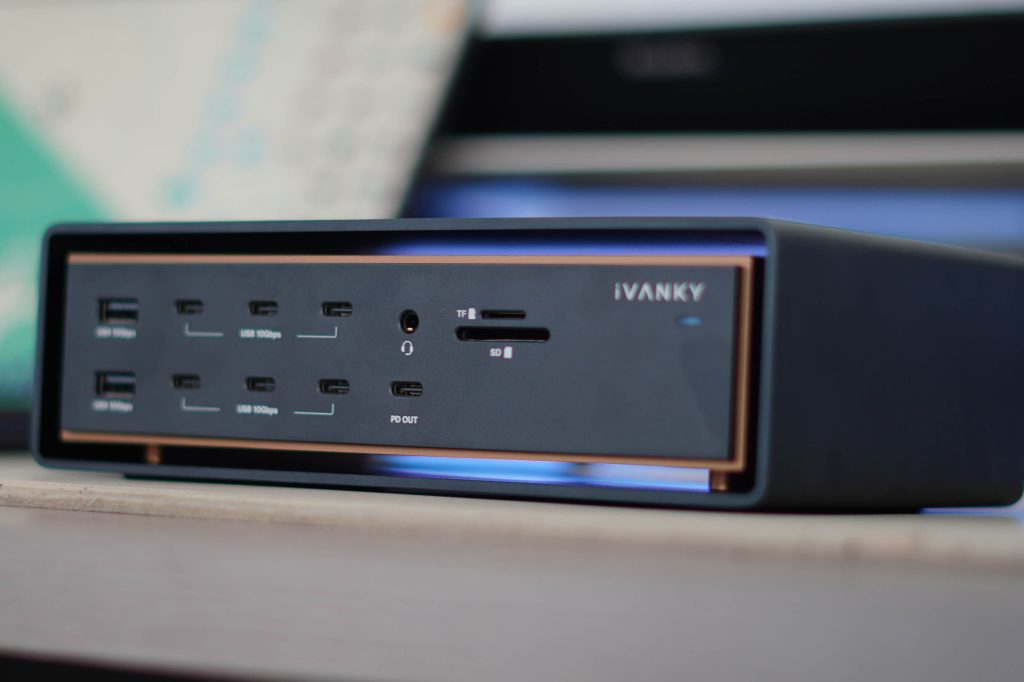
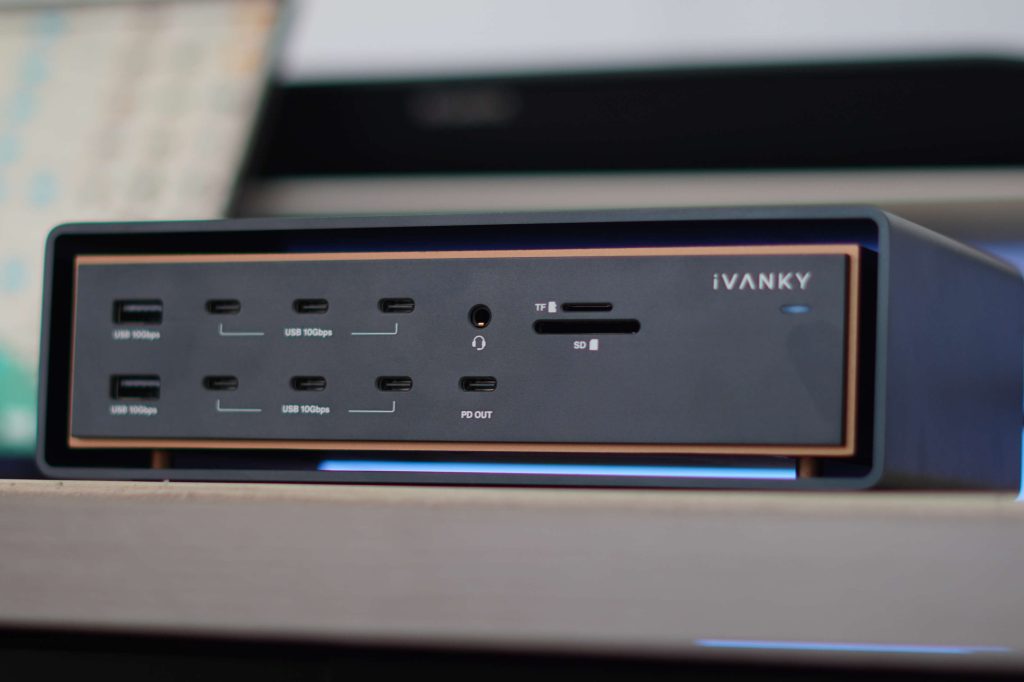
This is for people building a serious MacBook workstation setup. The FusionDock Ultra is clearly targeting the high-end creator and the professional market.
Final thoughts
The biggest takeaway here is that the iVANKY FusionDock Ultra is specifically engineered around sustained professional workloads. Modern Apple Silicon Macs are incredibly capable machines, but fully unlocking that performance often depends on the accessories surrounding them. Once you introduce multiple high-resolution displays, fast external storage, NAS systems, cameras, card readers, and desktop peripherals into the mix, weaker docks can quickly become the bottleneck.
The FusionDock Ultra aims to eliminate that compromise entirely.
FTC: We use income earning auto affiliate links. More.