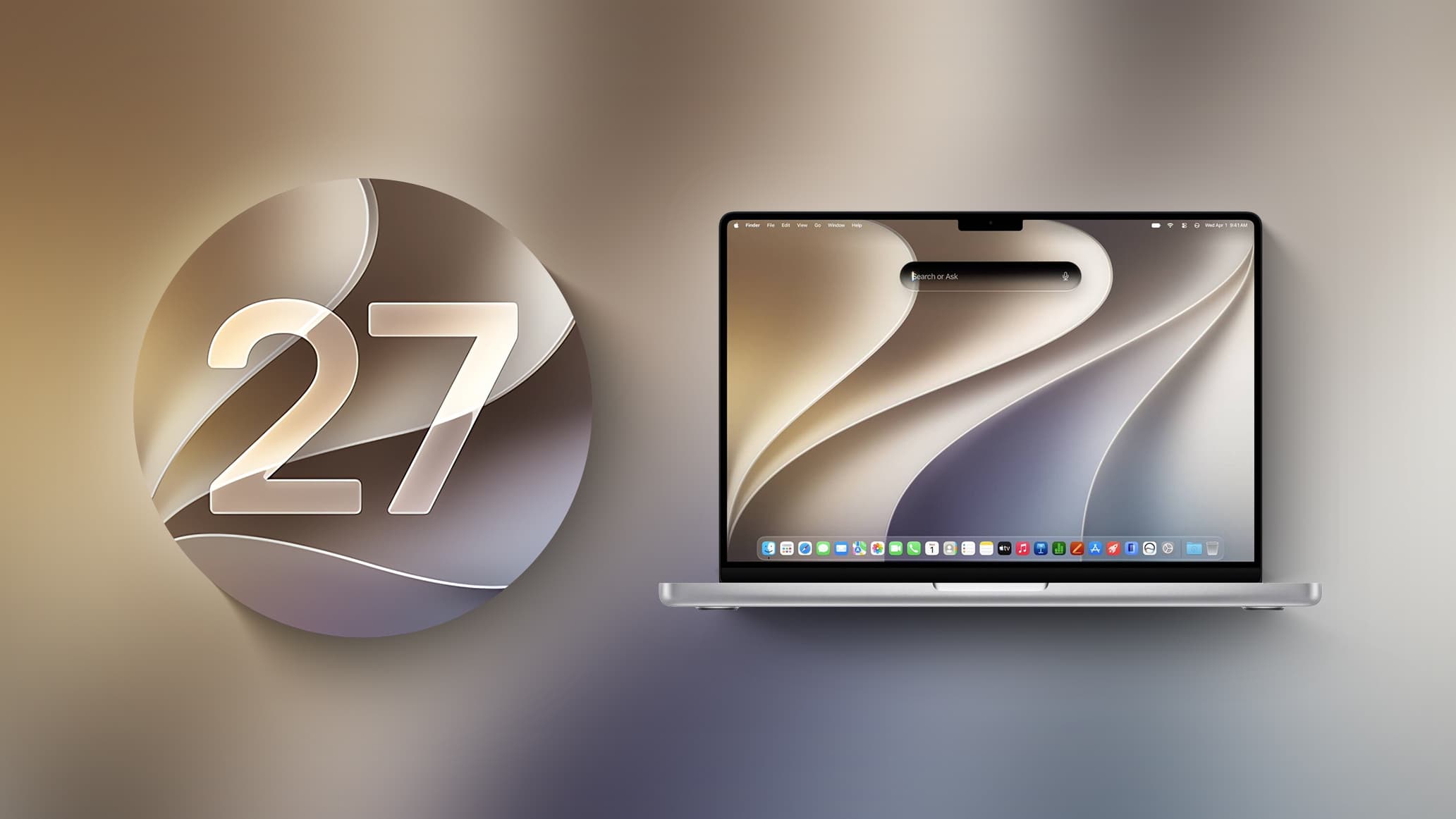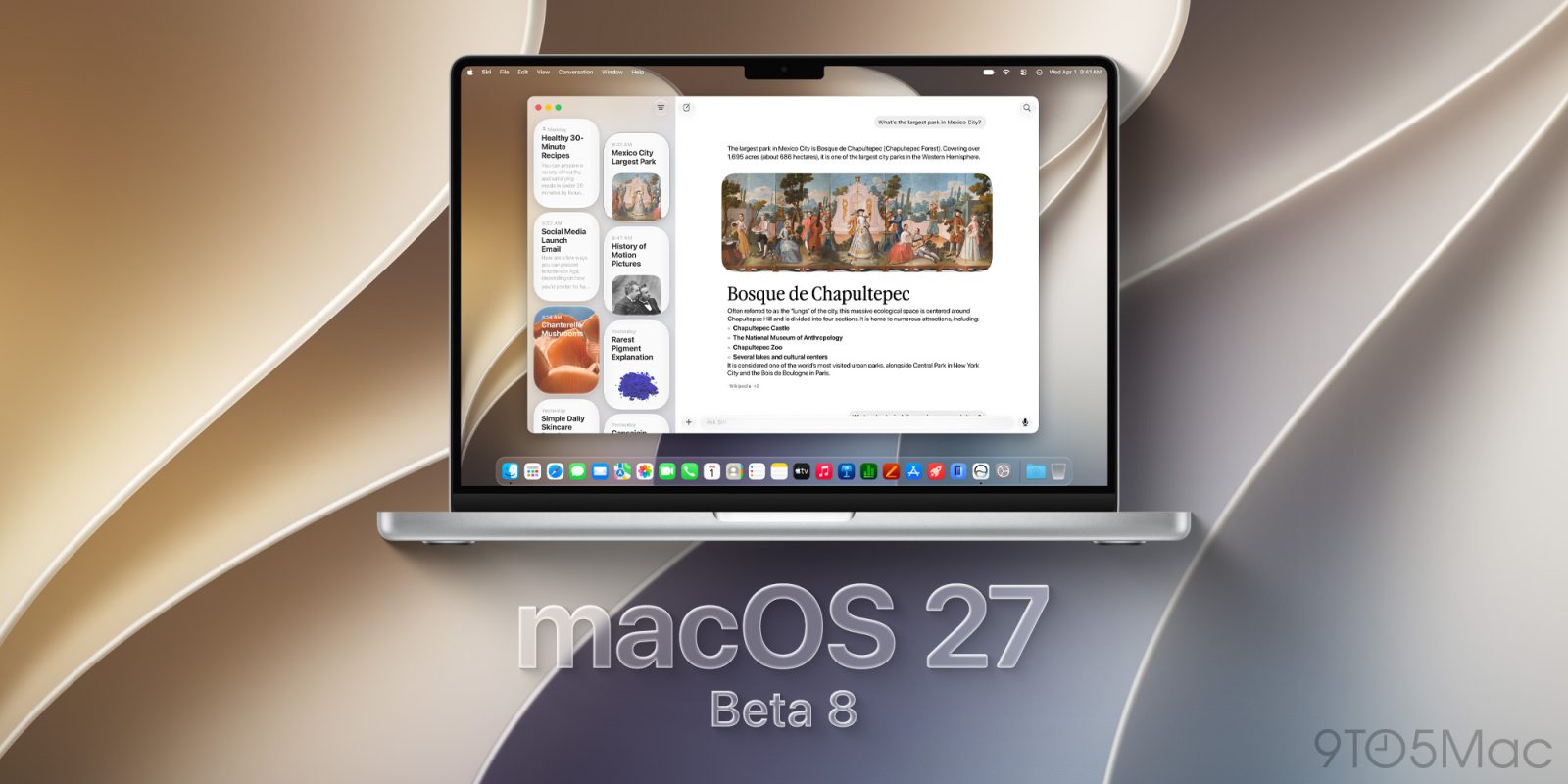
Continuing Apple’s weekly test releases ahead of the official launch of macOS 27 Golden Gate, the company is now rolling out beta 8 for developers. Here’s what to expect.
macOS 27 beta 8 now available
Developers can now install macOS 27 Golden Gate beta 8, continuing Apple’s work towards the operating system’s official release in a few weeks.
While macOS 27 Golden Gate beta 7 didn’t include any notable user-facing changes, beta 6 introduced redesigned traffic light window controls with a more Liquid Glass-like appearance.
At this stage of the beta cycle, Apple appears to be increasingly focused on bug fixes, performance improvements, and other under-the-hood changes ahead of macOS 27’s public release.
macOS 27 Golden Gate introduces the new Siri app alongside Apple’s revamped Siri AI, as well as an AI-powered Shortcuts app that can create shortcuts from natural-language prompts. Safari also gains a prompt-based extension builder.
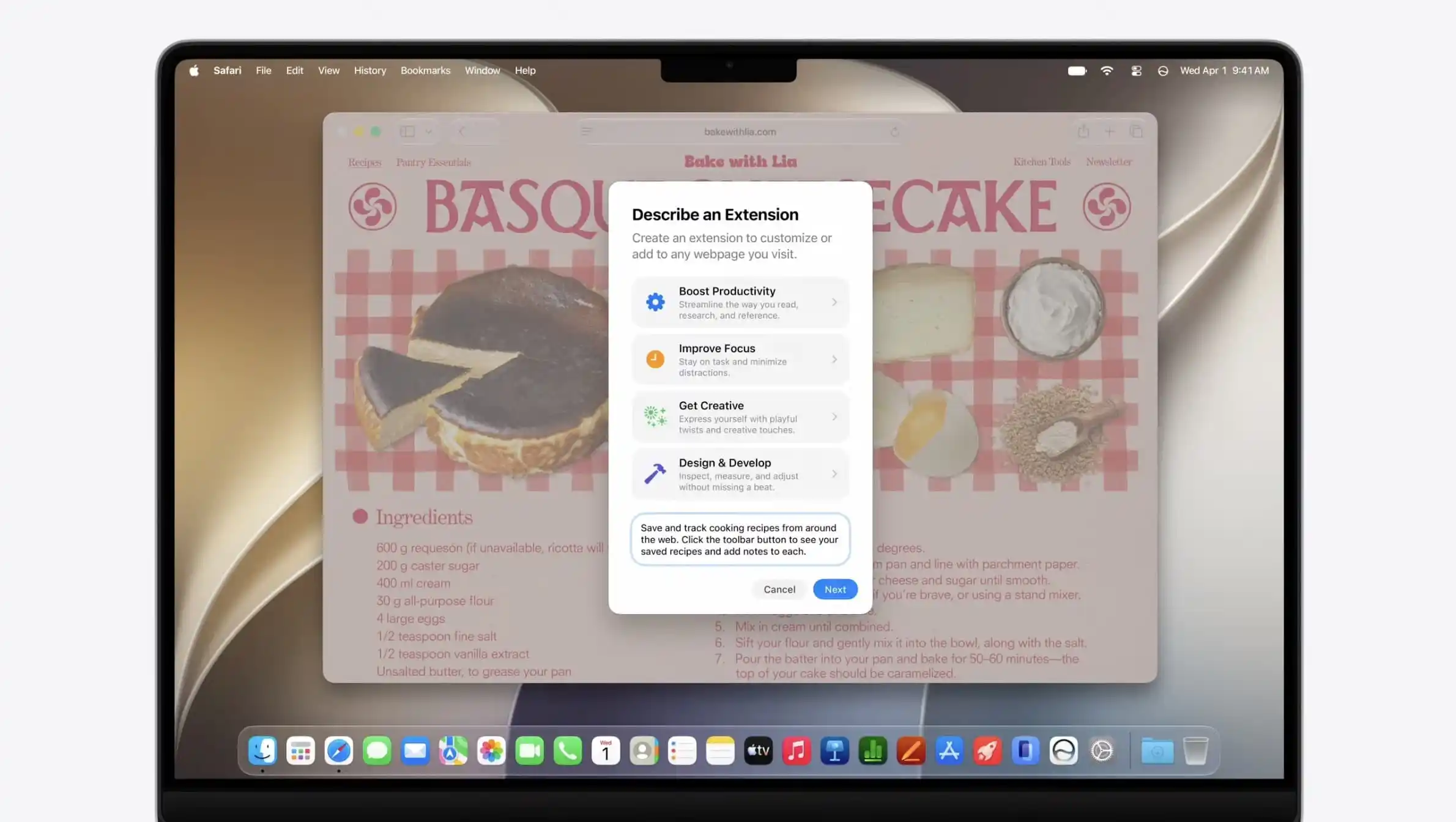
The update additionally includes new Golden Gate-themed wallpapers and screensavers, while restoring fixed-radius corners for windows and apps after macOS 26 introduced dynamically changing corner radii.
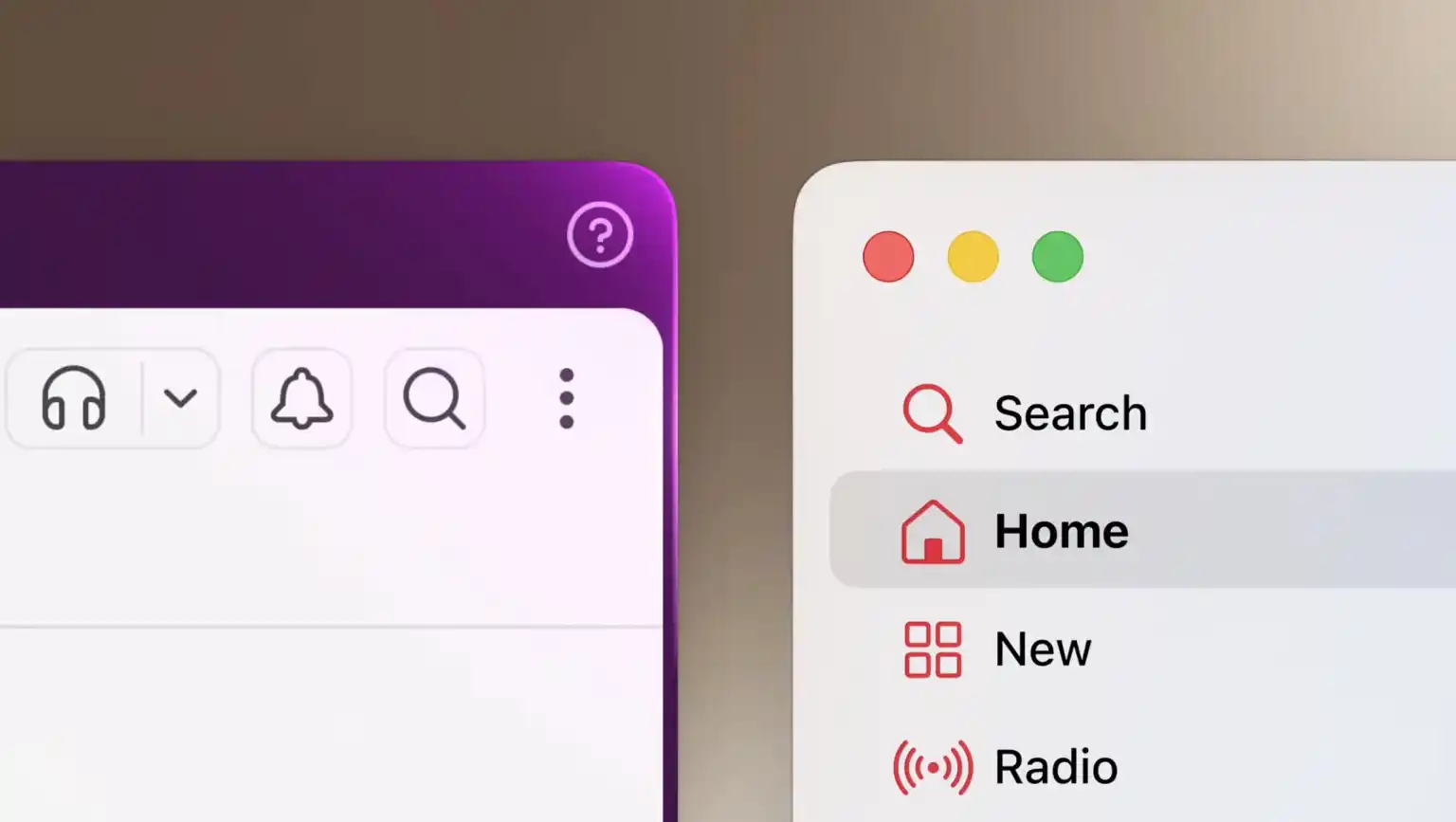
We’re digging through macOS 27 Golden beta 8 and will report back if we find anything new.
Installing the macOS 27 Golden Gate beta
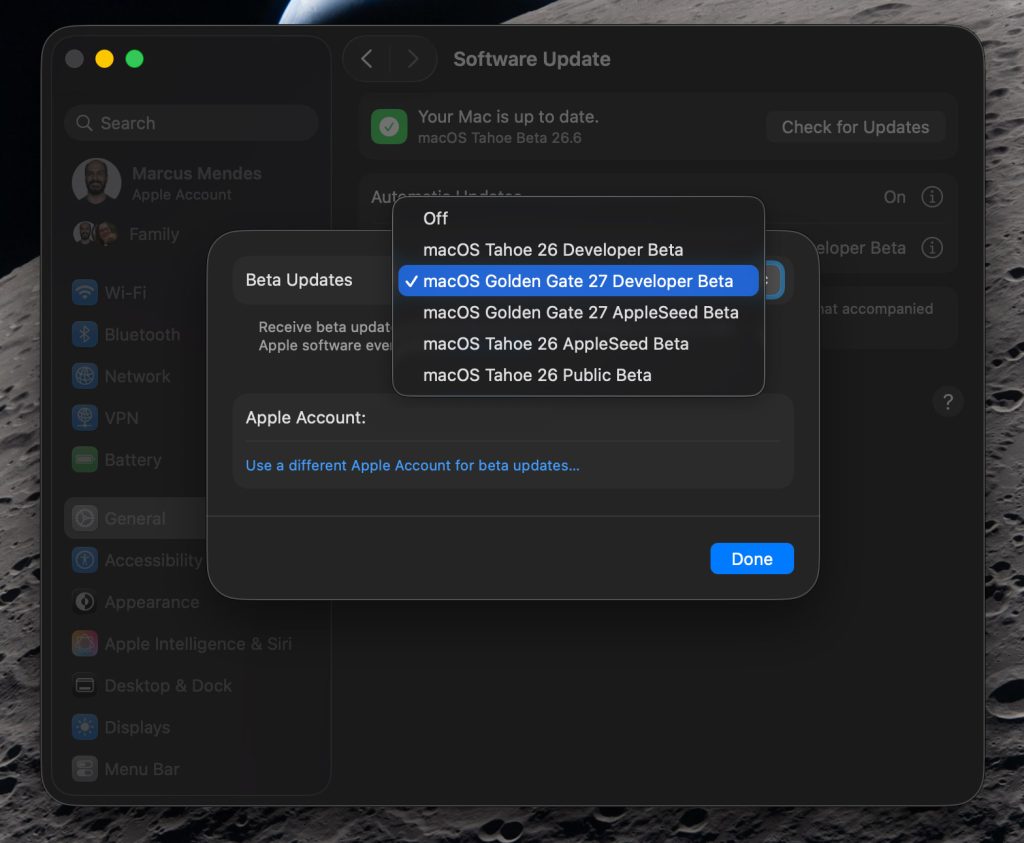
Here’s how to install the macOS 27 Golden Gate developer beta 8:
- Back up your Mac
- Open System Settings
- Go to General ⇾ Software Update
- Click the ‘i’ icon next to Beta Updates
- From the dropdown menu in the top-right, select the macOS Developer Golden Gate Beta
- Hit ‘Done’
Did you spot anything new in today’s macOS 27 Golden Gate beta? Let us know in the comments.
Worth checking out on Amazon
FTC: We use income earning auto affiliate links. More.