Just a few days after kicking off the public beta season and releasing a revised version of macOS 27 developer beta 3, Apple is now rolling out macOS 27 developer beta 4. Here are the details.
Apple rolls out macOS 27 beta 4
Last week, Apple released macOS 27 public beta 1, with the same build as a revised version it also rolled out for macOS 27 developer beta 3.
This means that, barring any show-stopping bugs, today’s developer release will also be rolled out as macOS 27 public beta 2 in the coming days.
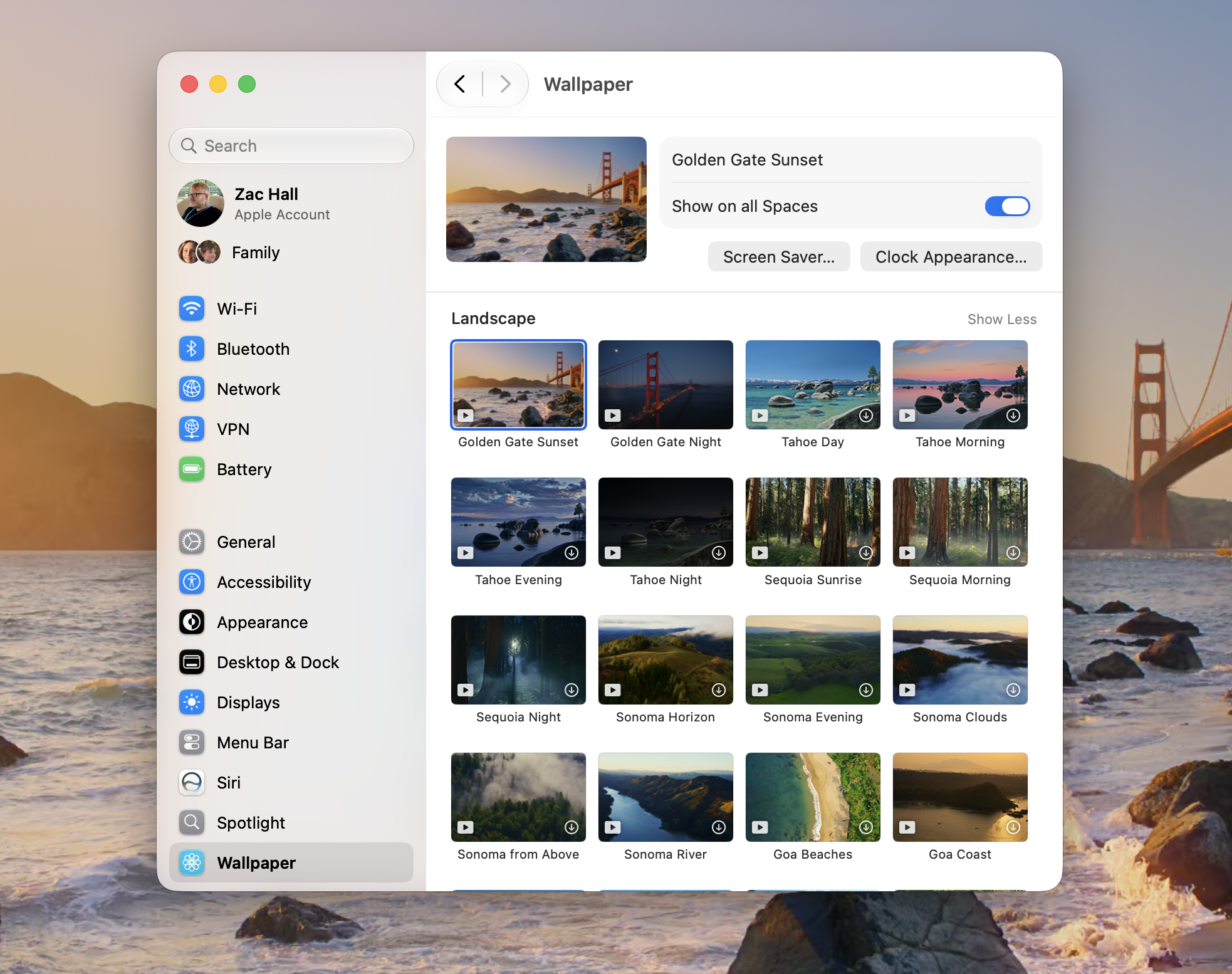
macOS 27 developer beta 3 fixed some of the reliability issues introduced with macOS developer beta 2 and introduced new Golden Gate-themed wallpapers and screensavers, as Apple continues its work towards the official release later this year.
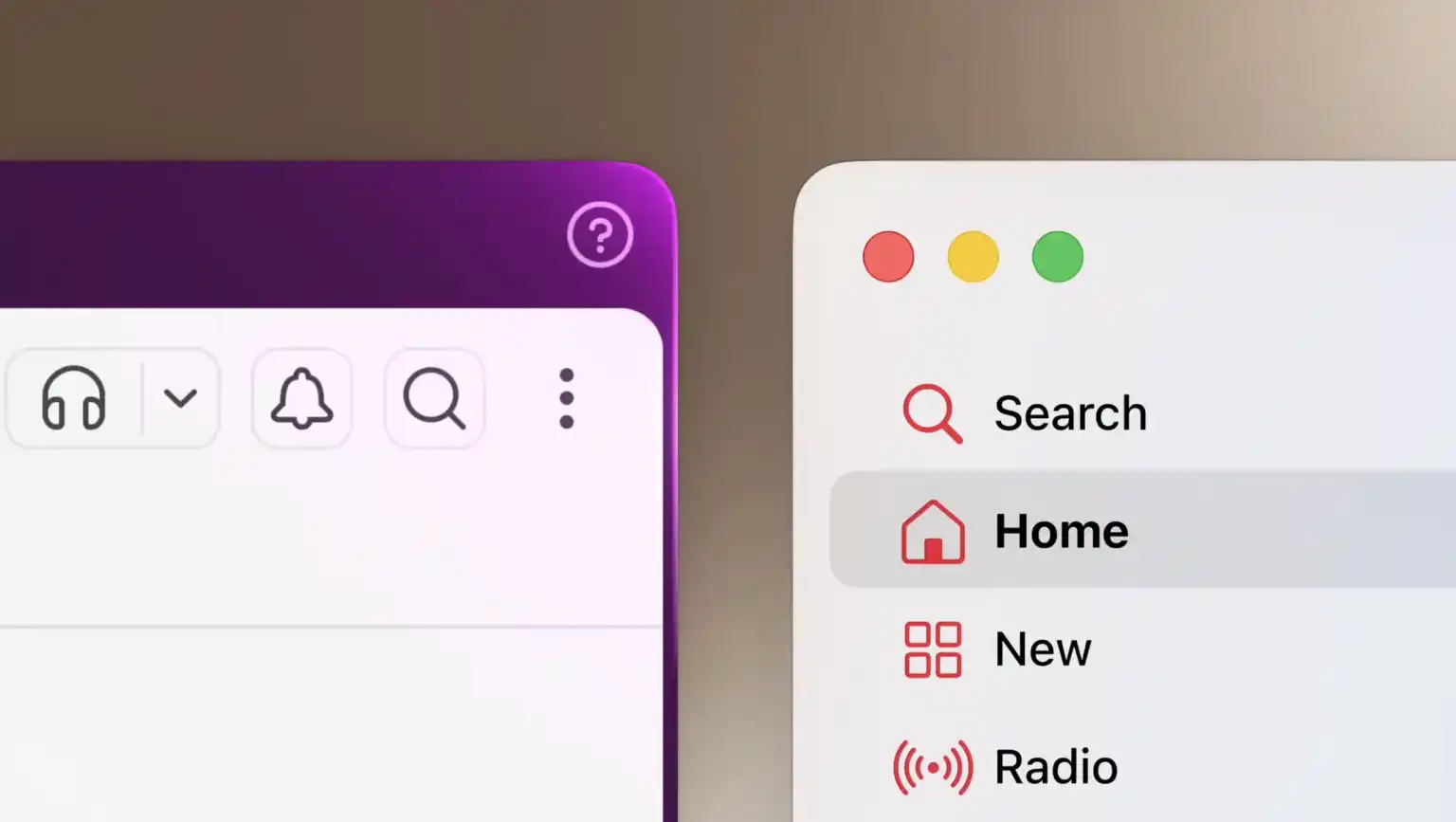
macOS 27 Golden Gate brings several improvements to Liquid Glass, including a slider that lets users precisely adjust how transparent or opaque UI elements appear. It also standardizes rounded corners across system windows, apps, and programs, addressing a frequent complaint in macOS 26.
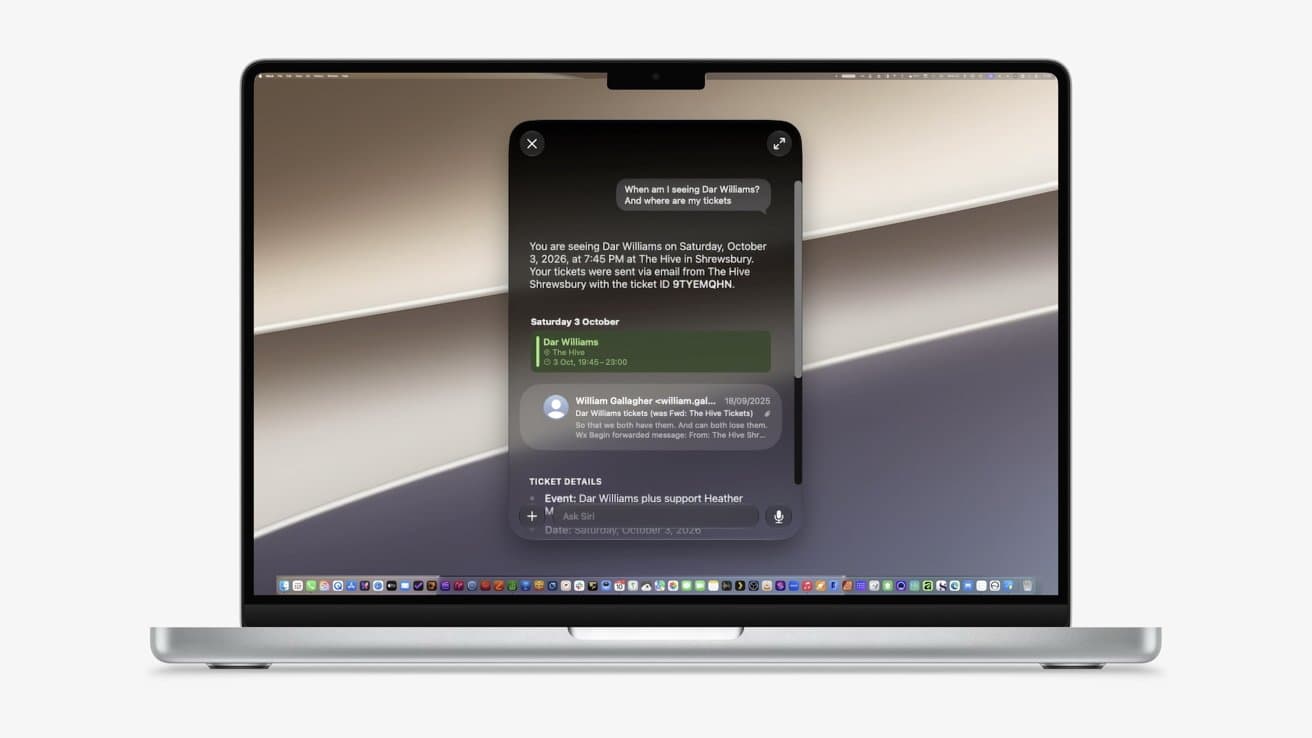
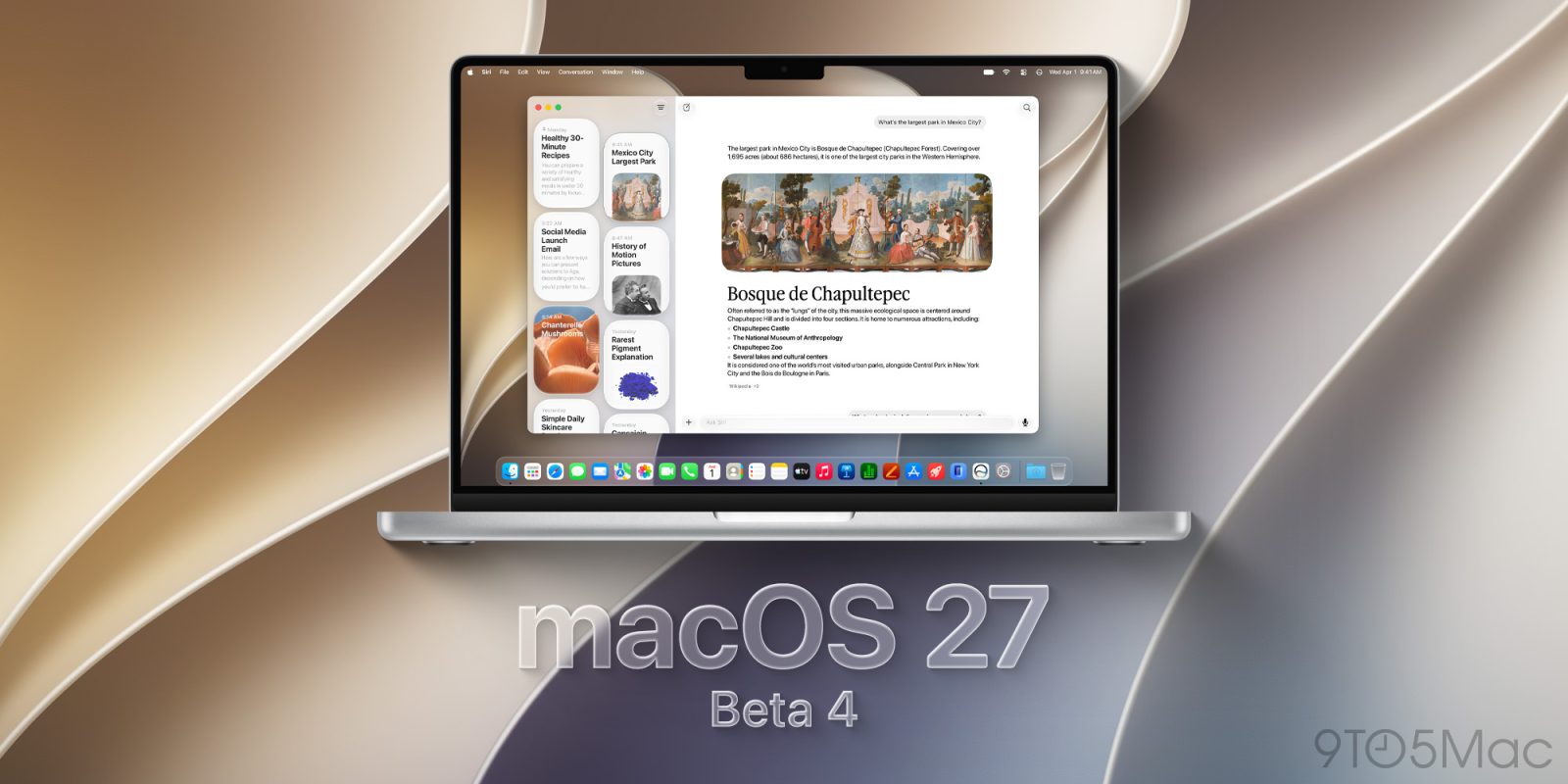
Additionally, macOS 27 Golden Gate features the new Siri AI and its companion app, which leverages a new indexing system under the hood to more precisely include relevant information as the basis for Siri to generate answers. Siri AI and macOS 27 Golden Gate as a whole rely on the third-generation Apple Foundation Models, and you can read more about them here.
The build version for macOS 27 Golden Gate beta 4 is 26A5388g. We are digging through the new beta and will report back with what we find.
macOS 27 Golden Gate beta 4 now available
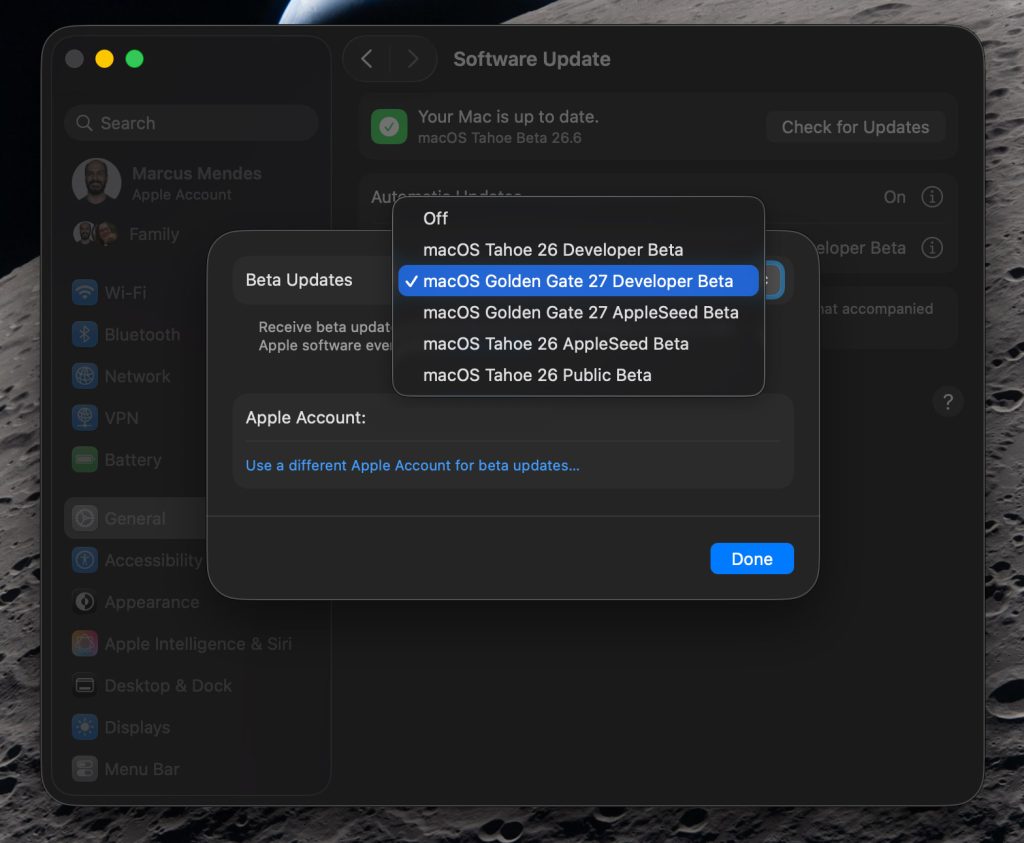
Here’s how to install the macOS 27 Golden Gate developer beta 4:
- Back up your Mac
- Open System Settings
- Go to General ⇾ Software Update
- Click the ‘i’ icon next to Beta Updates
- From the dropdown menu in the top-right, select the macOS Developer Golden Gate Beta
- Hit ‘Done’
Did you spot anything new in macOS 27 Golden Gate beta 3? Let us know in the comments.
Worth checking out on Amazon
FTC: We use income earning auto affiliate links. More.