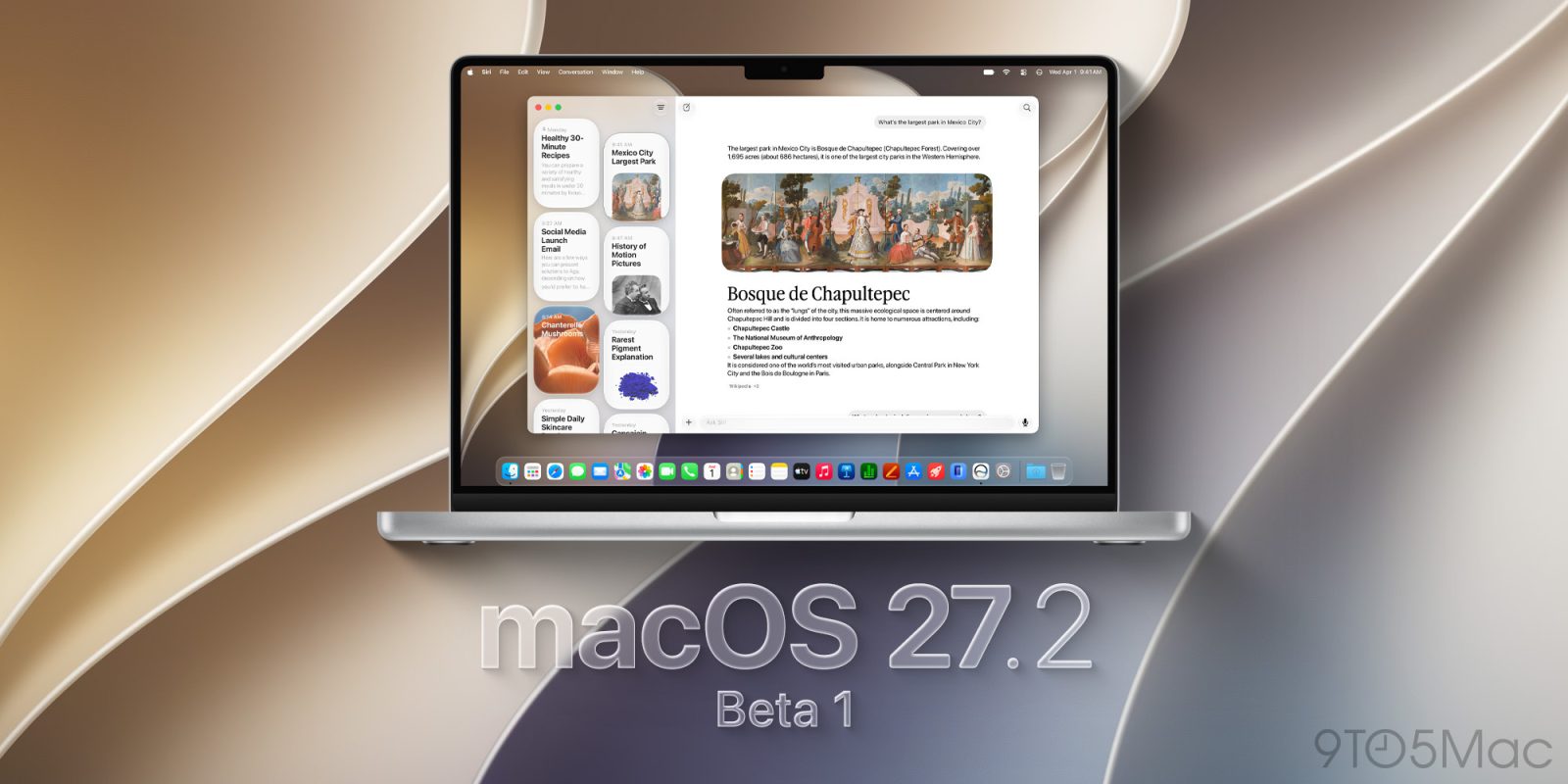
Now that macOS 27 Golden Gate is officially out, Apple is moving on to its next beta cycle, straight to macOS 27.2 beta 1. Here are the details.
macOS 27.2 beta 1 now available
After releasing macOS 27 Golden Gate earlier this week, Apple is now rolling out the first developer beta of macOS 27.2, skipping over the 27.1 betas.
As for what to expect from this release, during its “Surprise and Shine” event earlier this month, Apple said that the new Siri AI, which launched in English, would expand to five more languages in October, including French, Japanese, Korean, Portuguese, and Spanish. This means developers might find these languages in this first beta.
Additionally, Apple has yet to confirm a new rollout date for two features it announced during WWDC but didn’t make it to the first macOS 27 release: an agentic feature in Passwords that will automatically change leaked passwords, and suggestions in Messages conversations.
We are digging through the code to check whether these made it to macOS 27.2 beta 1 and will report back with what we find.
macOS 27.2 beta 1 release build is 26B5086k.
Installing macOS 27.2 beta 1
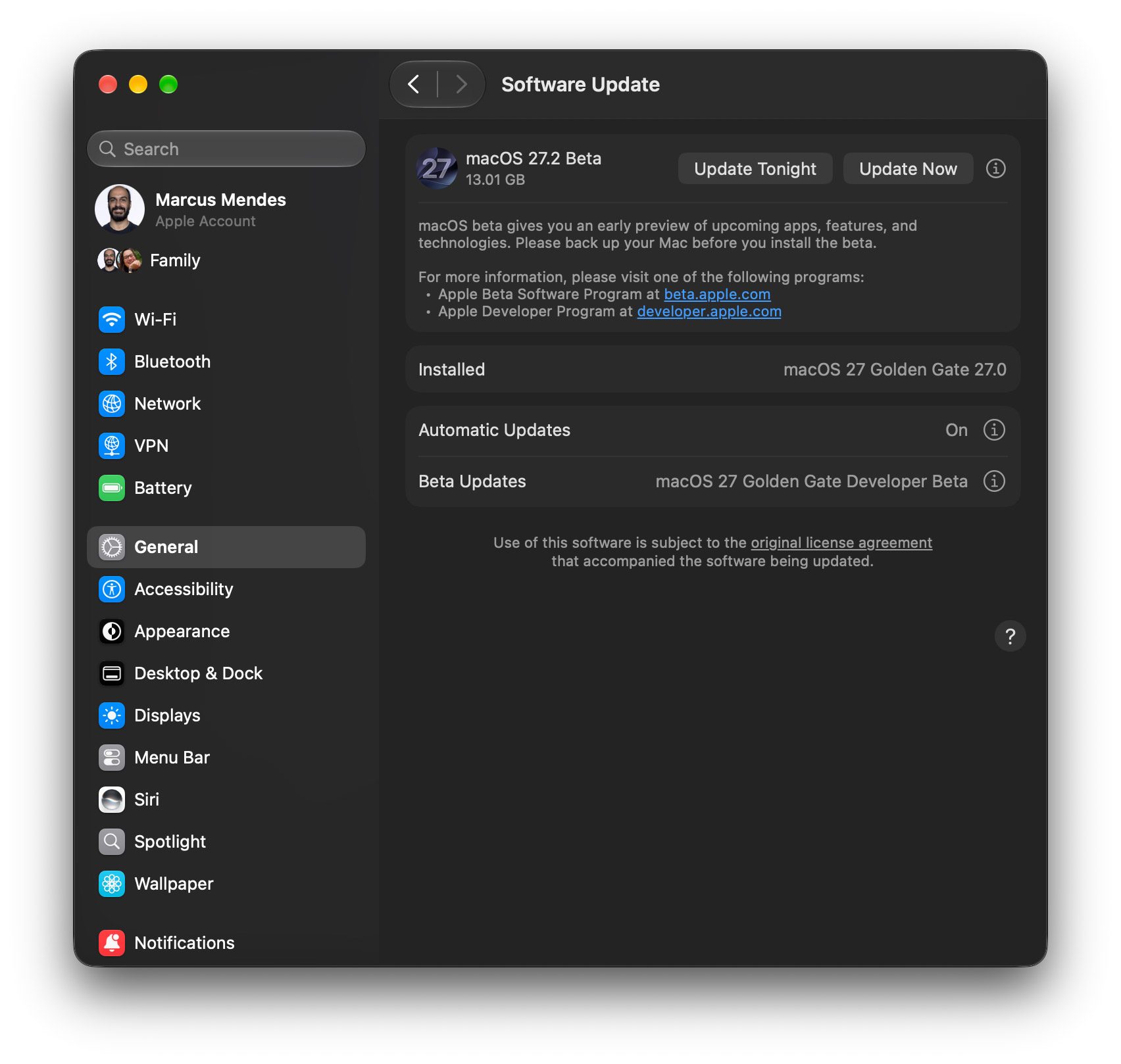
Here’s how to install the first macOS 27.2 beta 1:
- Back up your Mac
- Open System Settings
- Go to General ⇾ Software Update
- Click the ‘i’ icon next to Beta Updates
- From the dropdown menu in the top-right, select the macOS Developer Golden Gate Beta
- Hit ‘Done’
Did you spot anything new in today’s macOS 27.2 Golden Gate beta 1? Let us know in the comments.
Worth checking out on Amazon
FTC: We use income earning auto affiliate links. More.