Apple is now rolling out macOS Golden Gate 27 beta 1 for developers. Here’s how to install it.
macOS Golden Gate 27 beta 1 now available
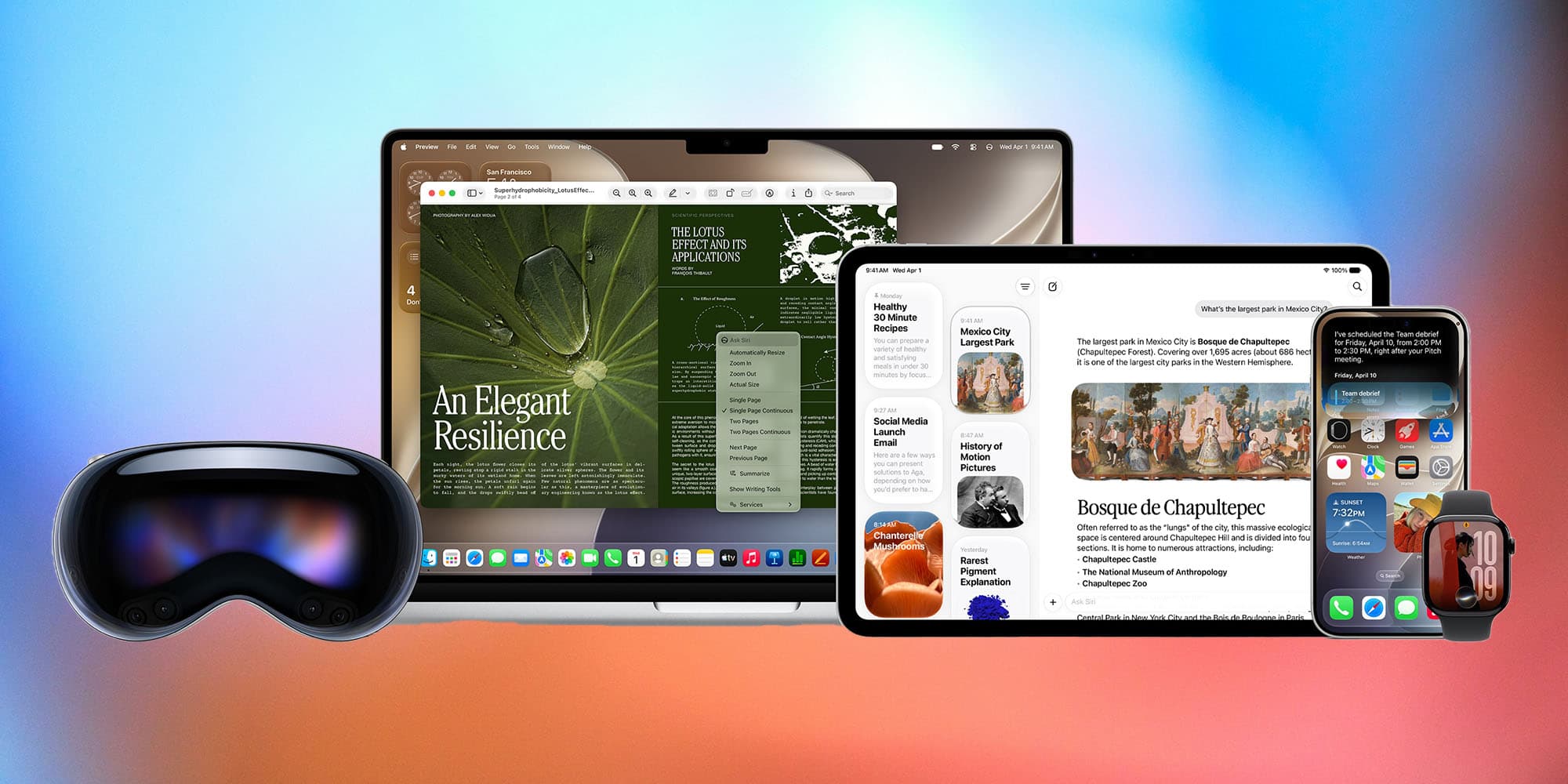
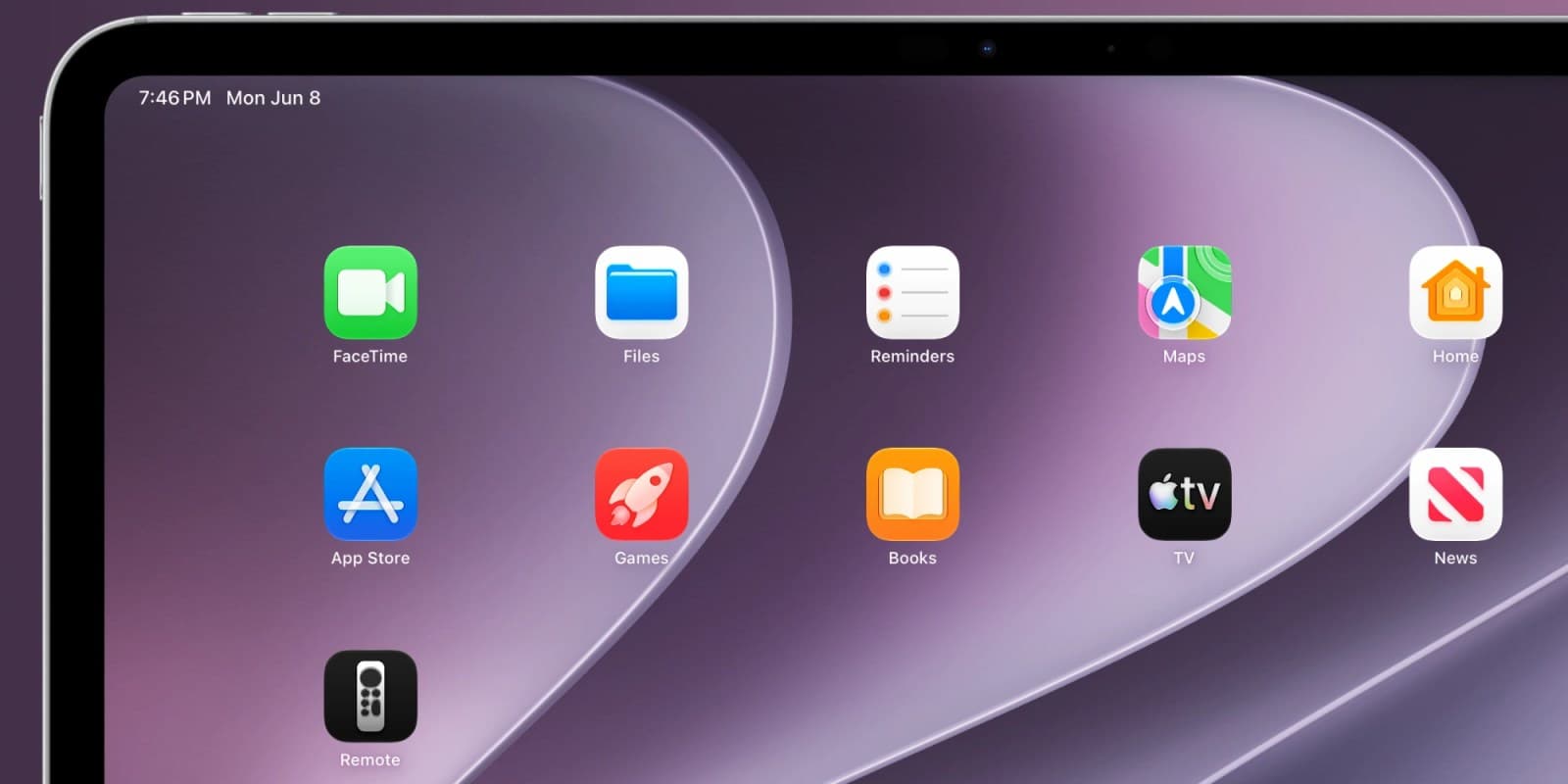
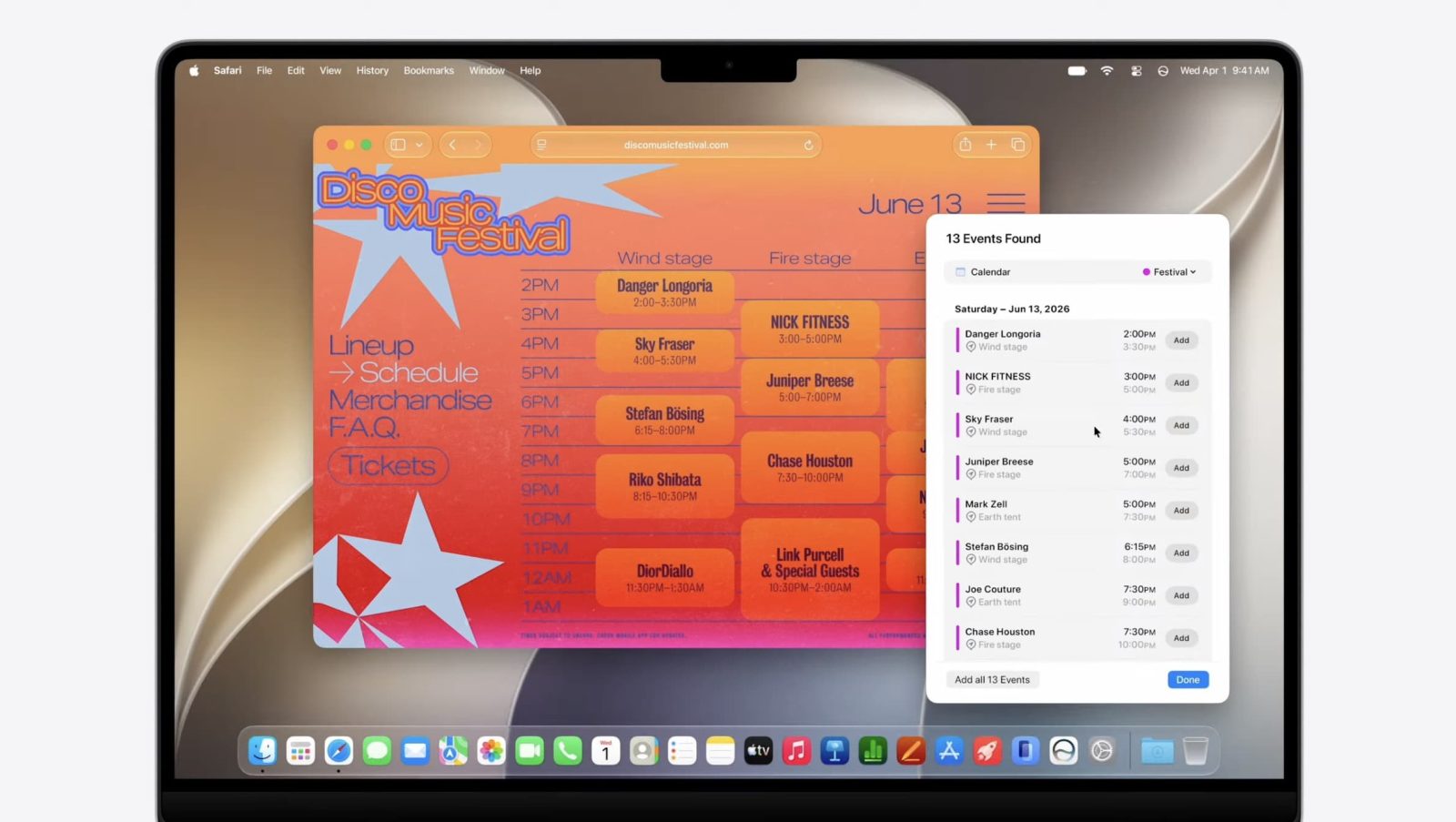
Apple announced macOS Golden Gate 27 today, with improvements to Liquid Glass, a new Siri app, and several improvements to Apple Intelligence across the system.
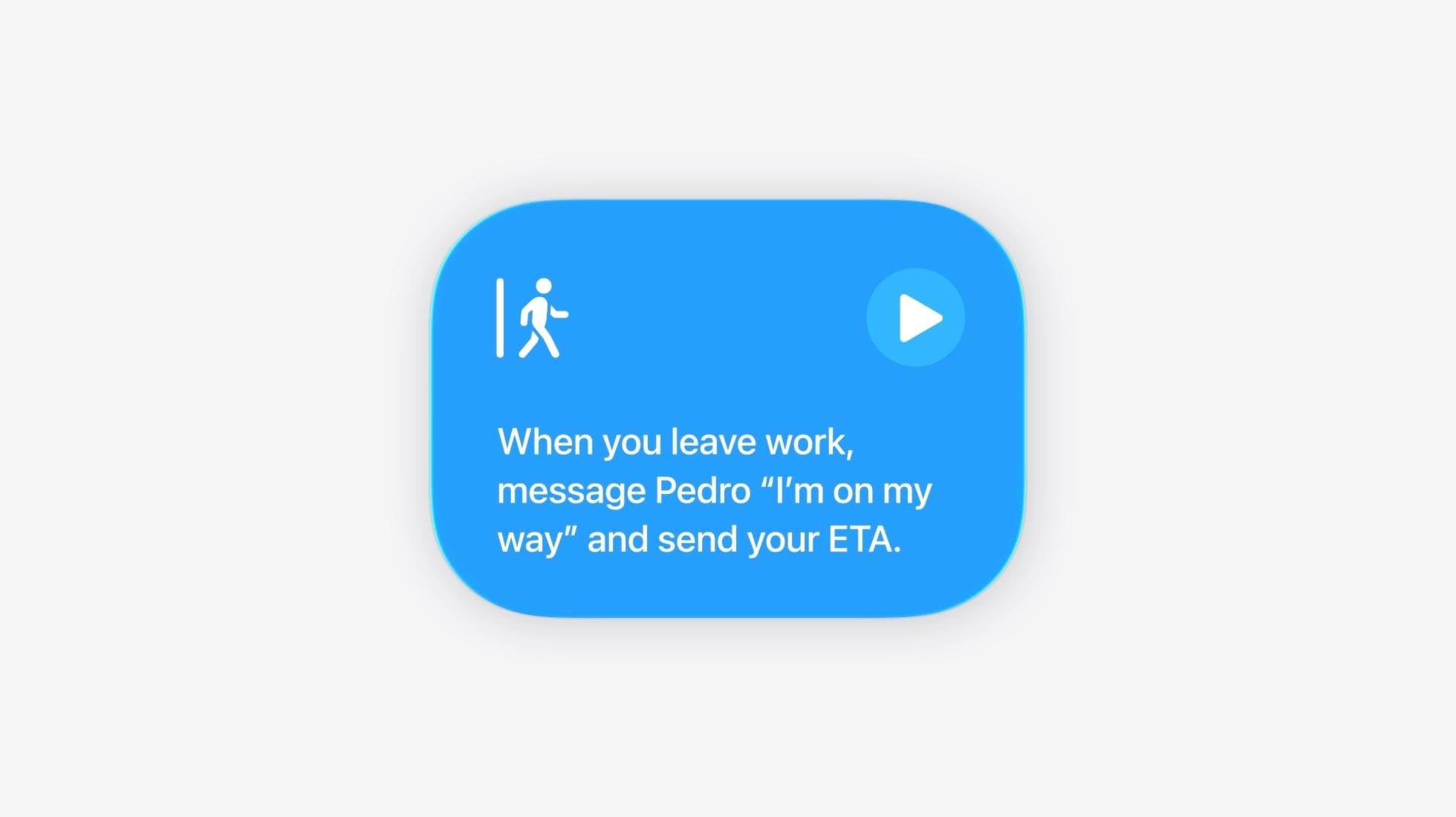
macOS Golden Gate 27 also features a smarter, AI-based Shortcuts app, and includes multiple Apple Ingelligence features in Safari. Youcan read more about macOS Golden Gate 27 here.
Following the end of the WWDC26 keynote, Apple is now rolling out the first developer betas of the operating systems announced during the event, including macOS Golden Gate 27.
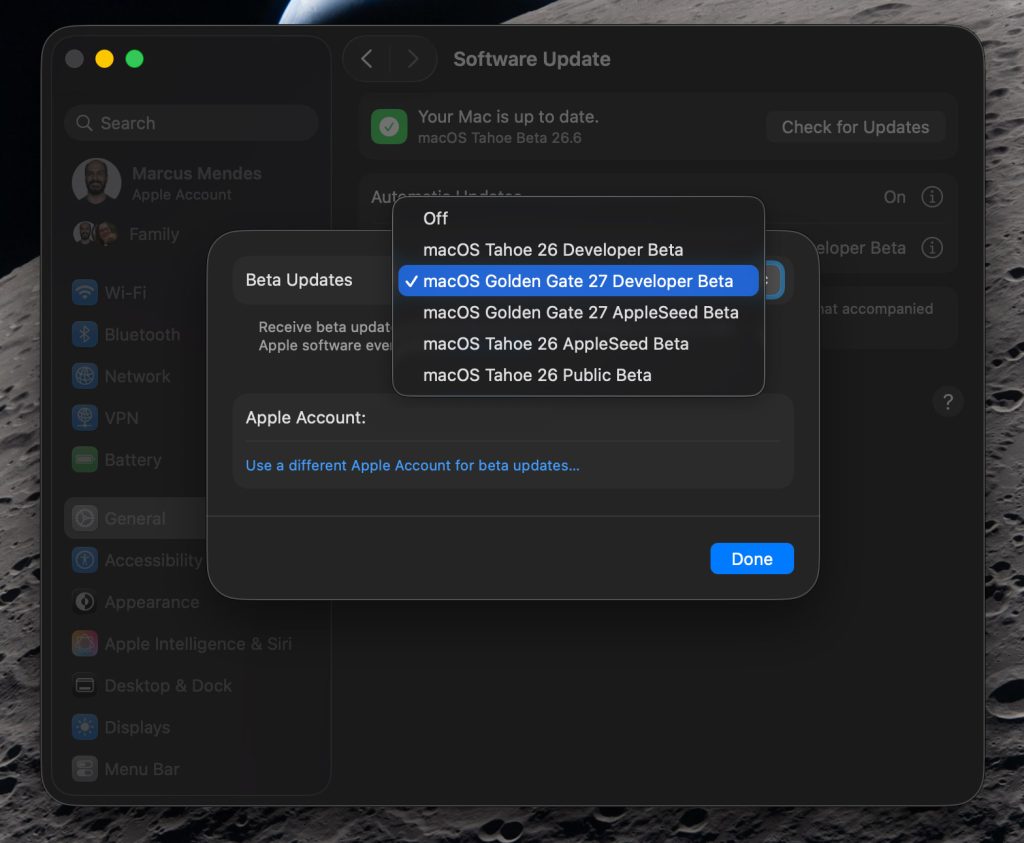
Here’s how to install the macOS Golden Gate 27 developer beta 1:
- Back up your Mac
- Open System Settings
- Go to General ⇾ Software Update
- Click the ‘i’ icon next to Beta Updates
- From the dropdown menu in the top-right, select the macOS Developer Golden Gate Beta
- Hit ‘Done’
Apple warns that beta software is not intended for devices you rely on in day-to-day use, and it’s for good reason. While first betas can be a bit rough, apps or features can break on a given beta during the cycle. Stability and reliability can vary quite a lot from beta to beta, so install it with extreme caution.
We are digging through the new macOS Golden Gate 27 beta 1, and will report back with what we find that Apple might not have revealed during the keynote.
In the meantime, you can head over to our news hub for the full coverage of WWDC26.
Did you spot anything new in macOS Golden Gate 27 beta 1? Let us know in the comments.
Worth checking out on Amazon
FTC: We use income earning auto affiliate links. More.