Make long drives easier with this Android Auto feature
Android Auto added a new capability recently that upgrades the infotainment screen in a big way. Let's activate it.
Make long drives easier with this Android Auto feature
It really changes the whole experience.
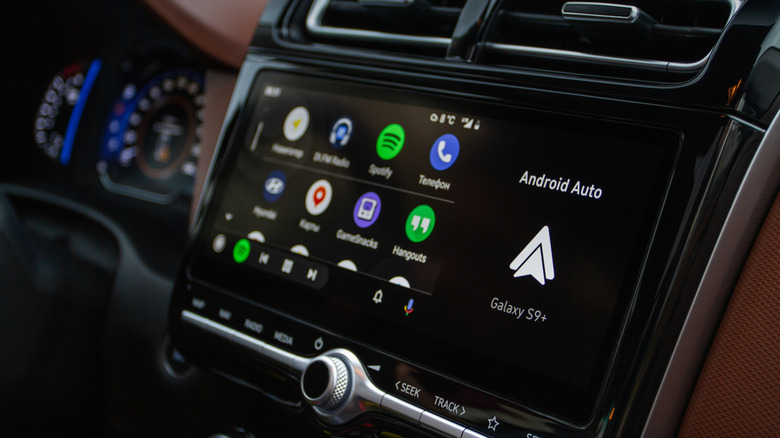
When you're on a long drive, there are so many things testing your patience, from the traffic to the state of the roads. Throw in replying to random texts you're getting, trying to find something to listen to and navigating the new roads, and you're in overload. Android Auto was built to make your life easier, giving you easy access to maps, your messages, phone calls and so on. One of the best updates to Android Auto in the past few years has been the swap from Google's regular assistant to Gemini, and you don't even have to look for it in its hidden menu.
Gemini, Google's AI assistant, is a lot more conversational and capable, so you can have more natural chats, settle discussions you're having about last night's movie by asking whether that actor really played in that other movie you loved, have it reply to messages or find the nearest restaurant.
Your AI co-pilot on the road
Right now, Gemini is rolling out to Android Auto users everywhere, replacing Google's regular assistant. Gemini has been available as an option for quite a while, and if you haven't made the switch on your own yet, you can still do that. You can just go to Settings > Connected devices > Android Auto > Manage your digital assistant > Digital assistants from Google > Gemini to make the swap. This will make Gemini handle your interactions with Android Auto.
What sets Gemini apart is how naturally it handles conversations. So, instead of memorizing exact phrases, you can talk to it the way you'd talk to a person, and it even holds context across follow-up questions. So, if you want to ask it about places to grab a bite along your route, you can pick the place you like most, and then just ask Gemini about parking or reviews without having to say the name of the restaurant, since you've probably already forgotten it anyway.
Another super useful way to harness Gemini is to use it when your group chat explodes. Instead of having it read a dozen notifications aloud, Gemini can summarize all that chaos for you. It can also draft replies for you, add your ETA and even translate messages into over 40 languages. You won't have to touch your phone once.
Gemini will also become your own personal DJ. You're no longer limited to asking for songs or playlists by name. Instead, you can go as vague as you want, like asking it to "play something upbeat" or "something mellow so you feel like you're in a music video." It pulls your go-to music service and starts the song.
Since Gemini can connect to Gmail, Calendar and your note-taking apps, you can even use it to dig up instructions you got in an email about the location you're driving to, for instance, or read back the day's schedule. You can even use Gemini to keep you talking when you're on a drive, having open-ended conversations, brainstorming, rehearsing for interviews and more.
Originally published on Engadget