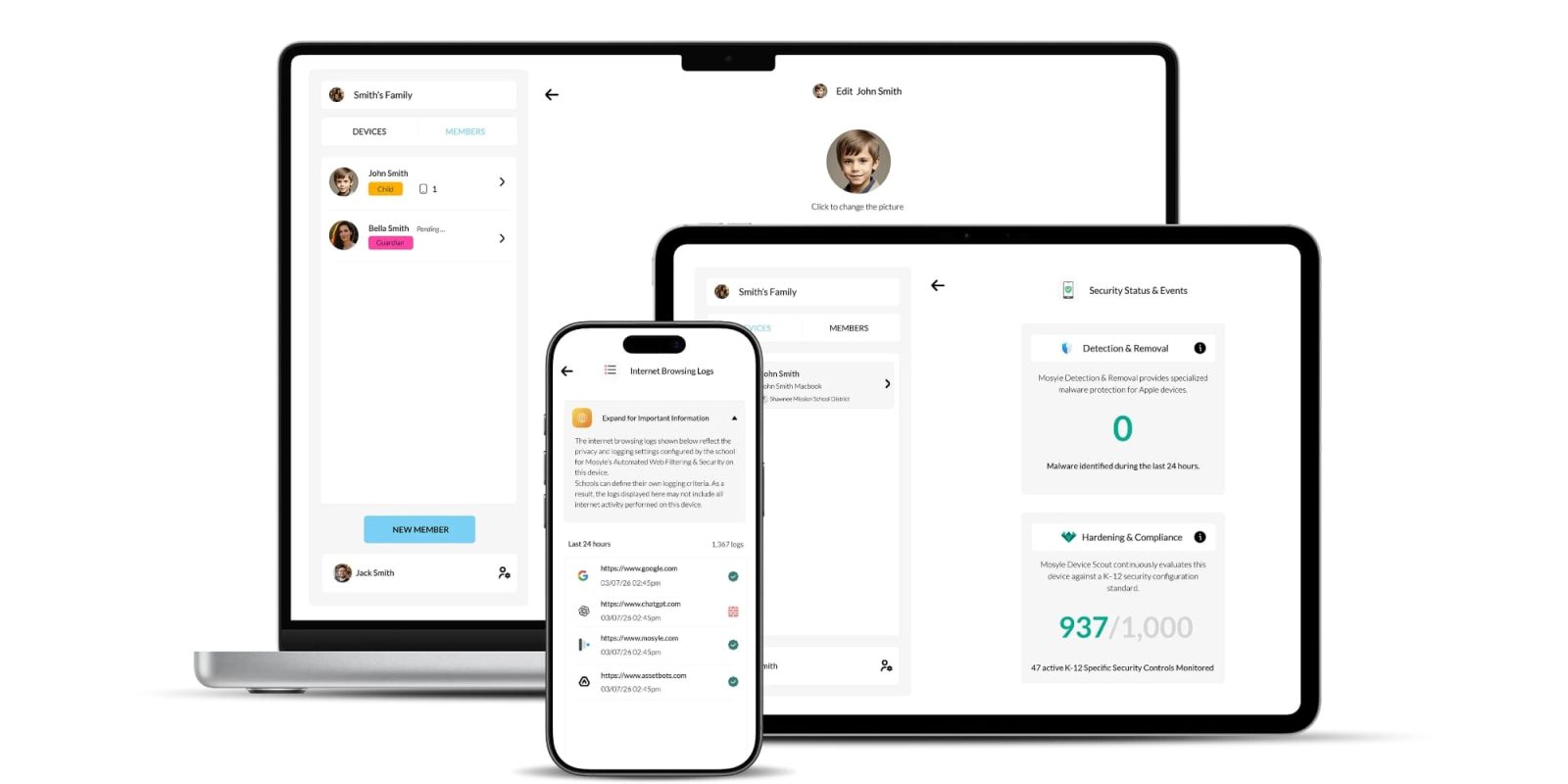
Managing school-issued Macs and iPads has always been a balancing act between IT control and parent visibility when the devices go home. Today, Mosyle has announced Mosyle@Home, aimed at solving this problem. This new platform gives parents and guardians an official way to manage school devices after hours, and it supports school-issued iPads and Macs.
How does it help parents at home?
With Mosyle@Home, the school maintains full control during school hours, then transfers control to families outside of school hours. Once a parent creates a free account and registers their child’s device via a QR code, they get a dedicated dashboard with several control options.
- Usage and time limits: Parents can view screen time, check how much device time is available for at-home use, and initiate a pause period to lock the device when needed. On macOS, parents can also get a detailed app usage view showing exactly which apps were used and for how long they were used for.
- App restrictions: Parents can block specific apps or lock the device into a single app mode, in case they want to keep their kids focused on homework, etc.
- Web filtering and security: The platform includes an active web filter to block unwanted websites. If the school is using the Mosyle DNS Filtering service, parents can even review internet usage history. On iPads, parents can also clear the lock screen passcode if a child forgets it.
The ScreenGuide transition and pricing
Their previous solution, ScreenGuide, is now officially deprecated. Existing ScreenGuide family accounts will retain access for now, but no new devices can be added to them. When parents attempt to add a new device, they will be prompted to migrate to Mosyle@Home. This migration requires just a single sign-in, and all previous settings will carry over automatically to the new system
Cost-wise, there is no additional fee for families to use the services. When the school enables parent access, the tools are free for parents. For schools, the iPhone and iPad family management features are available to all paid Mosyle customers at no extra cost. The brand-new macOS family management features are included free for any school currently subscribing to the Mosyle OneK12 plan.
9to5Mac’s take
This has always been a balance for schools and families. For school-issued devices, IT must either retain strict control outside school hours or give parents the tools to manage them themselves. Traditional at-home solutions typically don’t work well with supervised devices, so it makes sense for the tools to come from the service already managing the devices.
FTC: We use income earning auto affiliate links. More.