Stop replacing the batteries in your Xbox controller – Do this instead
Xbox controllers continue to ship reliant on AA batteries, but you don't have to keep burning through disposables.
Stop replacing the batteries in your Xbox controller – Do this instead
You're probably not disposing of them properly anyway.
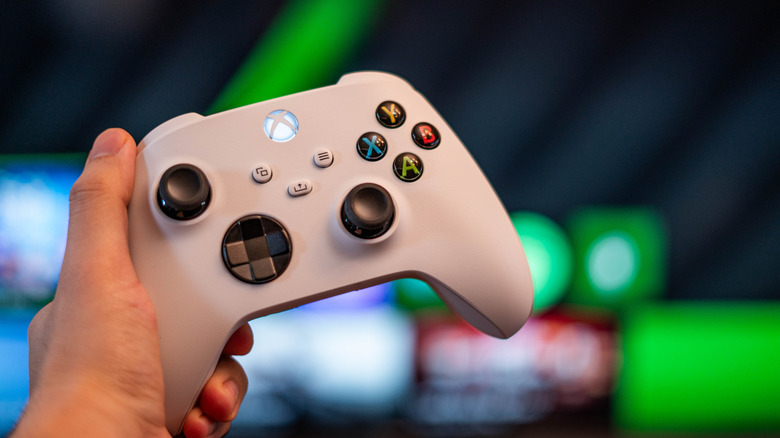
According to industry estimates, over 197 million Xbox consoles have been sold since 2001, and a majority of those consoles shipped with Xbox controllers that depend on replaceable AA batteries to stay powered. Even in 2026, the latest-gen Xbox Series X/S still ships with controllers that rely on AA batteries by default. For most gamers, this means having to swap in a fresh pair every few weeks of regular play unless you opt for the $199 Xbox Elite Wireless Controller Series 2, which has a built-in rechargeable battery.
Thankfully, there's a way out that doesn't cost $199. With Xbox's official rechargeable battery kit, you can stop the cycle of replacing your Xbox controller's batteries for good. And if you don't want to go that route, rechargeable AA batteries can get you to the same destination just with a bit less convenience, or you can plug in and use the controller directly via USB, no batteries needed at all.
What to do instead of replacing Xbox controller batteries
The official Xbox rechargeable battery kit (the Play and Charge Kit) offers a setup similar to the PS5's DualSense. It replaces the standard AA batteries with a single lithium-ion battery pack that slots into the controller's battery compartment and charges over a USB-C cable. As the name implies, the kit allows you to continue gaming while the controller recharges. The official Xbox kit costs $24.99, lasts up to 30 hours per charge, and takes about four hours to fully charge.
If you prefer to go unofficial, there are several great third-party alternatives. Many of them ditch direct USB-C charging and instead sell dual-battery charging docks. Rather than plugging in your controller when it's low, you just furiously swap in another battery, so you don't get sniped mid-game. Also, third-party kits generally offer better backward compatibility, allowing you to use the kit even with older controllers like the Xbox One controller.
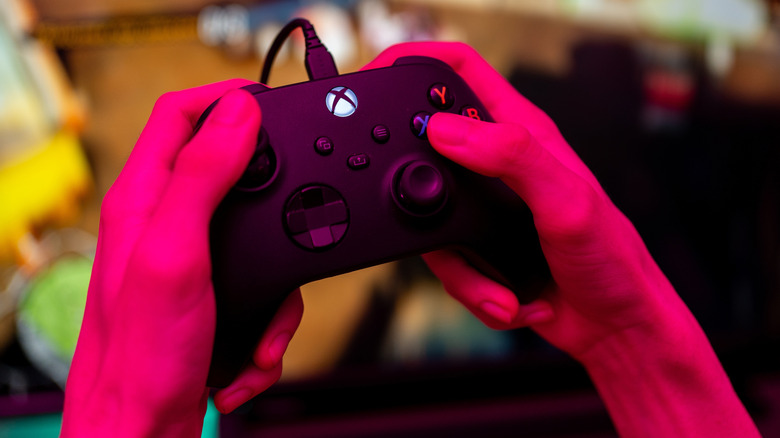
If AA batteries are more your style, then you can get rechargeable AA batteries. Instead of buying new packs every few weeks, you simply recharge and reuse the same set. Another way you can keep your Xbox controller powered without replacing the battery is by plugging it in when gaming; this way the controller directly feeds off power. Do note that it'll immediately turn off if you unplug it. And no, your AA batteries won't charge if you keep them in while the controller is plugged in via USB.
Why do Xbox controllers still use AA batteries?
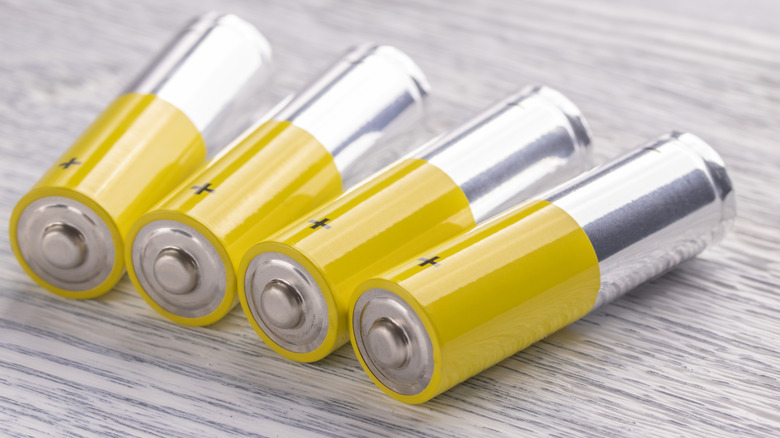
AA batteries in this era might seem unnecessary and even backward to a lot of gamers, but there are a lot of people who simply prefer using AA batteries to power their Xbox Series X/S controller and pop in a fresh set when that runs out. Likewise, there are a lot of people who prefer the convenience of USB-C charging and never having to swap out batteries.
That flexibility is intentional. Jason Ronald, Xbox's partner director of program management, told Eurogamer's Digital Foundry in a 2020 interview that player preferences are genuinely split on this: "What it comes down to is when actually talking to gamers... there is a strong camp that really wants AAs. So just giving flexibility is the way to please both [sets of] people... You can use a rechargeable battery pack, and it works just like it does on the Elite, [but] it is a separate thing." In the end, there's no wrong way to keep your controller running; just opt for the way that suits you best.
Originally published on Engadget