There’s an old photography saying that the best camera is the one you have on you at the time. The iPhone is of course the camera that most of us have on us most of the time, and that’s obviously a massive benefit for things like shots of kids, social events, and so on. But a current video project highlighted another advantage.
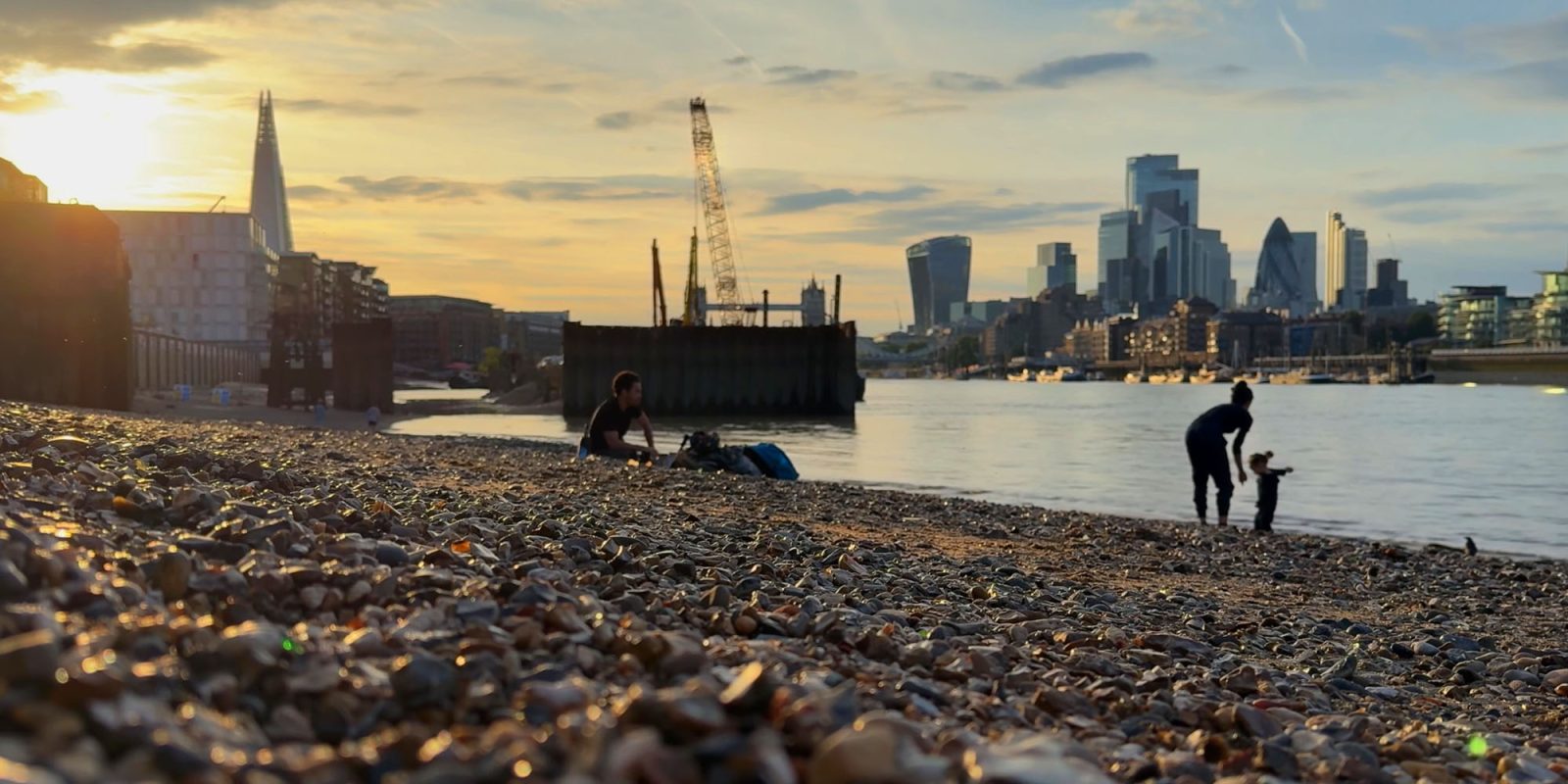
I really enjoy walking through London in the early evening, and I’ll quite often shoot photos and short video clips on my iPhone. Initially, I did so purely for the pleasure of it, but I later realized the potential for short clips to serve as B-roll in video projects …
My current project is experimental – used to test the viability of using Cinematic Mode – hence my recent lament that the company appears to have ceased development work on it. I’ll share that once it’s complete next week.
I was aiming to follow a very specific format, which required very short sections of scenic B-roll to be cut into an interview. In principle, the clips could be anywhere in London, but as the main shoot takes place at the riverside, I really wanted all of the B-roll to be of the Thames. I needed four of these, and it didn’t take much hunting through my iPhone videos before I found suitable clips.
The above clip also highlights another attraction. Where there are potentially identifiable individuals in my shot, I will approach them afterwards, show them the footage and ask for permission to use it. (This isn’t a legal requirement in the UK, but I view it as a courtesy.) Quite often they will ask for a copy. AirDrop makes this quick and simple if they have an iPhone, with WhatsApp as plan B for Android users.
The iPhone stabilization really comes into its own when I wasn’t planning to shoot anything, just spotted an opportunity while out walking, meaning the shots are handheld. I do try to brace against things like walls, railings, and lampposts where possible, but generally these are so stable straight from camera, they honestly could have been tripod shots. (I do carry a small GorillaPod with me when I’m actively planning to combine video shooting with a walk.)
The other huge advantage of the iPhone is its point-and-shoot nature. If I had to manually set up exposure, white balance, ND filter, and so on, then I might not bother, especially when I’m walking with someone – the time it would take would be too intrusive. But just asking someone to wait 20 seconds or so doesn’t feel like it really interrupts the walk.
If I do want to stop somewhere for a time, then shooting a timelapse is also trivial on an iPhone. Just set it going, stop recording whenever, and the iPhone automatically adjusts to give you a suitable length clip. In my previous apartment, I would very often just put the iPhone in the window during a sunset, start a timelapse video, and get on with whatever I was doing. Several of these have also made great B-roll clips for video projects.
Sure, if you go pixel-peeping then the limitations of the small iPhone sensor do start to show up, especially for low-light shots. But in an age when the vast majority of YouTube videos are viewed on a phone or a laptop, most of the footage is more than good enough.
Whether that is true of Cinematic Mode video is less certain, and you can help me judge next week. But for the most part, I’m completely blown away by just how much camera I have in my pocket, ready for use anytime, anywhere.
FTC: We use income earning auto affiliate links. More.