The downsides of switching from Android to iPhone
Here are a few things to know if you're leaving Android for iPhone.
The downsides of switching from Android to iPhone
Here are a few things to know if you're leaving Android for iPhone.
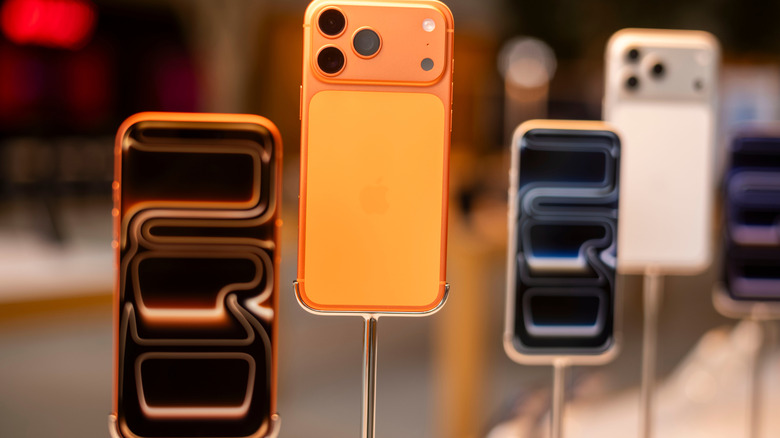
iOS has a lot going for it. The fluid performance, the tight integration between hardware and software and the overall premium build quality of iPhones have convinced loads of Android users to make the switch to iPhones. If you've been tempted, you're not alone.
But certain habits and workflows you've built on Android simply won't carry over. Not because iPhones are worse — because they're not — but because the two platforms are simply different. So, if you're thinking about making the jump from Android to iOS, let's pull back the veil on some of those differences so there are fewer surprises on day one.
How iOS handles notifications
If you're coming from Android, one of the more frustrating adjustments on iPhone is how much control you lose over notifications. Marking a message as read straight from your lock screen or sending a smart reply? No longer possible. Liking someone's text to signal you've read it? Also not available anymore. Android also lets you choose exactly the type of notifications you want from apps, such as allowing a shopping app to give you information about deliveries, but no marketing messages, for instance. iOS doesn't offer as much depth when it comes to how notifications are handled, largely offering per-app toggles. This lets you choose whether the banners, sounds and badges are on or off.
Getting used to a new navigation style
When you're using an Android device, swiping from either edge of the screen works as a back gesture. This works consistently in every app, so you don't have to adapt your style. iOS does offer a similar left-edge swipe, but only some apps support it. Some even bury the back function inside a small button at the top-left or top-right corner of the screen, which is quite a lot of reaching, especially if you don't have large hands.
Sure, it's not an absolutely massive thing to concern yourself about, but muscle memory is a powerful thing to overcome.
New typing experience
Many long-term Android users find the iOS keyboard frustrating at first. Autocorrect can feel aggressive and imprecise, and text prediction often feels less capable. While third-party keyboards like Gboard or SwiftKey are available on iOS, Apple restricts how much system access they're given. You'll have to give the apps "Full Access" for expanded functionality, and even then the keyboards can't be used to tap into certain secure text fields. iOS will automatically force-switch SwiftKey back to the native Apple keyboard if you want to enter a password or a credit card number, for instance.
iPhones aren't very customizable
iOS is a lot more customizable nowadays than it used to be, allowing you to tint app icons with custom colors, change controls on the lock screen, and so on. Since Android allows you to install custom launchers, you can completely redesign how your phone looks and operates.
It takes a while to charge
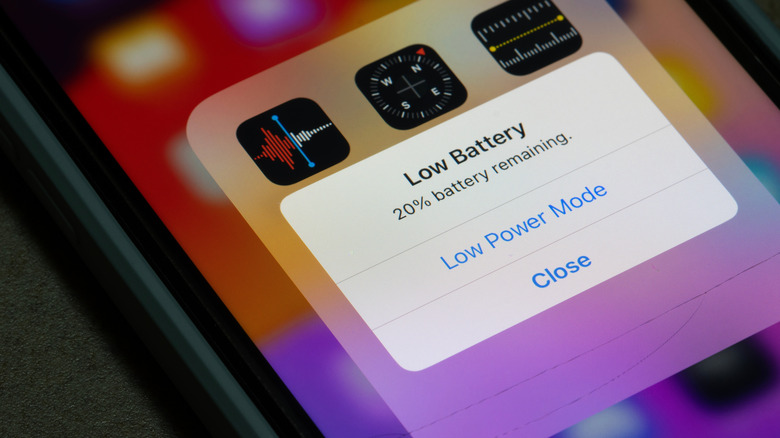
Phones nowadays have decent battery life, but you still have to give them a daily recharge. Charging speed is a consistent weak point for iPhones when compared to Android devices. The newest iPhones support up to 40W wired charging, but Samsung's S26 Ultra bumped its charging up to 60W, so you'll get to around 75 percent in half an hour.
Even with the upgrades, both Samsung and Apple lag behind some other brands in the Android world. Chinese manufacturers like OnePlus and Xiaomi are shipping phones with 80W to 120W wired charging.
None of this means the iPhone is a downgrade. You still get the fluid performance, the tight hardware and software integration and the premium build quality that pull so many people toward Apple in the first place. What it does mean is that the switch comes with real trade-offs. Whether those trade-offs are worth it depends entirely on what you value most in a phone.
Originally published on Engadget