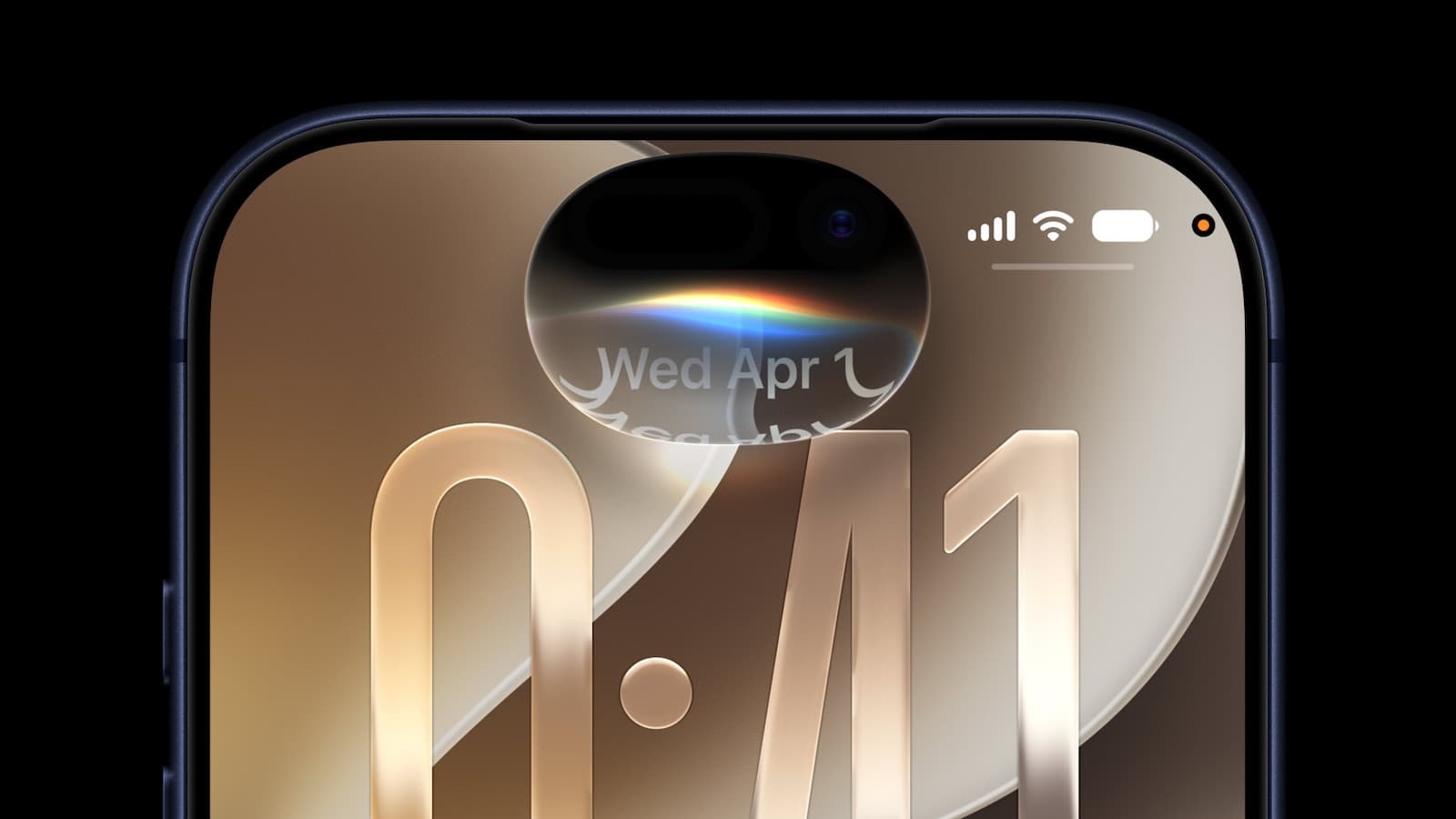
The new Siri makes one of Apple's most convenient OS features a cumbersome mess
Goodbye, useful Spotlight; hello force-fed Apple intelligence bloatware that feels distressingly like Google AI Overviews
ai + ml
The new Siri makes one of Apple's most convenient OS features a cumbersome mess
Goodbye, useful Spotlight; hello force-fed Apple intelligence bloatware that feels distressingly like Google AI Overviews
HANDS ON That new AI-juiced Siri that Apple rolled out last week at WWDC was supposed to set a new paradigm for on-device AI.
But don't believe the hype coming out of Tim Cook's final big event. After a week-long test drive, it seems like Apple just crammed Google AI Overviews on top of the most useful parts of its various operating systems and made the whole ecosystem more cumbersome to use. But hey, it has more AIs!
I’ve been running the iOS and macOS 27 developer betas since they were made available on June 8, and I was blessed by the waitlist gods with access to the new version of Siri a few days after that. There are definitely some useful new features: Siri now carries on actual conversations, which makes it far more useful than the ask, get a response, we’re-done-here flow of the old Siri that left no room for clarifying questions or follow ups. Siri is now able to find things on my device more easily too – at least on my M1 MacBook. My iPhone 15 Pro has been telling me it’s still re-indexing my device after the update for more than a week, but I was still able to use it to conduct web searches and find some things on my phone – it's possible this message itself was an error.
The dedicated Siri app is also nice in its own way, as it shows a record of every conversation I’ve had with the new Apple Intelligence front end for later review, but that comes with a caveat, too. Even the most brief questions – the overnight weather forecast, for example – is now stored in perpetuity, cluttering up the list of chats we’ve had until I manually delete it. The only apparent alternative is setting an expiration window for past chats and losing records of the more useful conversations we’ve had.
Who turned out my Spotlight?
Those are small inconveniences, however, compared to my biggest gripe with Siri AI: It’s completely ruined Spotlight.
I’ve come to rely on Apple’s embedded search/launcher feature almost exclusively for digging up apps that I don’t keep a shortcut for, and on my iPhone, it’s the main method I use to kick off a web search because it's so simple. Swipe down from the center of the screen, type what I want to search for, and tap on the item that points to my query as a Google search in Safari. Swipe, type, and a tap and I’m perusing a search result page.
Not anymore.
The new Siri-first interface that presumes that if you’re searching for anything but an app or file, you must want Siri to feed you a few links of Apple Intelligence’s choosing.
Getting to a web search from a Spotlight query now requires multiple taps: Type your query, tap “Show Results” (careful: hitting enter will trigger Siri to craft a response, eliminating the possibility of seeing any actual Spotlight content), tap on “Show More” next to the list of Siri-surfaced web results, scroll down until you see Search Google (or whatever engine you have set as your default), then tap that.
Maybe I’m being a grumpy old journalist who likes things the way they used to be, the transformation of Spotlight into a Siri interface seems like intentional degradation of a basic feature in order to front-load an AI that in my experience so far is largely an inconvenience.
Overall, the experience reminds me of Google’s much-maligned and often wrong AI Overviews, which push actual search results down the page in favor of force-fed info from Google Gemini.
There's a logical reason for the similarity. At the end of 2025, Apple replaced its former AI chief John Giannandrea, formerly Google's SVP of search and AI, in a bid to right the Siri ship. Taking his place was another Google alum with even closer ties to The Chocolate Factory’s AI strategy, Amar Subramanya, who spent 16 years there, including a turn as the head of Gemini engineering. Subramanya, now Apple’s VP of AI, now reports directly to Apple's SVP of software engineering, Craig Federighi, who himself has assumed responsibility for Apple’s machine learning initiatives, including the construction of Apple foundation models.
As we learned at WWDC last week, Apple has leaned heavily on a partnership with Google to build its foundation models, and it appears Subramanya has brought some of that Google AI ethos with him as well.
So, what’s the alternative to the new AI bloat in iOS 27? Siri can still be turned off entirely in the Settings app, so there’s that, but I’ve decided to take another tack and use one of Apple’s other AI features to get what I want.
As the iMaker mentioned at WWDC, you can now create shortcuts (tiny scripts that automate basic tasks) by making a natural language request to Siri. In my case, I asked it to build a shortcut I could drop on my home screen to do a Google search with whatever text I input. It works perfectly, and is available to duplicate on your own iDevice should you see fit.
Again, this is a developer beta, so it’s entirely possible that Apple will wise up and stop burying basic Spotlight search functionality before its 27 series of OSes release to the public this fall. We asked Apple if the change was intentional, but didn’t hear back. ®
Originally published on The Register
![These are the best iPadOS 27 features you should try [Video]](/_next/image?url=http%3A%2F%2Ftech4you.club%2Fmedia%2Farticles%2Fcovers%2Fcover_Do3Vsa9.jpg&w=3840&q=75)