What is Dolby Atmos for Headphones and is it worth it for gamers?
A look into whether Dolby Atmos for Headphones - with its free trial on both PC and Xbox - can unlock spatial audio on a normal pair of stereo headphones.
What is Dolby Atmos for Headphones and is it worth it for gamers?
A look into whether an app can deliver spatial audio on stereo headphones.
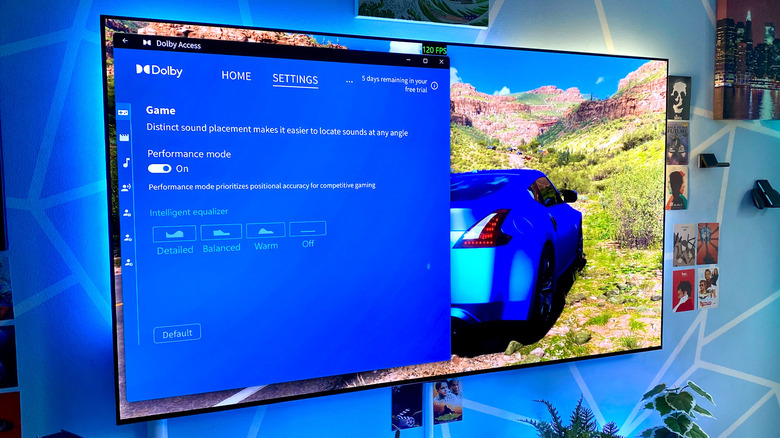
You don't need to own a fancy home theater setup to enjoy surround sound in some of the best PC games. A good pair of Dolby Atmos headphones can provide captivating spatial sounds, as long as the game supports the necessary 3D audio tech. But what if you're stuck with a regular old pair of stereo headphones and are pining for spatial audio? It turns out there's an app for that.
Whether you know the differences between Dolby Digital, DTS and Atmos or not there's a piece of software on Windows and Xbox consoles that simulates spatial audio on stereo headphones. Though it's not free, you can play around with the Dolby Atmos for Headphones app and its surround sound-aping tech for nothing thanks to a free trial. Is this software worth paying for, and can it deliver the cinematic experience and convincing verticality you'd expect to hear from a pair of native Dolby Atmos headphones?
What does Dolby Atmos for Headphones do?
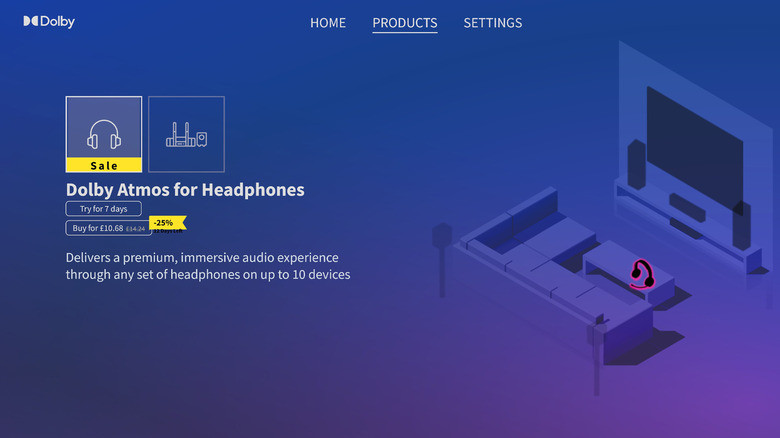
Dolby Atmos for Headphones is a feature inside the Dolby Access app that mimics spatial audio on pretty much any stereo headset. It does this using binaural rendering, which essentially converts a stereo signal into 3D surround sound. Whether you're using some of the best wireless headphones or a cheap pair of cans you've owned for years, Dolby Atmos for Headphones promises to deliver convincing spatial audio.
Dolby Atmos can be configured for your home theater through the Dolby Access app, but to enable it for headphones, you have to cough up $14.99. Whether it's worth the investment is up to you to decide, but you'll be able to unlock a seven-day free trial before you part ways with your hard-earned.
How to set up Dolby Atmos for Headphones on PC
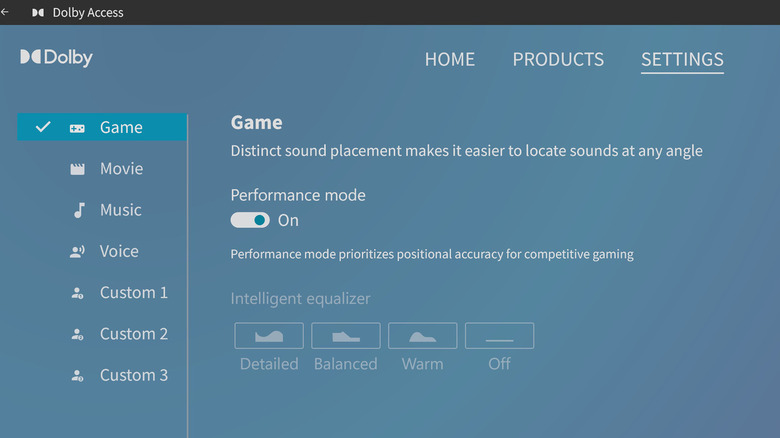
The Dolby Access app can be downloaded through the Microsoft Store on both PC and Xbox Series X/S consoles. Once it's installed, go to System > Sound > Preferences (if you're on a Windows PC or laptop) and ensure the "Dolby Atmos for Headphones" option is enabled in the Spatial Sound tab. Once Dolby Access recognizes your headphones, the app's performance mode will automatically kick in. Should you want to return to 2D audio, go to Settings > Dolby Atmos > Game and disable the in-app slider.
It's worth pointing out that you're only going to hear a difference with Dolby Atmos for Headphones enabled by using stereo cans. If you stick on a pair of headphones that natively support Dolby Atmos (like the AirPods Max or Sonos Ace) you won't notice a change at all. I tested a range of games that support Dolby Atmos with the AirPods Max just to see if Dolby Access' various presets altered the audio experience and I couldn't detect the slightest difference regardless of whether the app's equalizers were enabled or not.
Is it worth paying extra for Dolby Atmos for Headphones?
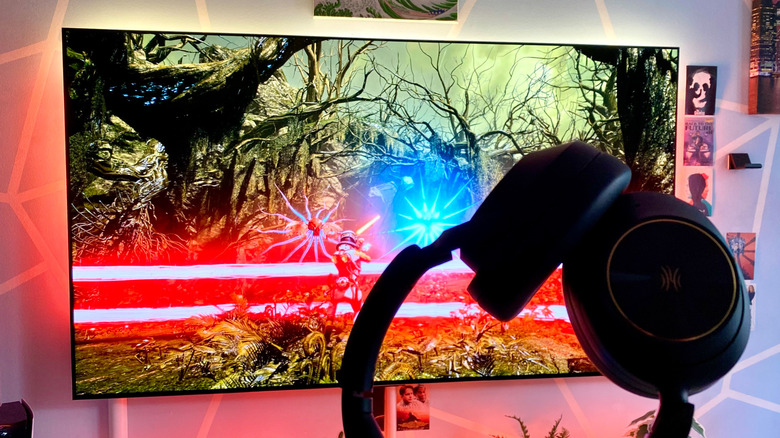
In my opinion, no. I played half a dozen PC games that all support Dolby Atmos and could barely hear any real upgrade when using the premium Dolby Access feature. Wearing my OneOdio Focus A6 headphones — a decent budget pair of ANC cans — I flicked between Dolby Atmos for Headphones' performance mode and with the spatial sound-replicating feature turned off. In both Returnal and the Dead Space remake, I thought the Dolby Atmos effect created a slightly more convincing multi-directional soundscape, where it was a little more obvious where the alien attacks were coming from. The difference really was very subtle though, and certainly not worth $15 in my (somewhat penny-pinching) book.
Compare and contrast to playing games with my AirPods Max, and the difference was night and day. The Dolby Atmos for Headphones feature simply can't compete with cans that natively support the spatial audio tech. Alan Wake 2, Cyberpunk 2077 and Forza Horizon 5 delivered a far more authentic surround sound experience on my Apple headphones than enabling the Dolby Access feature for my stereo over-ears. If you're craving a true 3D audio experience in games that feature Dolby Atmos, buy a pair of headphones that support it of the box, not the limited facsimile that Dolby Atmos for Headphones tries to serve up.
Originally published on Engadget