What's the difference between Dolby Atmos and lossless audio?
If you're seeing these labels in your music apps and wondering what they do, let this article walk you through how they work.
What's the difference between Dolby Atmos and lossless audio?
One is likely to make a bigger difference in your listening experience.
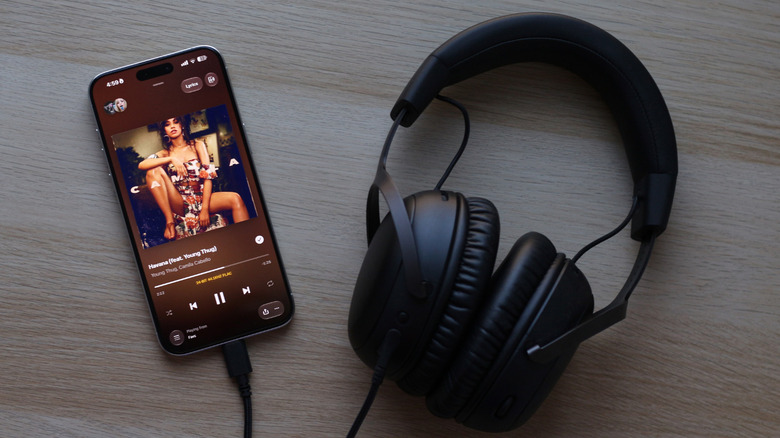
If you've spent any time browsing on Apple Music or Tidal, you've likely come across the "Dolby Atmos" or "Lossless" tags next to certain albums and tracks. Though both of these features are marketed as premium listening experiences, they are fundamentally different technologies. Dolby Atmos is an object-based audio system that utilizes both vertical and horizontal positioning to create a three-dimensional soundstage. Compared to traditional stereo, which places sound between the left and right channels, Dolby Atmos can pick any point in 3D space and position individual sounds there.
Lossless audio, on the other hand, tackles an entirely different part of the listening experience. It's concerned more about the preservation of the track's quality. Popular formats like MP3 and AAC benefit from much smaller file sizes, but to achieve this, they undergo lossy compression that discards some of the audio data. Lossless audio aims to deliver bit-perfect playback, essentially allowing you to experience music the way the producer intended.
Although Dolby Atmos and lossless audio work independently, there are virtually no streaming platforms that let you enjoy both at the same time. Dolby Atmos tracks often use the Dolby Digital Plus audio codec, which is lossy by nature. By contrast, lossless audio uses codecs like FLAC or ALAC, which preserve all the original audio data. Though it's technically possible to deliver Dolby Atmos using a lossless codec like Dolby TrueHD, it's mostly exclusive to physical media like Blu-ray discs.
Does lossless audio actually make a difference?
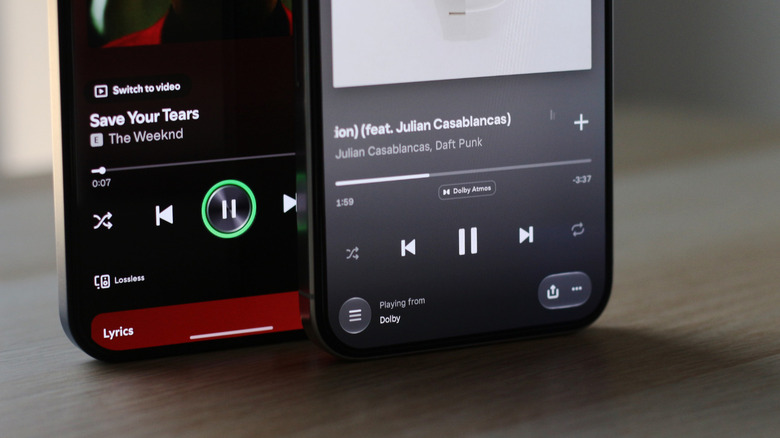
By definition, lossless audio requires the right setup if you want to take full advantage of it. You'll need a streaming service that actually offers bit-perfect lossless playback and playback hardware capable of actually handling all that additional detail.
More importantly, though streaming platforms like Apple Music and Tidal let you stream lossless audio over Bluetooth, the signal itself is encoded in lossy codecs like SBC and AAC before it reaches your headphones. You'd therefore need a wired connection for true lossless playback, which is what Apple recommends, too. There are a few exceptions to this rule. For instance, Qualcomm's aptX lossless codec boasts bit-perfect lossless transmission via Bluetooth, but you'll need an Android phone and wireless headphones that support the technology.
When tweaking sound quality options in Apple Music or Tidal, you may have come across numbers like 16-bit/44.1kHz or 24-bit/192kHz. The 44.1kHz or 192kHz number is the sample rate of the recording and tells you how many times the audio signal is measured every second. The 16-bit or 24-bit figure represents the bit depth, which determines how precisely each of those measurements can be recorded.
CD quality lossless audio is 16-bit/44.1kHz, while Hi-Res Lossless is a digital audio format that goes beyond CD quality, such as 24-bit/96kHz or 24-bit/192kHz. To turn all of this digital information into something your headphones can play, you need a digital-to-audio converter (DAC). Though your phone or laptop's built-in DAC should be able to handle CD-quality lossless audio, you may need an external DAC to enjoy hi-res lossless content.
Dolby Atmos content is easier to enjoy
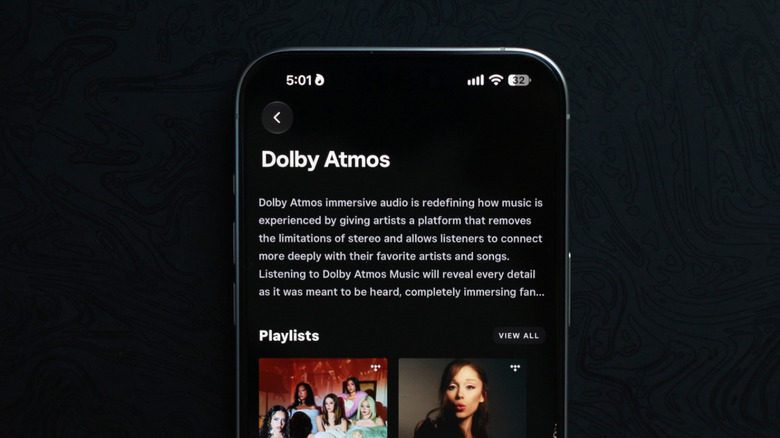
In my opinion, and this might be a hot take, Dolby Atmos delivers a more noticeable upgrade to the listening experience than lossless audio does, for everyday listening anyway. Apple Music, Tidal and Amazon Music Unlimited are currently among the major streaming services that hold Dolby Atmos content in their catalogs. You'll need a device that's Dolby Atmos-enabled. All modern Apple products support Dolby Atmos out of the box, but you'll need to check your Android phone's spec sheet to confirm availability.
Though you don't need special headphones to enjoy Atmos music, a pair that generally has good instrument separation or a wider soundstage can make the effect more convincing. My AirPods Pro 2 are surprisingly amazing at delivering spatial audio. Depending on which music streaming app you're using, you will have to jump through a few submenus to toggle Dolby Atmos on.
Apple Music, in my experience, handles its catalog of Dolby Atmos content the most elegantly. Tracks that are available in Dolby Atmos are labeled, and Apple Music automatically plays the Atmos version when you're using compatible hardware. Tidal, on the other hand, lists the Atmos versions of tracks and albums separately from their stereo counterparts. While this makes for a slightly messier browsing experience, it does make it easier when you wish to deliberately choose one or the other.
Not all tracks available in Dolby Atmos elevate the experience, though it'll be immediately apparent when you come across a song that's been mixed well. Some of my favorite Atmos mixes come courtesy of The Weeknd, Daft Punk and Billie Eilish. "Poker Face" by Lady Gaga sounds like a completely different track in Dolby Atmos (in a good way) and even has an extended outro with additional vocals.
Originally published on Engadget