What's the difference between Dolby Digital 5.1 and Dolby Digital Plus?
Is one better than the other? Will your equipment support both? Here's what you need to know and how it might affect your setup.
What's the difference between Dolby Digital 5.1 and Dolby Digital Plus?
These naming conventions are getting out of hand.
The names make the difference sound simple: Dolby Digital 5.1 is regular surround sound, while Dolby Digital Plus must be the better version. The actual difference isn't quite that simple. Dolby Digital is the older format and tops out at 5.1 channels, while Dolby Digital Plus can carry 5.1 or 7.1 surround sound and can also deliver Dolby Atmos. That makes DD+ more capable, but the "Plus" doesn't guarantee more channels or better sound every time.
Dolby Digital tops out at 5.1 surround sound
First, it helps to decode the number. A channel is essentially a separate audio feed assigned to a particular speaker position. In a 5.1 surround sound system, the five main channels cover the front left, center, front right, left surround and right surround positions. The ".1" refers to a separate low-frequency effects channel, usually handled by a subwoofer for things like explosions and other deep bass.
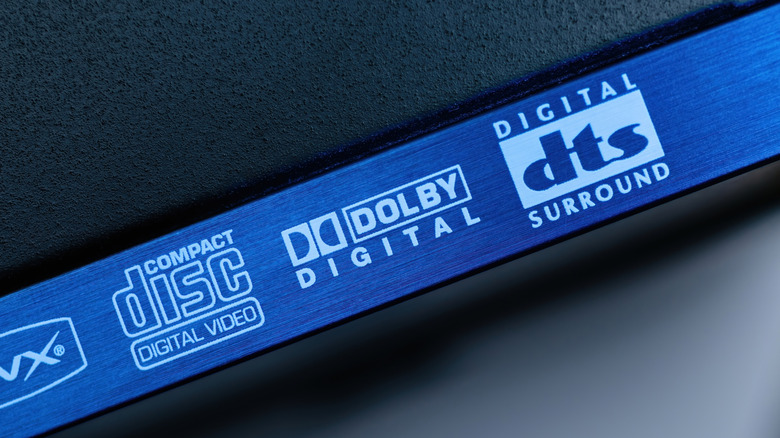
Dolby Digital, which you may also see labeled AC-3, can carry anything from mono sound up to that full 5.1 configuration. It became closely associated with DVDs, digital television and earlier generations of home-theater equipment. Like Dolby Digital Plus, it uses lossy compression, which reduces file size by discarding some audio information.
Dolby Digital Plus can carry 7.1 and Dolby Atmos
Dolby Digital Plus, also called E-AC-3, still uses lossy compression but supports up to 7.1 channels. A 7.1 soundtrack adds two more surround channels beyond the conventional 5.1 layout, typically giving the system more separation around and behind the listener. The important word is can: DD+ also supports ordinary 5.1 audio, so seeing the newer format doesn't automatically mean more channels are being used. In other words, a Dolby Digital Plus logo isn't an instruction to go shopping for two more speakers.
The newer format becomes particularly useful for streaming. Dolby designed Digital Plus for streaming, on-demand and downloaded content, and services such as Netflix use it for multichannel audio. Its combination of surround-sound support and compression makes it well suited to delivering that audio over the internet.
Dolby Digital Plus can also carry Dolby Atmos. Atmos goes beyond assigning every sound to a fixed speaker channel by including information about where sounds should be positioned around the listener, allowing compatible equipment to adapt the soundtrack to the speaker setup.
That doesn't make Dolby Atmos and Dolby Digital Plus the same thing. Streaming services can use Dolby Digital Plus to deliver Atmos, while Blu-ray discs can instead pair Atmos with Dolby TrueHD, a separate lossless format that preserves the audio data rather than discarding some of it during compression.
Should you use Dolby Digital or Dolby Digital Plus?
If your TV, streamer and audio equipment all support Dolby Digital Plus, DD+ is generally the better setting to leave enabled. It can carry a regular 5.1 soundtrack just fine while leaving room for 7.1 or Dolby Atmos when the source offers them. You don't need to choose standard Dolby Digital simply because you have a 5.1 speaker system.
Older equipment is where Dolby Digital is still the safer choice. DD+ content can be converted into standard Dolby Digital so older systems can play it, but an older Dolby Digital decoder can't read the newer DD+ bitstream directly. For that to work, a compatible device such as your TV, streaming box or Blu-ray player needs to convert the DD+ audio to standard Dolby Digital before sending it to the older equipment.
So if your equipment supports both, leave Dolby Digital Plus enabled. Switch to Dolby Digital when compatibility with older hardware requires it.
Originally published on Engadget