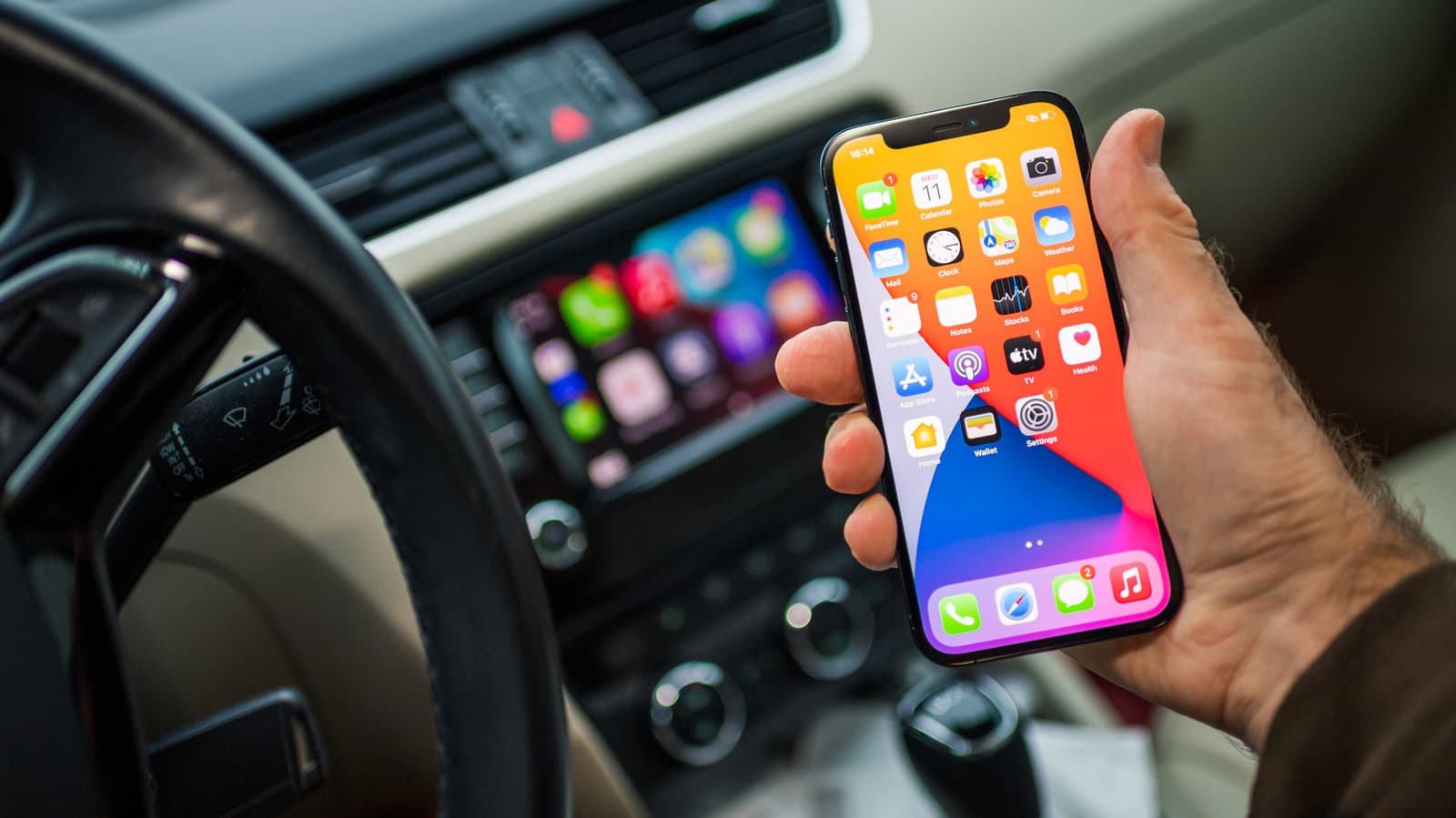
Your phone's USB-C port does a lot more than just charge - Here's what else it can do
A USB-C port presents a lot of options for data transfer and connecting to accessories. Let's talk about some of the most useful ways to employ your USB-C port.
Your phone's USB-C port does a lot more than just charge - Here's what else it can do
You might be surprised at how versatile it really is.
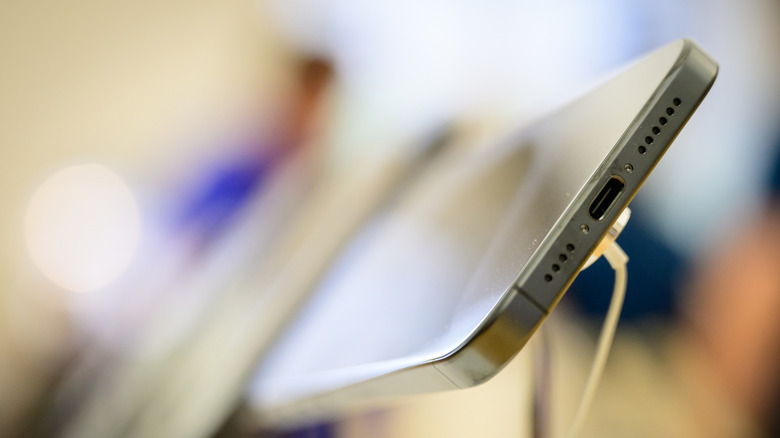
For a rocky couple of years in the 2010s, smartphone ports were a bit of a free-for-all. Apple was off doing one thing with Lightning, while Android devices were off doing another. The classic 3.5 mm headphone jacks disappeared, to the initial dismay of many audiophiles and anyone annoyed by the need to buy yet another cable adapter.
It took some time, but mobile devices have finally reached an accord. No matter the manufacturer, it's a pretty safe bet that any smartphones made during this decade will be fitted with a USB-C port.
USB-C has become a convenient catch-all that offers more consistency across device types. While this approach does have a handful of downsides, the main benefit is being able to use one universal connector in some creative and convenient new ways. A USB-C port is obviously your path to wired charging, but that's just the start of its potential.
Charging other devices
Most of us think of charging our phones by connecting them to a laptop, but the power dynamic can go the other way too. A smartphone can give some extra juice to another phone, wireless headphones or a smart watch via USB-C. All you need is a cable with USB-C connections at both ends.
Flash drives and memory card readers
If you have sensitive documents you don't want to risk transferring by email or by cloud, a flash drive is the best solution. In past years, these portable drives only offered USB-A, but that has happily changed with the times. For maximum access across devices, consider a device that has both USB-C and USB-A extendable ports.
In a similar vein, a smartphone can also be equipped with a portable memory card reader. This is particularly useful for anyone regularly working with very large files, such as photographers or videographers. Again, if flexibility is your goal, there are models on the market that have USB-A as well as USB-C port options. Depending on your most common activities, look for a device that can read and write both SD and microSD cards.
Typing on the go
Laptops are plenty portable, but sometimes you might want the flexibility to turn your smartphone into a petite workstation. USB-C can be used to connect many wired keyboard models for more efficient typing. It's great to have this option in case you don't want to compose an important work email entirely with your thumbs.
Connecting external displays
As bulky as they may be, even the phablet-sized phones only have so much screen real estate. Connect your device to an external monitor or a television with a USB-C for a better view. It's nice to have this wired approach as an alternative to the battery-intensive task of screen mirroring or casting. Use a dedicated USB-C to HDMI adapter if you only want to link up to a monitor, or hook up an entire smorgasbord of options by looking for a hub that offers as many as eight different ports.
Audio recording
Many content creators run their entire operation from a phone. Having high-quality audio in a video is a must, and there are a bunch of easy-to-use microphone options that will work well depending on where you're recording. If you want to step up mobile audio recording, there are microphones for any purpose and price point that can improve the quality of the final result.
Headphones
Whether it's a pair of "beater" headphones to use for heavy physical activity or a set intended for enjoying lossless audio, there might be times when wireless headphones don't fit the vibe. If wired is what you want, you may find newer models, like these two from Sennheiser, that come with USB-C cables to reflect the current standard for hardware ports. If your set is really old school, however, you may need an adapter so that the USB-C can link up with a 3.5mm audio cable. Fortunately, those are cheap and available from many different brands.
Gaming
Improve the ergonomics of your mobile gaming with USB-C. One way to do this is to simply connect a game controller. Playing with a wired connection is usually a better experience than over Bluetooth if you want to have fewer latency issues. Both Apple and Android devices can be synced up with most gaming brand hardware, including PlayStation and Xbox controllers.
Another way to level up your phone as a gaming station is by turning it into a handheld. Mobile gaming controllers, such as the Backbone One or Razer Kishi, take your thumbs off the screen and create an experience more like that of the Steam Deck or Nintendo Switch.
Powering scientific gadgets
These may not apply to the average person, but there are some impressively powerful tools that can be hooked up to a smartphone. While these phone-coupled options may not always be as powerful as their traditional counterparts, sometimes being able to take technical gear on the go is what's most important. Skilled tradespeople like plumbers and mechanics might appreciate having an endoscope camera in their kit for making quick assessments. Ultrasound devices that can be powered by a smartphone make it possible for medical workers to aid patients even in remote locations with limited equipment access.
Originally published on Engadget