Your Samsung Gallery won't be able to sync with Microsoft OneDrive soon
Your photos don't have to go home, but they can't stay here.
Your Samsung Gallery won't be able to sync with Microsoft OneDrive soon
Your photos don't have to go home, but they can't stay here.
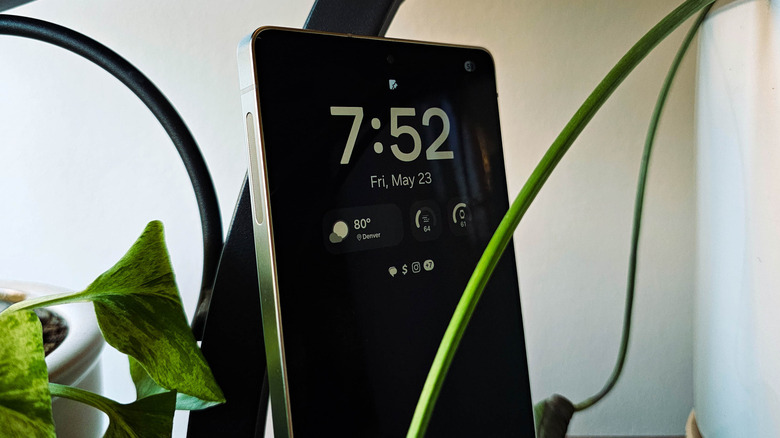
Those who've been Samsung Galaxy owners for long enough will no doubt have experienced a pop-up or prompt on their device encouraging users to back up their photos and videos to Microsoft OneDrive. Samsung sits in a unique position within the modern computing ecosystem. Its most popular devices run Google's Android operating system, but it also makes a healthy number of Windows PCs. It therefore has strong ties with both companies, but that integration with OneDrive is coming undone in the near future.
Within the Samsung Galaxy ecosystem, OneDrive backups through the Gallery app have functioned as a strong Google Photos alternative, perfect for those who are trying to avoid locking themselves into the Google ecosystem. There are other benefits as well. The Samsung Gallery app is full of thoughtful features which remain absent from Google Photos, and it pairs directly with the built-in camera app on Galaxy phones. Moreover, if you've also got a Windows 11 PC with OneDrive configured, you'll find your media synced neatly onto it.
But Samsung and Microsoft are pulling the plug on their cloud storage collaboration. At the close of September, integration between Samsung Gallery and Microsoft OneDrive will be fully deprecated. To its credit, Samsung has deployed a number of verbose on-device announcements ahead of the change, giving users plenty of time to find alternative backup solutions. Here's what will actually change on your Samsung device and OneDrive account, as well as what you can do to mitigate any headaches the change may cause.
Microsoft OneDrive and Samsung Gallery part ways at the end of September
In a statement issued in mid-May, Microsoft noted that Samsung Gallery "will no longer sync directly with OneDrive", and that users will not be able to link the two after that date, starting October 1. The word 'directly' appears significant, since there is still a way to sync photos from a Samsung Galaxy phone to OneDrive, as we'll cover later in this article.
After the deadline, photos stored in your OneDrive account will cease to appear in the Gallery app on your mobile phone. You will also not be able to use sync-dependent features or view synced photos on Samsung TVs or smart appliances. They will still be accessible from OneDrive, and can be downloaded back onto your phone's local storage from there. Prior to the change, you can also use the Download Originals option in Samsung Gallery to get the photos back into local storage.
As noted by Android Authority, Samsung already seems to be cutting OneDrive support ahead of schedule. The Gallery app has been updated so that, if you've never bothered to set up OneDrive sync in the first place, the option is no longer available. Engadget can confirm that the OneDrive sync settings have disappeared from devices in our possession which were not already using the feature. We would expect the feature to be absent at launch from the new Samsung Galaxy Z Fold8 and Flip8 devices, which are expected to be launched at the Samsung Unpacked event in London later this month.
You can still back up photos from your Samsung Galaxy phone to OneDrive and elsewhere
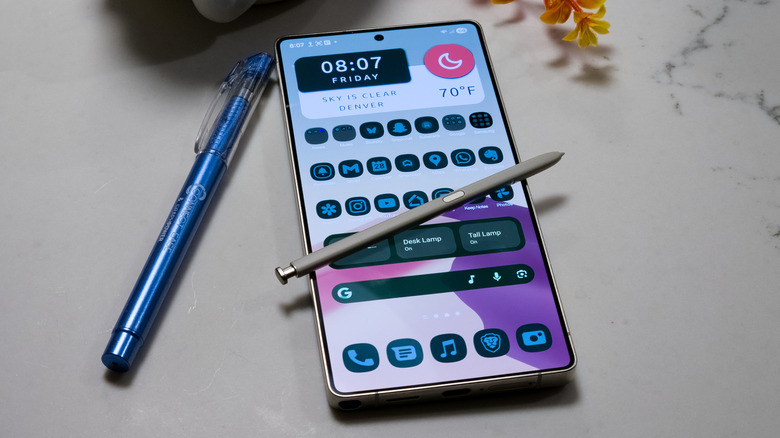
Even after Samsung Gallery officially stops syncing with Microsoft OneDrive at the end of September, users will still be able to use Microsoft's cloud storage service to back up their photos and videos. The only caveat is that you won't be able to do so directly within Samsung's ecosystem. Instead, you'll need to download the OneDrive app from the Play Store. Through Microsoft's own app, you can log into your Microsoft account and set up automatic photo and video backups. Then, you can enable the Camera Backup option from the Account Profile section of the app, grant any necessary permissions, and keep syncing your media.
Of course, there are other easy cloud storage solutions for your media if you're feeling burned by OneDrive. Google Photos remains a robust option with plenty of AI features, though you'll be subject to Google's ever-loosening privacy policies and will need to exercise caution in order to avoid having your media ingested for AI training. Dropbox and Amazon also offer photo sync solutions.
If you'd prefer more control over your data, you can host your own image backup using an open-source Google Photos alternative like Immich. For a broader approach that captures more than just photos and videos, you can use a self-hosted cloud like Nextcloud. These solutions do require you to have your own hardware and storage, such as a NAS or home server, and to configure your own network to make everything function properly and securely. You're paying for the convenience of not worrying about any of that when you use a cloud service.
Originally published on Engadget