It may not be the biggest year for iPad, but iPadOS 27 makes it feel like a new machine with speedy animations, faster file transfers, a new Spotlight, and Siri AI. The update is available now.
The iPad sits in an odd place in Apple's lineup. It has to satisfy both power users and first-timers looking for both touchpad and touchscreen controls.
iPadOS has been in search of the perfect paradigm for years, and the one Apple arrived at with iPadOS 26 perfectly blends macOS windowing with iPad needs. There wasn't much need to tweak the multitasking system again, so iPadOS 27 focused on other optimizations.
Actually, every one of the OS 27 updates is built around enhancements and optimizations. They also work to improve Liquid Glass as a material and give users more options for opacity.
After a summer of beta testing, Apple has finally made iPadOS 27 available to the public. Here are some of the features you can expect after updating.
iPadOS 27 features
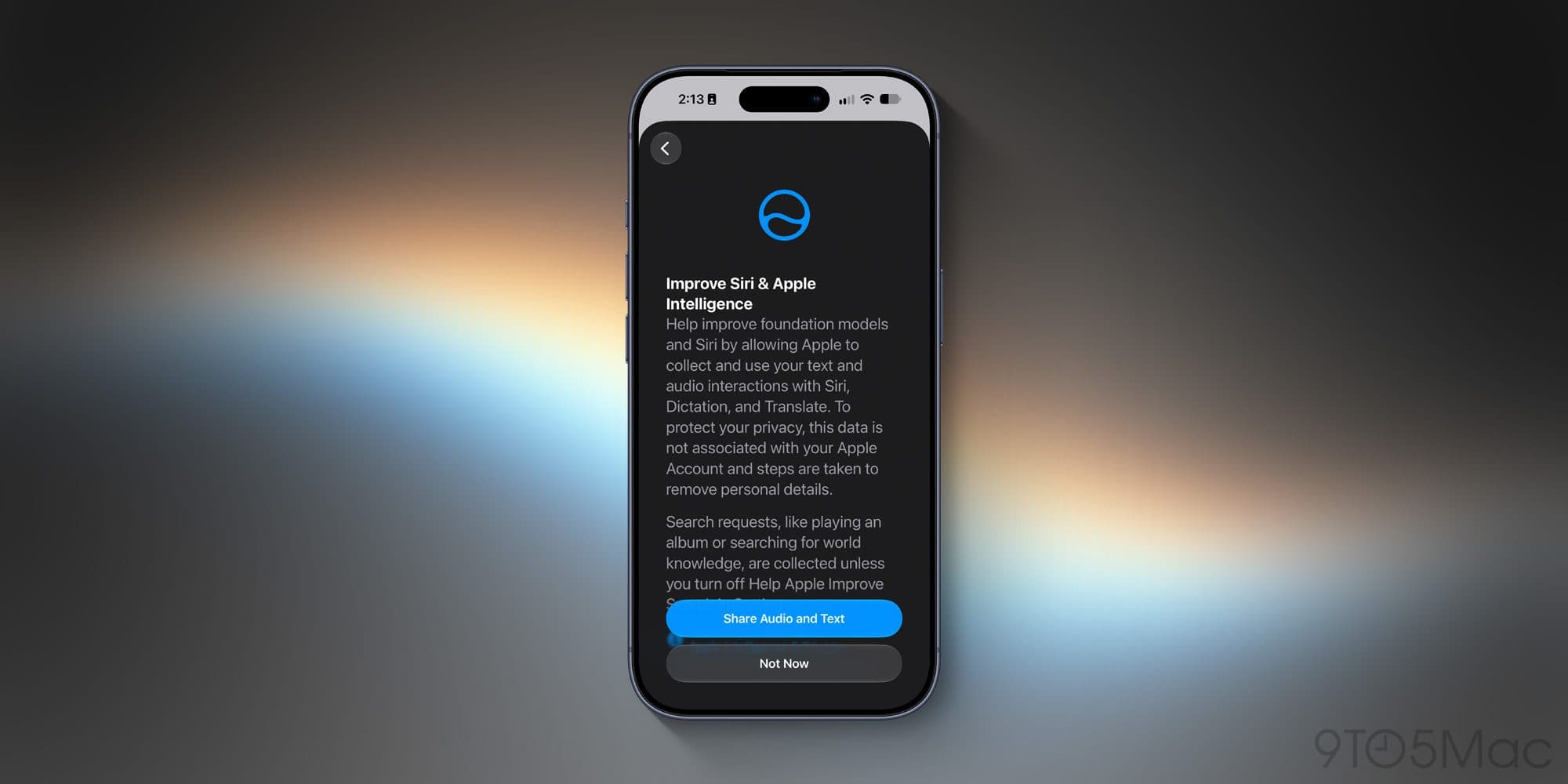
While Apple Intelligence remains mostly ignorable, most of the iPadOS 27 updates are owed to artificial intelligence. Many of the system optimizations and bug fixes can likely be tied back to bug hunting with Claude, while Spotlight reindexing is a result of the new Siri AI.
Love it or hate it, this is the true start of Apple's AI era, even as the rest of the industry seems poised to burn down around it.

Siri AI keeps a history of interactions in the new Siri app
If you've kept up with iPadOS 26 updates, your new indexing should already have been completed. Once you install iPadOS 27, the new Siri AI and Apple Intelligence features should be 100% available across the system.
Siri AI is now a part of Spotlight, so searching will show Siri results, which are then available in the new Siri app as a history. It's a full LLM distilled from Gemini's frontier model, so treat it much the same you might Google Gemini, but private, sometimes local, and secure.
Siri AI can dig into your Messages app, email, Apple Journal, and more for data to reference for your queries. With the release of iPadOS 27, this gets even better with the addition of third-party apps joining the Siri AI database.
Then there are the system optimizations themselves. Paste suggestions, faster windowing actions, five times faster file transfers in Files, and a new menu bar.
It's a big update even if the only headlining features involve Siri AI and the new Spotlight index. iPad users should notice a difference regardless of whether they're on the iPad Pro or standard iPad.
How to install iPadOS 27
Unlike other updates, iPadOS 27 won't install on its own soon after being released even with automatic updates on. Users will have to manually update if they want it right away.
Simply go to Settings, General, Software Update, and select the "Upgrade to iPadOS 27" option. Only then will you get the new update as soon as possible.