This feature keeps distracting spam calls away while using Android Auto
If you use Android Auto, you might be interested to know that there's a feature available on some phones that helps keep phone calls minimal while you drive.
This feature keeps distracting spam calls away while using Android Auto
You don't want more calls than necessary when you drive.
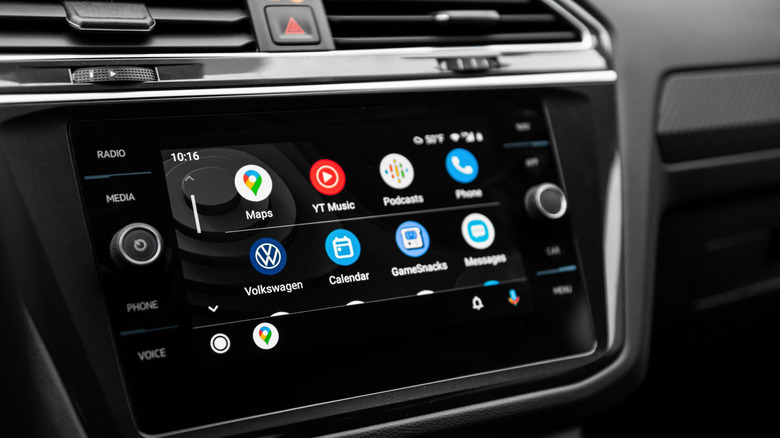
An unknown phone number appearing on your dashboard creates an annoying choice: Should you ignore a call that might matter or answer one that may be spam? Google's Call Screen gives you another option by having Call Assist answer first, ask who's calling and why, then help you decide whether to pick up. Google says Android Auto now lets your phone use Call Screen in the car, but the screening itself remains a phone feature.
How Call Screen handles unknown callers
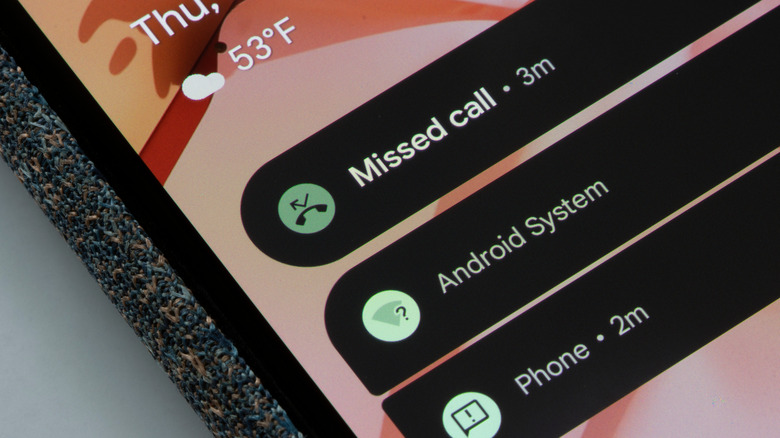
Call Screen can work manually or automatically. With manual screening, you choose Screen call when an unknown call comes in. Call Assist asks who's calling and why, shows you a live transcript and lets you answer, hang up or send a suggested response.
Automatic screening requires even less interaction. On supported Pixel phones, Call Assist can silently screen certain unknown or suspicious calls. If it determines that a call is spam, the phone hangs up. Otherwise, the phone can ring and show you information about how the caller responded.
That's the version most relevant to avoiding distractions behind the wheel. Instead of deciding whether an unfamiliar number deserves an answer as soon as it appears, your phone can handle the initial conversation first.
Google also says Call Screen runs on the device itself and doesn't need Wi-Fi or mobile data. The company also notes that call audio and transcripts aren't saved to your Google Account, Google Assistant activity or Web & App Activity.
Set up Call Screen on your phone before you drive
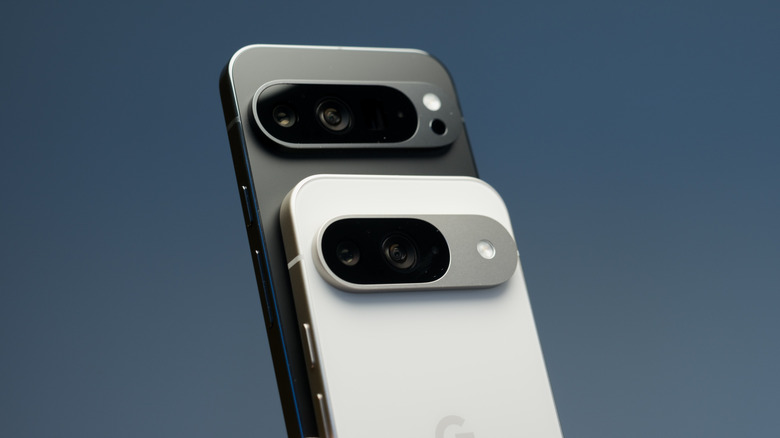
You set up Call Screen in the Phone by Google app, not in Android Auto. Google's instructions tell you to open the Phone app, tap More, then go to Settings, followed by Spam and Call Screen or Call Screen. From there, select Call Screen.
The exact controls depend on the Pixel you have. On Pixel 7 and newer models, where automatic screening is available, Google lets you enable automatic screening and choose a protection level for categories such as spam, possibly faked numbers and first-time callers. Pixel 6 and older models use Unknown call settings to choose which types of callers should be screened.
Google doesn't currently provide a separate Call Screen setup procedure for Android Auto. Its Android Auto documentation says that using Phone by Google as your default calling app brings some of the app's smart calling features into the car.
Not every Android Auto phone supports Call Screen
Android Auto compatibility and Call Screen availability are separate things, and it helps to think of them in two layers. First, Android Auto itself has its own requirements. It works over USB on phones running Android 9 or newer, while wireless Android Auto generally needs Android 11 or later plus 5 GHz Wi-Fi support. Meeting those requirements only means your phone can run Android Auto; it doesn't guarantee access to Call Screen.
Second, Call Screen depends on your phone model and region. Google offers automatic Call Screen on Pixel phones in the US. Manual screening is available on Pixel devices in countries including Australia, Canada, France, Germany, India, Ireland, Italy, Japan, Spain, the UK and the US. Some selected Android devices in the US and Canada can also use manual screening, but Google doesn't publish a full list of supported models.
In other words, there's no Android version that guarantees Call Screen. Support depends on the phone and region as well.
It's also worth noting that not all "call screening" features are the same. Samsung, for example, includes its own call screening feature on some Galaxy devices, but it's separate from Google's Call Screen and only works through Samsung's Phone app. Samsung doesn't currently document its version as being available through Android Auto, while Google doesn't clearly list which Samsung models, if any, support Google's own Call Screen.
Finally, there are a few practical limitations. Automatic Call Screen may not work on some phones when Bluetooth is connected, and it doesn't work while roaming. These behaviors aren't fully documented by model, so real-world performance can vary.
Originally published on Engadget